22
The T-Bolt’s trigger is pre-set at the
factory. The trigger pull weight can
be adjusted within a range of
approximately 3¼ to 5¼ pounds.
Though additional trigger
adjustments should be unnecessary,
the trigger pull weight can be tuned
to your specifications by performing
the following procedure:
1 Remove the magazine from the
rifle by pressing the magazine
release button. Open the bolt
and verify the rifle is unloaded.
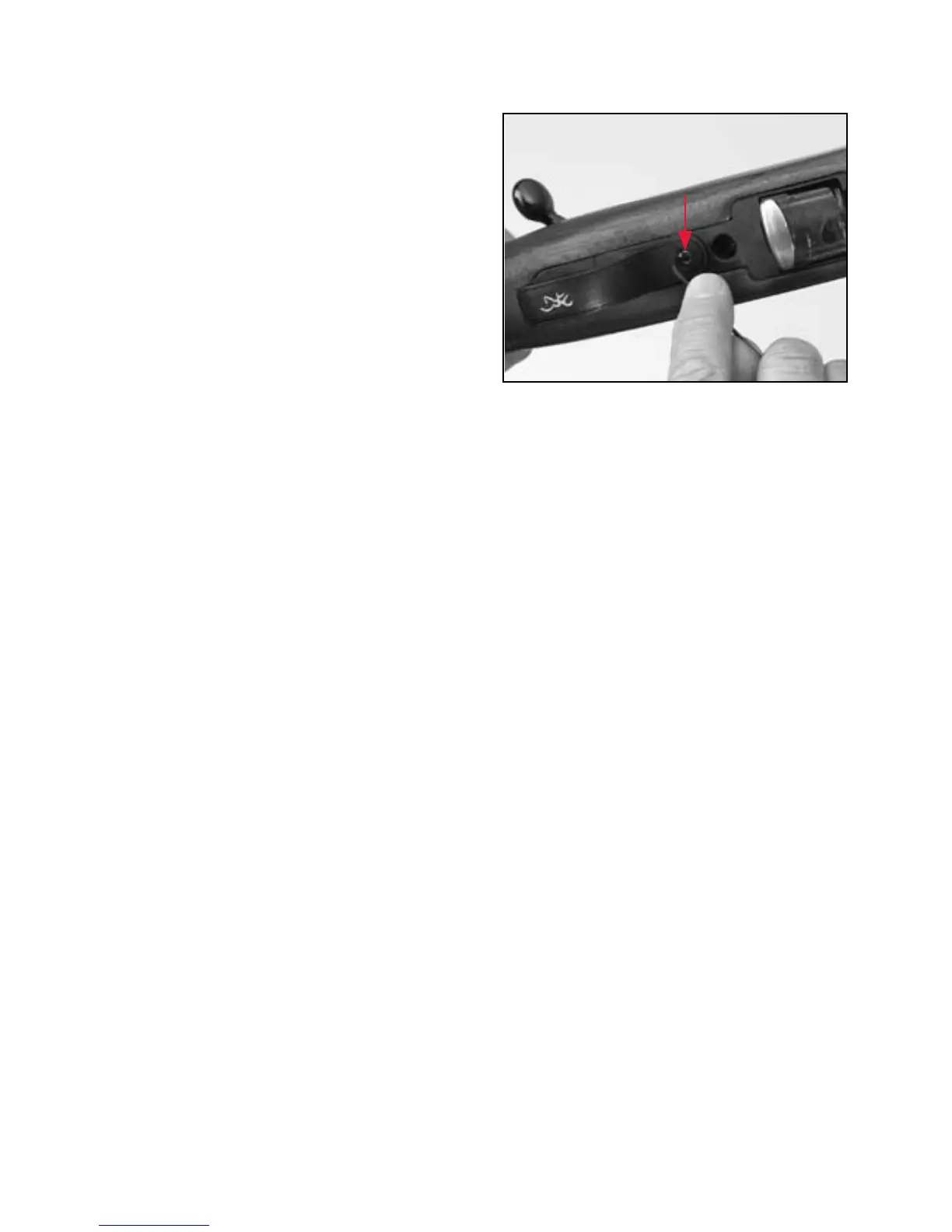
2 Locate the trigger pull adjustment screw, located just in front of
the trigger guard (Figure 11).
3 To increase the weight of the trigger pull, turn the adjustment
screw in a clockwise direction using a
1
/
16" Allen wrench.
To decrease the weight of the trigger pull, turn the adjustment
screw in a counterclockwise direction.
IMPORTANT: If trigger pull is increased too much, the trigger
cannot be pulled. Turn the screw counterclockwise until trigger
can be pulled.
4 Trigger pull can be measured, with the rifle unloaded and the bolt
closed, using a very accurate spring scale or a commercially
available set of trigger pull measuring weights. Most gunsmiths
can also measure trigger pull for you.
M A G A Z I N E S T O R A G E
(COMPOSITE STOCK MODELS)
T-Bolt models with composite stocks feature a unique magazine
storage feature in the butt of the rifle. This handy feature allows
you to carry a spare magazine at the ready. The magazine fits flush
figure 11
Adjust the trigger using a
1
⁄16" Allen wrench.



 To Next Page