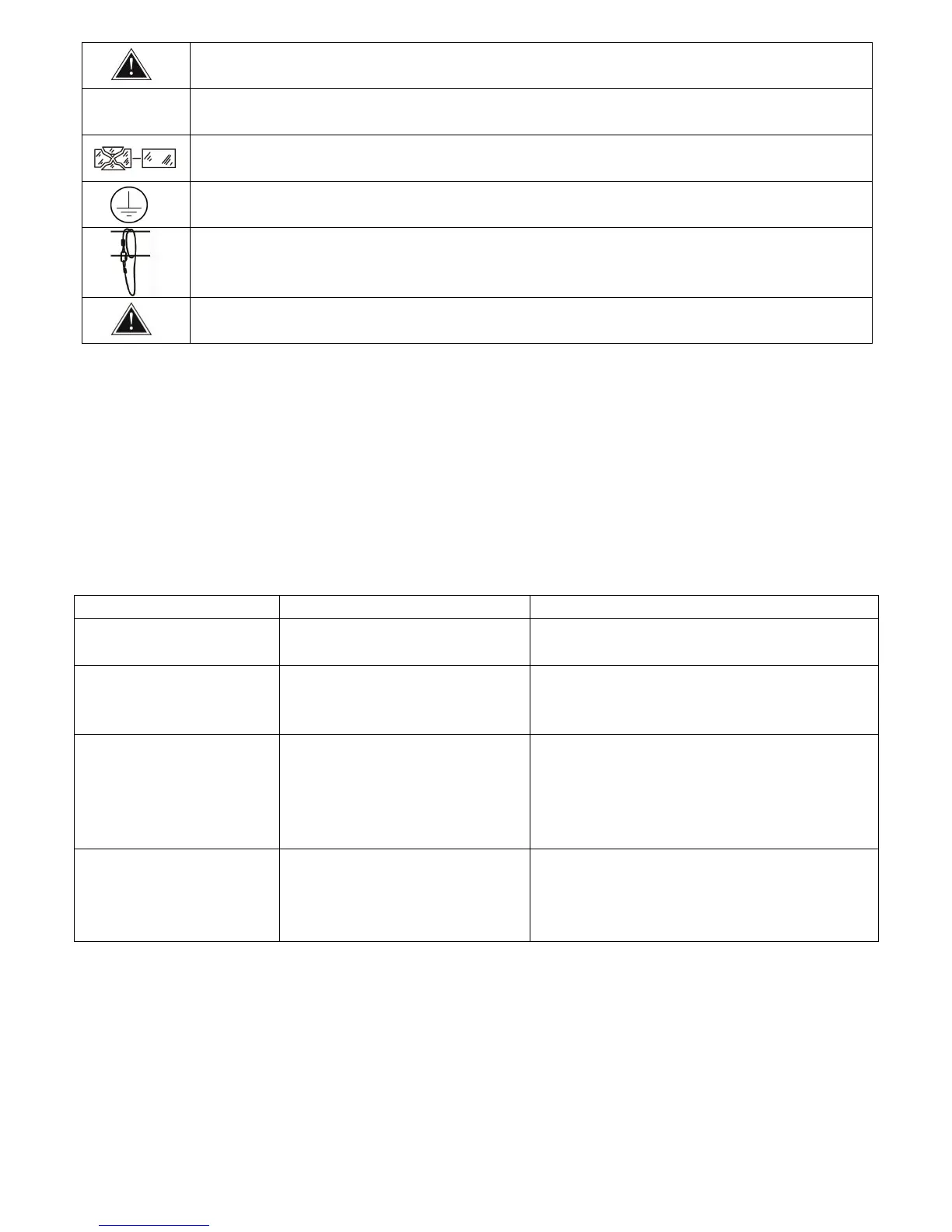
Don’t!put!or!install!the!device!o n!a!su rfac e!tha t!sub ject!to!vib ration !or!bu m p s.!
The!device!is!supposed!to!work!in!the!temperate!range!-15°! C! and! +45°! C,!do !n ot!use!the !d e v ic e !
when!the!temperate!exceed!this!range.!
The!lens,!shield!need!to!be!replaced!when!obviously!broken,!never!use!the!device!when!the!shield!is!
not!completed!closed.!
Safety!I!class!device,!need!to!be!earth!connected.!
When!the!fixture!is!hanged!overhead,!the!safety!rope!must!be!fixed!to!the!bottom!of!the!device!to!
the!appropria te!fixing!p oint.!
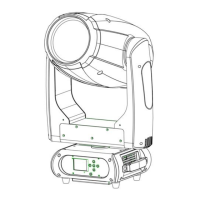
Always!carry!the!device!by!the!handles,!do!not!take!the!head!or!arm!directly!for!transportation.!
!
!
2.2!Maintenance!
2.2.1!Operation!only!allowed!to!qualified!person,!damages!due!to!unprofessional!operation!or!remove!of!any!parts!
inside!w ill!no t !b e!c o n sid e re d!in !warranty!se rv ice .! There!are!no!serviceable!parts!inside!the!device !o r!p a ck ag e ,!se rv ice !
only!leaves!to!authorized!dealers.!
2.2.3!Never!allow!the!optical!components!contact!with!oil,!fat!or!any!other!liquid.!
2.2.4!A!regular!clearance!of!the!device!is!needed!for!long-term!usage ,!this!is!very!help ful!to!m ain tain!th e!lifetim e!an d!
brightness!need!to!use!a!soft!and!lint-free!cloth!to!clean!the!optical!system,!fan!and!air!flowing!tunnel.!
!
!
2.2.5.!Trouble!Sho o tin g!
Powercon!or!power!cable!damaged!
Faulty!power!supply!
Change!a!good!power!cable!to!try!
Replace!new!power!supply!
Pan/Tilt!error!or!vibrate!
Faulty!Pan/Tilt!PCB!
Faulty!opto!sensor! !
Cable!loosen!
Replace!PT001!PCB!
Replace!opto!sensor!OP001!
Check!the!cable!connect!to!OP001!
Temperature!protection!
Fan!not!working!
Faulty!Lamp!
Dimmer!and!strobe!set!at!0!
Faulty!power!supply!
Check!the!temperature!from!menu!
Check!the!fan!speed!info!from!menu!
Replace!new!Lamp!
Set!dimmer!and!strobe!channel!at!255!
Replace!new!power!supply!
Device!not!response!to!DMX !
Faulty!communication!IC! !
Faulty!display!PCB!
Replace!the!IC!with!back-up!one!in!the!display!PCB!
Replace!new!display!PCB!
Check!the!address!and!setting!
Change!to!a!good!DMX!cable!
!
2.2.6!Replacement!of!the!fuse!
Need!to!replace!with!same!type!and!rating,!which!originally!installed!in!the!device.!
Step!One:!Unplug!power!cable!from!main!power.!
Step!Two:!Unscrew!the!fuse!holder!out!of!the!housing!with!a!screwdriver.!
Step!Three:!Remove!the!broken!fuse!and!replace!with!an!exact!same!type!of!new!fuse.!
Step!Four:!Insert!the!fuse!holder!back!to!the!housing!and!screw!tight!and!reconnect!power.!
%


 To Next Page
 Loading...