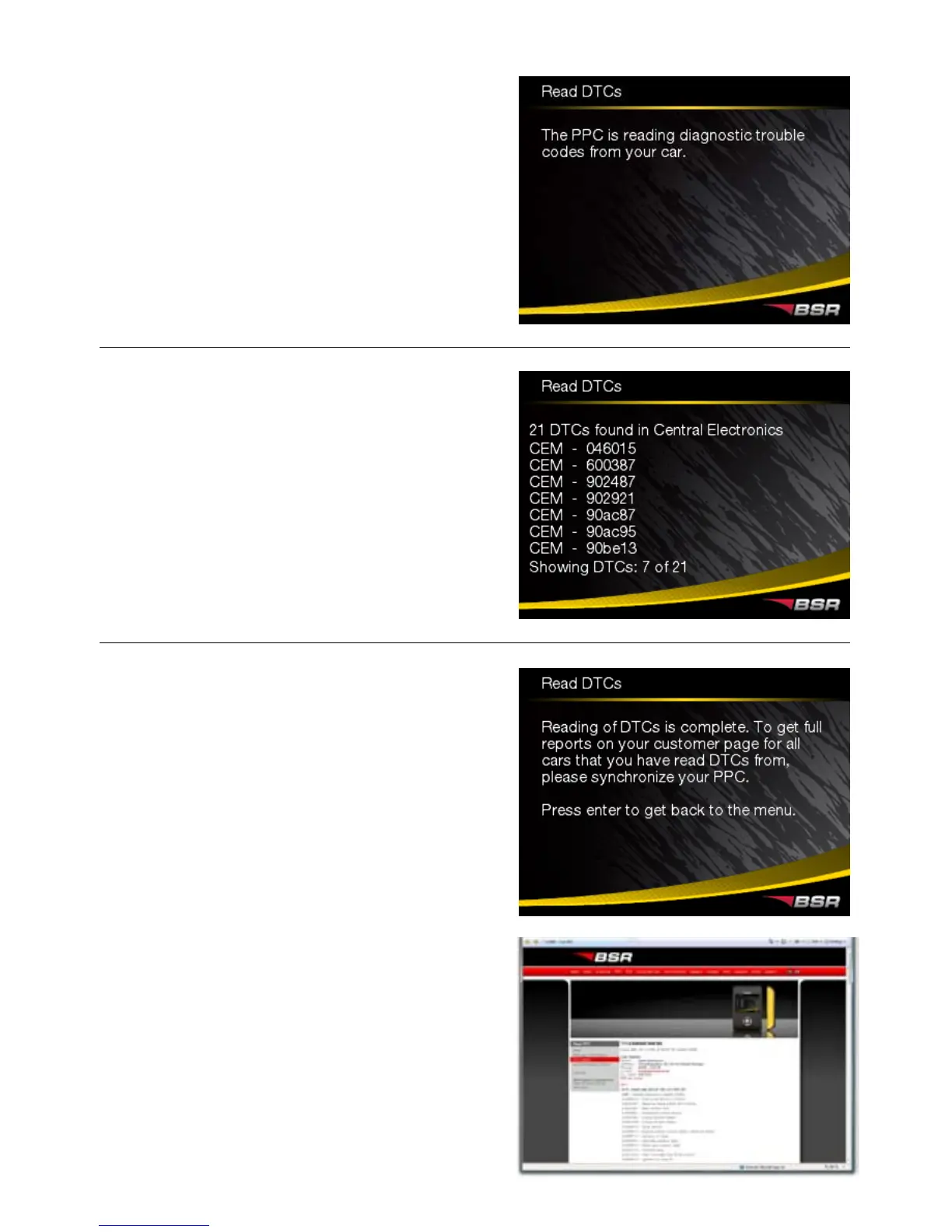
Reading DTCs.
All DTCs that have been found is
displayed. You can browse up and down
with the arrows. Go back with the left
arrow.
All DTCs are saved in the PPC’s memory,
which can hold several readouts. You
can, anytime, send all DTCs to your
customer page www.bsr.se/ppc by simply
synchronizing the PPC via the Internet. On
the customer page a detailed DTC report
with explaining texts is displayed. The
DTCs are sorted by each car.
5


 To Next Page