Enter
Enter
Enter
Enter
Enter
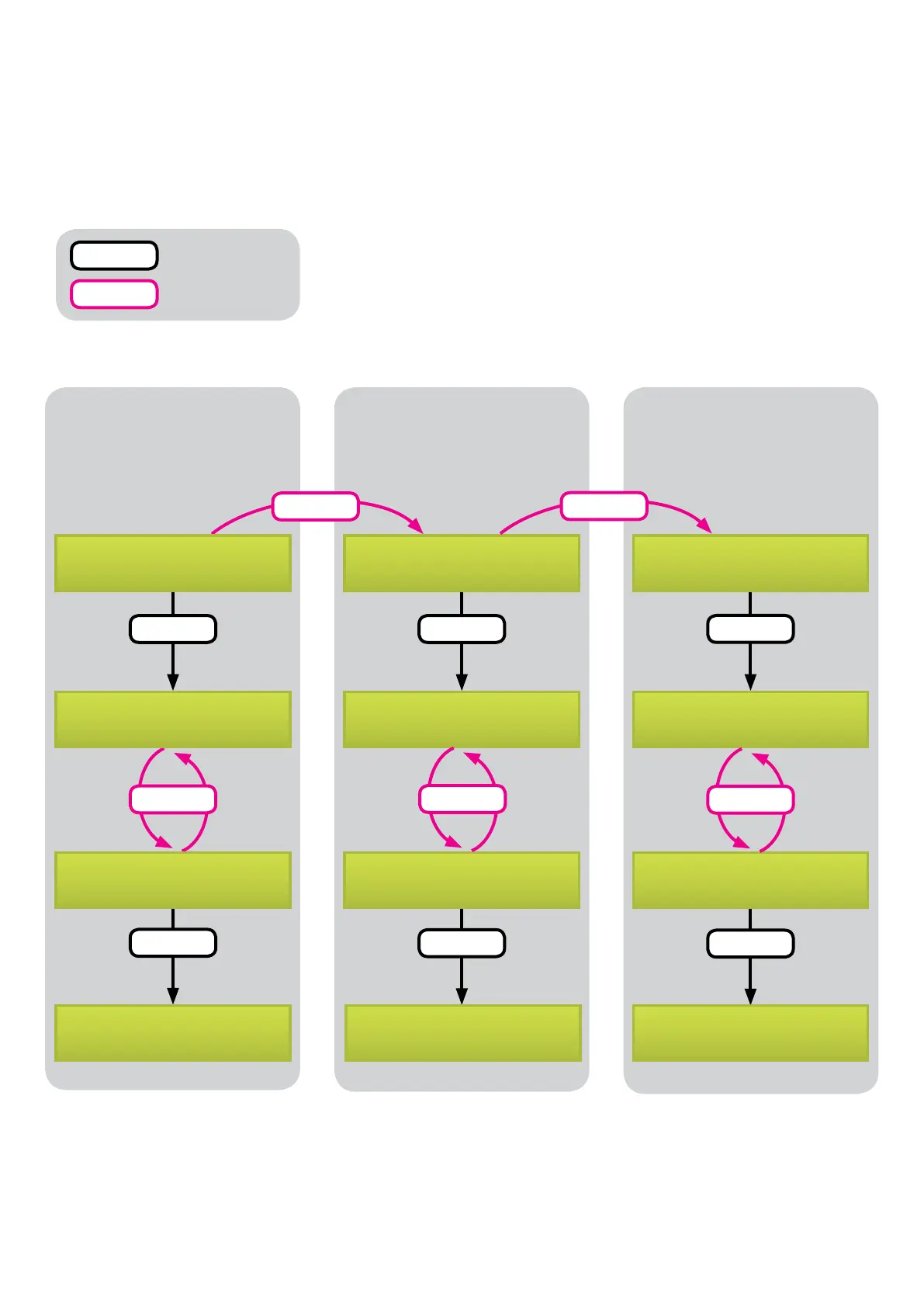
Handling diagram
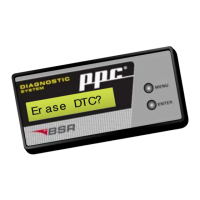
The diagram below shows how to read DTC, erase DTC and reset the service indicator.
Handling is very easy: Menu button changes function in the display, and Enter button sel-
ects the wanted function.
9
Enter
Menu
= press Enter
= press Menu
Enter
Menu
Re a d DTC? Er as e DTC? Re s e t SRL ?
Menu
Vol v o 99 t o 04 ? Vol v o 99 t o 04 ?
Vol v o 05 f or w. ? Vol v o 05 f or w. ?
Er as i ng DTC. . . SRL Res et . . .
Menu
Vol v o 99 t o 04 ?
Vol v o 05 f or w. ?
Menu
Menu
Different control units
and DTCs are showed.
Read DTC Erase DTC Reset service
indicator


 To Next Page