Manual PRO v.2 42 / 53
Cell cable connection
All the PRO series chlorinators are supplied with the cables already connected
to its power supplies.
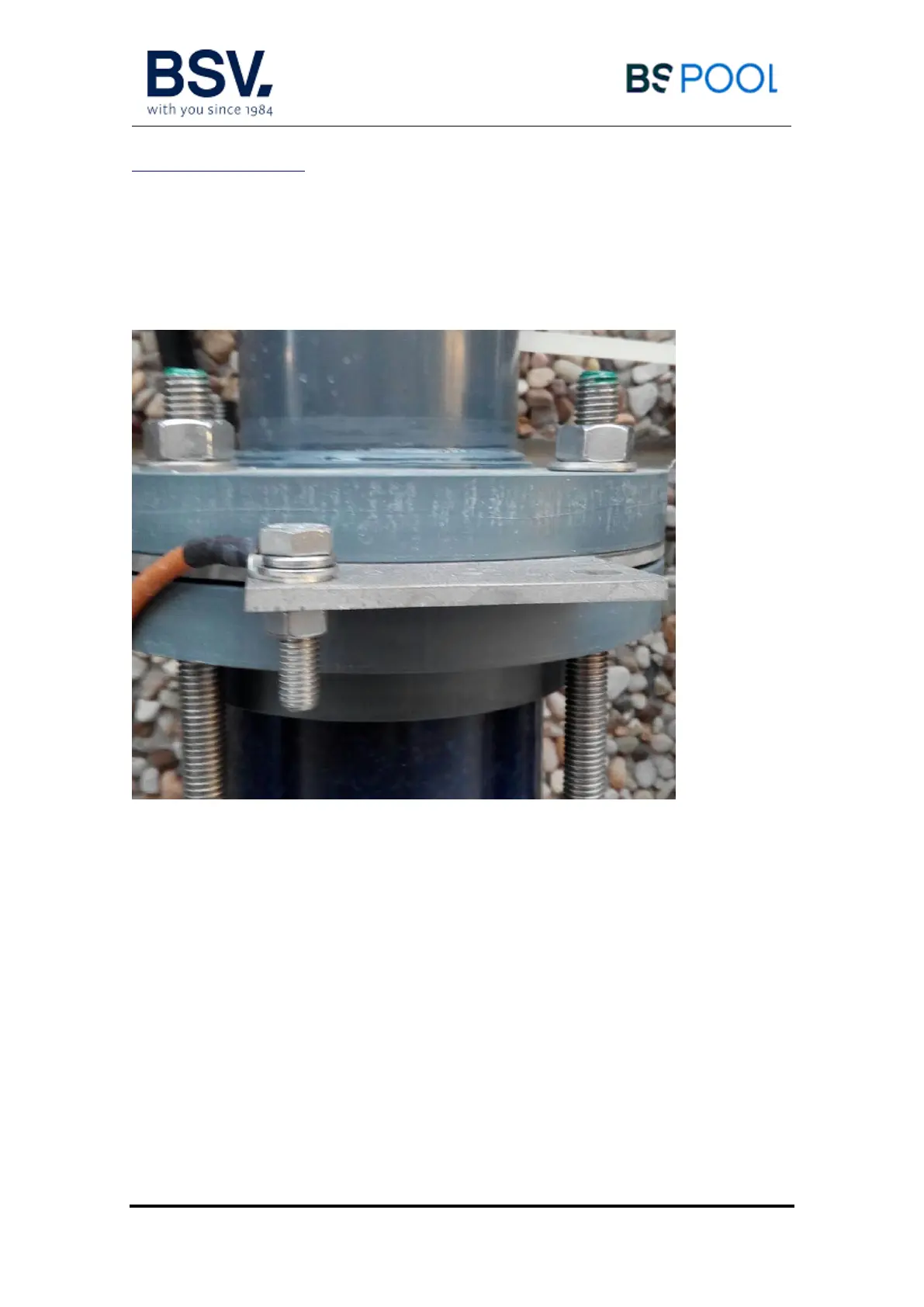
Once the cells are installed, connect every power supply to its cell, using the
included hardware to attach it on every side of the cell.
- Ensure all the cables are tightly connected with the cell.
- In case that the unit has two or more cells, it is advisable to follow the
same rule for all the cell connections (for example: all the brown cables
at the upper side of all the cells, and the blue cables to the down side).



 To Next Page