11
If you need some help, call us on 0808 100 6556* or go to bt.com/producthelp
Navigating the menus
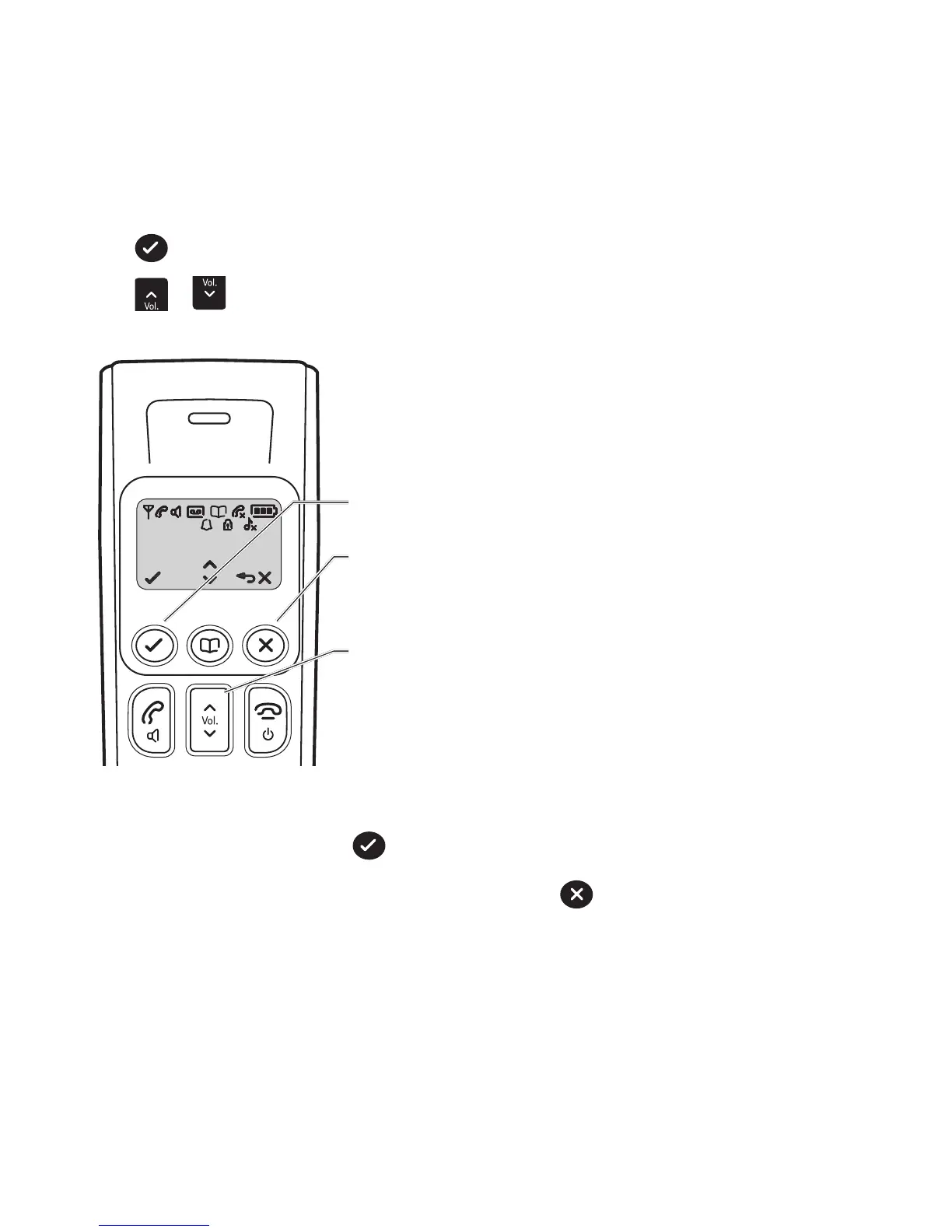
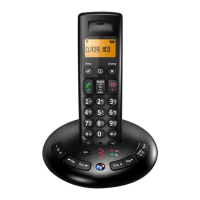
Your BT3710 handset features an easy to use menu system.
Have a look at the menu map on the next page.
When the handset is switched on and in standby mode:
Press
Menu
to enter the main menu.
Press
to scroll through the menu options.
Calls
Redial
Secrecy
Menu
When you reach the end of the list, the first option is displayed again.
To select a displayed option, press
Menu
.
To exit a menu and return to the previous menu display, press
.
If no buttons are pressed for more than 30 seconds the display will return to the standby screen.
Left soft key – used with icon displayed above the key.
Right soft key – used with icon displayed above the key.
Up and Down keys


 To Next Page