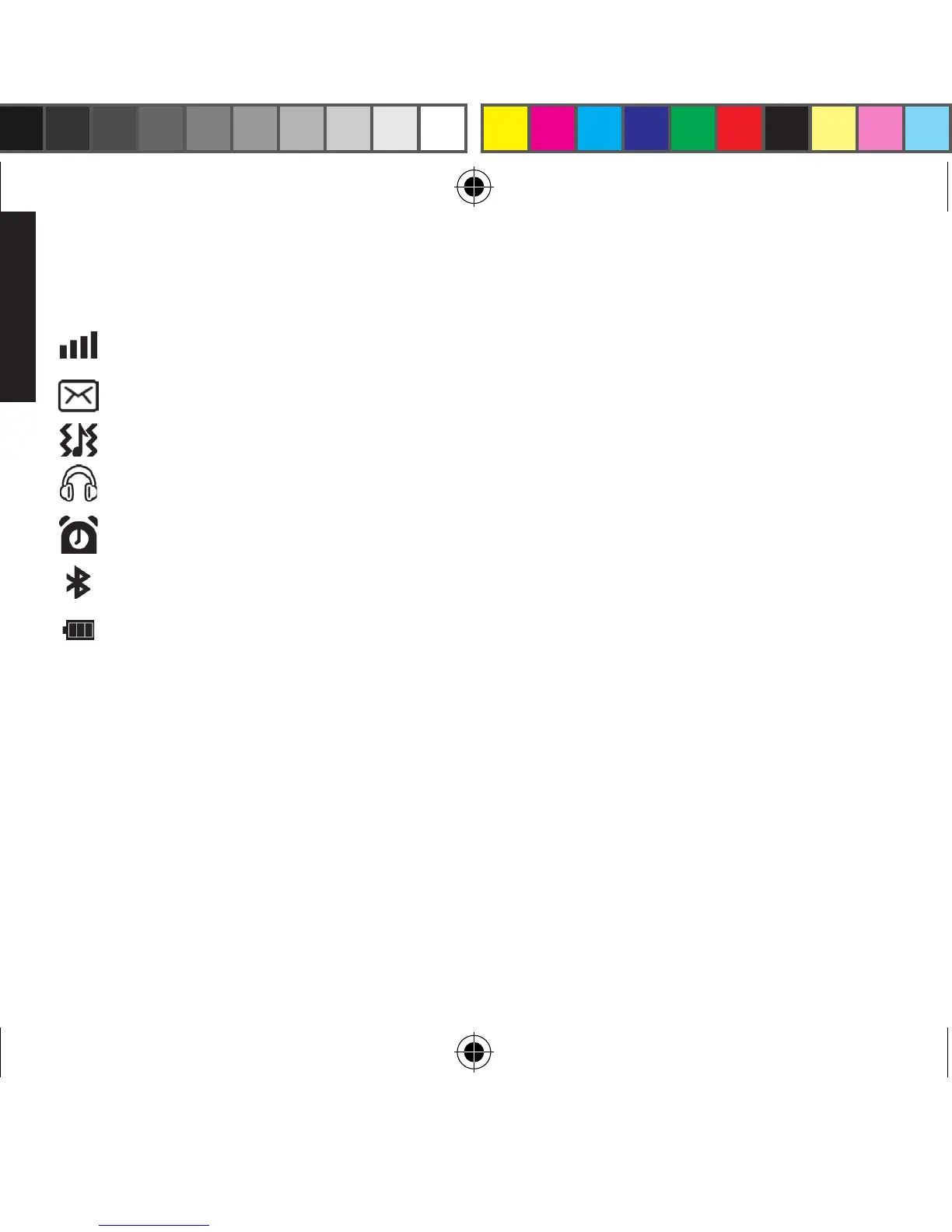
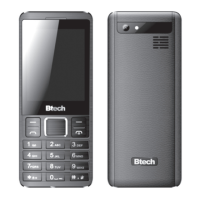
icOn descriptiOn
show actual GSM range
you have unread message
show actual sound prole
headphones are plugged-in
when alarm clock icon set up
Bluetooth interface enabled
battery status
HOw tO pOwer On
Press and hold END CALL button for 3 seconds.
You can always power on disregarding keypad
lock switch.
HOw tO pOwer Off
Make sure keypad is unlocked, then press and hold
END CALL button for 3 seconds.
HOw tO use flasHligHt
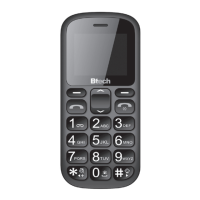
Press and hold ashlight button on the side for 2
seconds, do the same operation to power o the
ashlight. Function works disregarding keypad
lock switch.
HOw tO use sOs functiOn
If you want to make call dened as SOS number
(number 112 is set by factory defaults), press and
hold SOS button for 2 seconds.
Making calls
1.
Speed dial – press and hold button from 0
to 9 to connect previously assigned number,
you can also store number assigned to LEFT
SHIFT button and RIGHT SHIFT button.
2.
When home screen is displayed you can
press DOWN button to reveal photo contact
list – previously dened telephone numbers
with icons, every icon is described by digit
– press selected digit to connect.


 To Next Page