Table of contents
1 Introduction 5
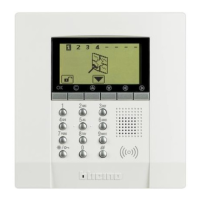
The Unit
The keypad
The display
What is the display showing
2 Operation 11
Enabling – disabling the burglar alarm (antitheft)
Activating - deactivating the zones
Stopping the siren sound
What type of alarm occurred?
3 Editing 17
The Unit menu
Accessing the edit menu
Setting the date and hour
Storing the Jolly number
Making your own list of telephone numbers
Setting up the calls
How many times should the calls be made?
Editing vocal messages
Changing the user code
Using an answering machine
4 Remote use 31
The My Home portal
Answering a call from the Unit
Querying the Unit
Controlling your home from a distance
Memo card



 To Next Page