7
Introduction
1
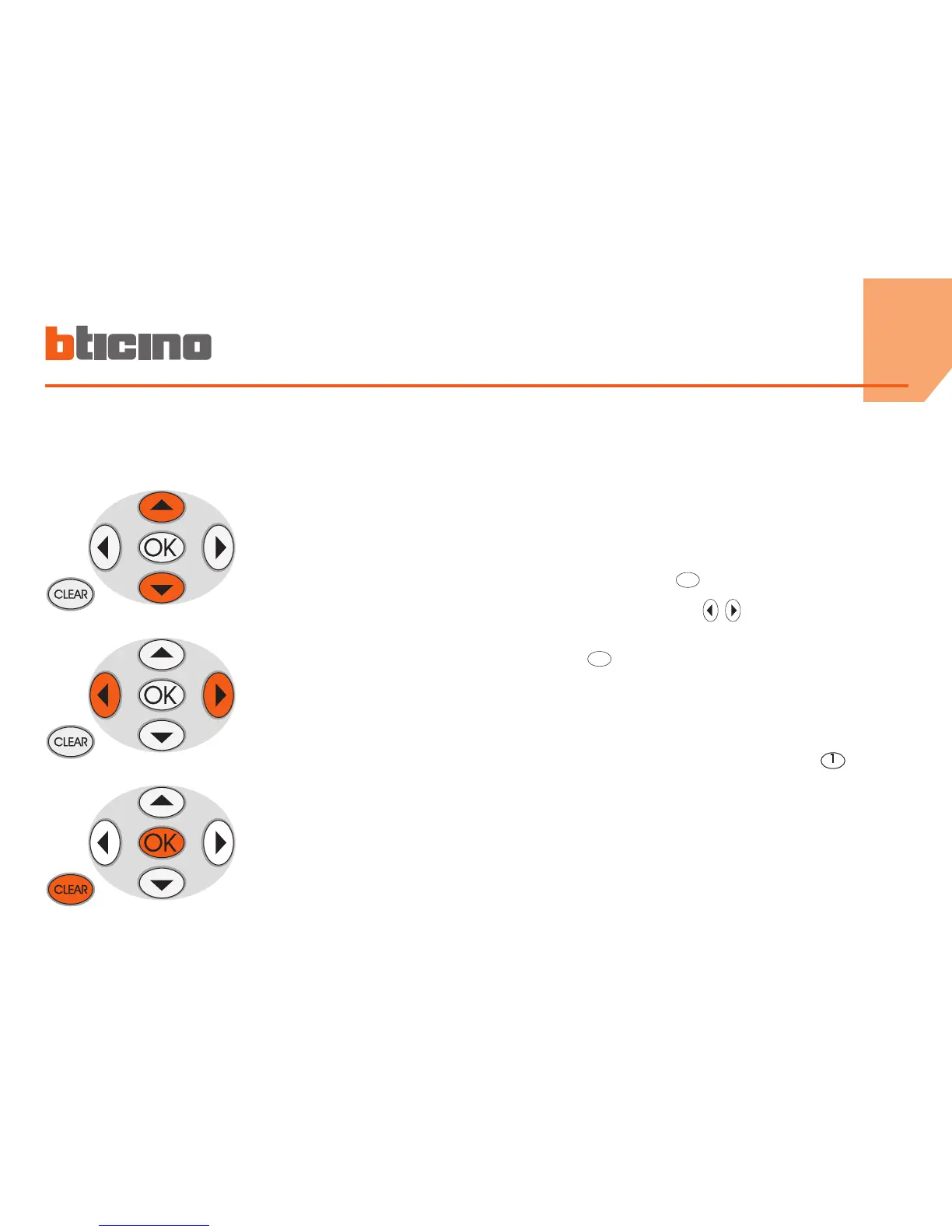
■ The keypad
Scroll keys
allow you to scroll the list
of items in the menu
Selection keys
allow you to select the
functions, which in some
menus, may appear in the
last line
OK -
Key for entering the
selection or data
CLEAR -
Key for cancelling
the selection and for
returning to the previous
page – if it is held down,
you can escape from the
programming menu
Writing the text
◆ Press a numeric key several times until the required character
is displayed; if the required letter is near the same key as the
present letter, wait until the cursor moves
◆ To enter a space, press
0
◆ To move the cursor, use the keys
◆ To delete a letter, position the cursor over it with the keys
and press
0
◆ To change from lower case to upper case, hold down the button
when the required character is displayed. The next characters
will be upper case; the procedure is the same to go back to
lower case
◆ You can enter punctuation marks by pressing
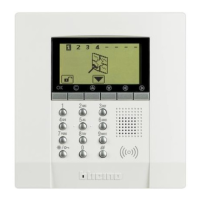
Navigation keys Alphanumeric keypad



 To Next Page