Brief operating instructions
Setting summer/winter
Setting automatic changeover
•
Pr
ess
th
e
EJ
button.
• Press and hold down the
@ button.
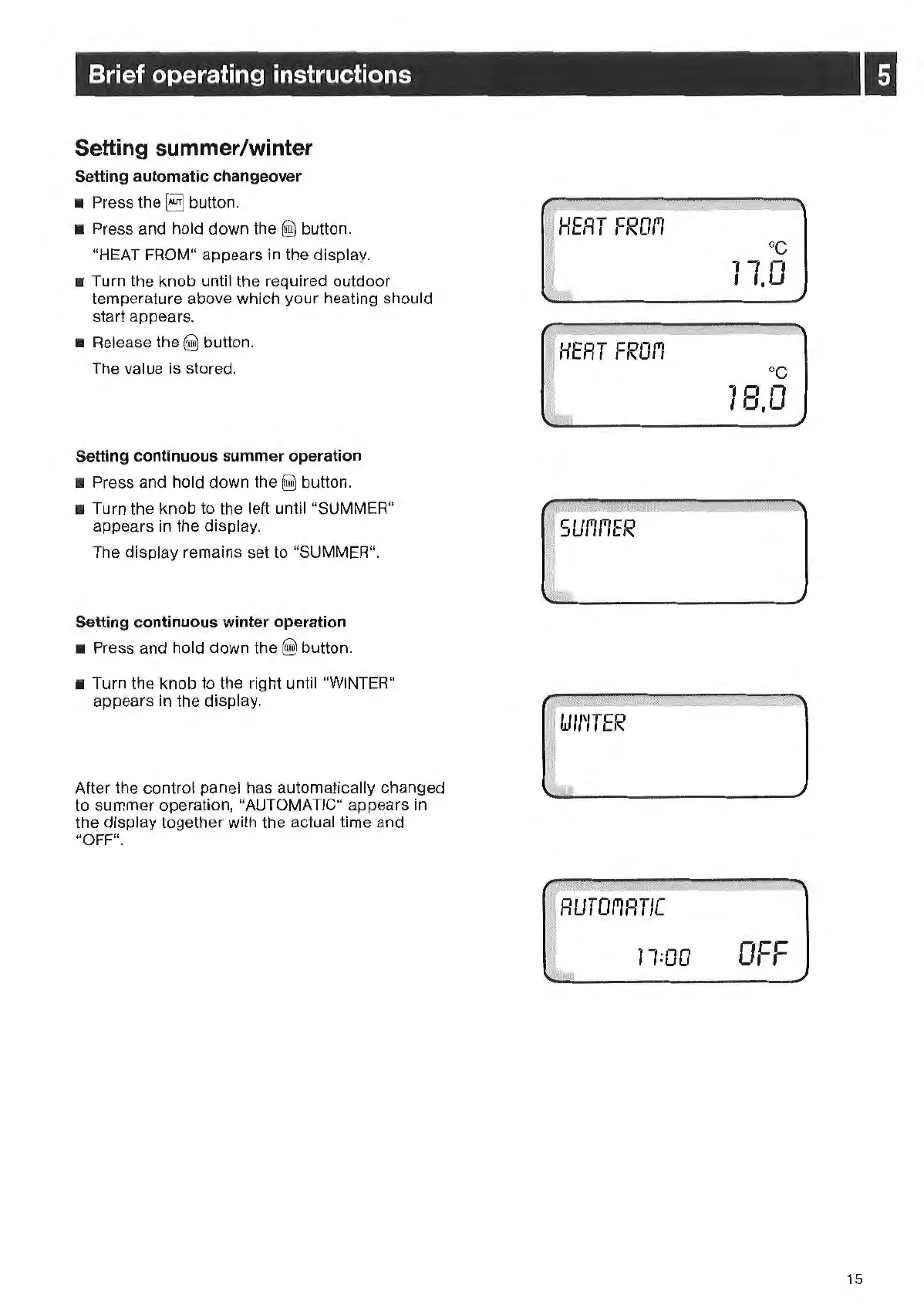
"HEAT FROM" appears
in
the display.
• Turn
th
e knob until the required outdoor
temperature above which your heating should
start appears.
• Release the
@)
button.
The value is stored.
Setting continuous summer operation
• Press and hold down
the
~
button.
• Turn the knob
to
th
e left until "SU
MM
ER"
appears in the display.
Th
e display remains set to "SUMMER".
Setting continuous winter operation
•
Pre
ss and hold down
th
e @ button.
• Turn the knob to the right until "WINTER"
appears in the display.
After the
cont
rol panel has automatically changed
to
summer operation, "AUTOMATIC" appears
in
the display togeth
er
with the actual time and
"OFF".
I.J/1
'
/TER
71:00
oc
11.0
-cr:
o,
,-
15



 To Next Page