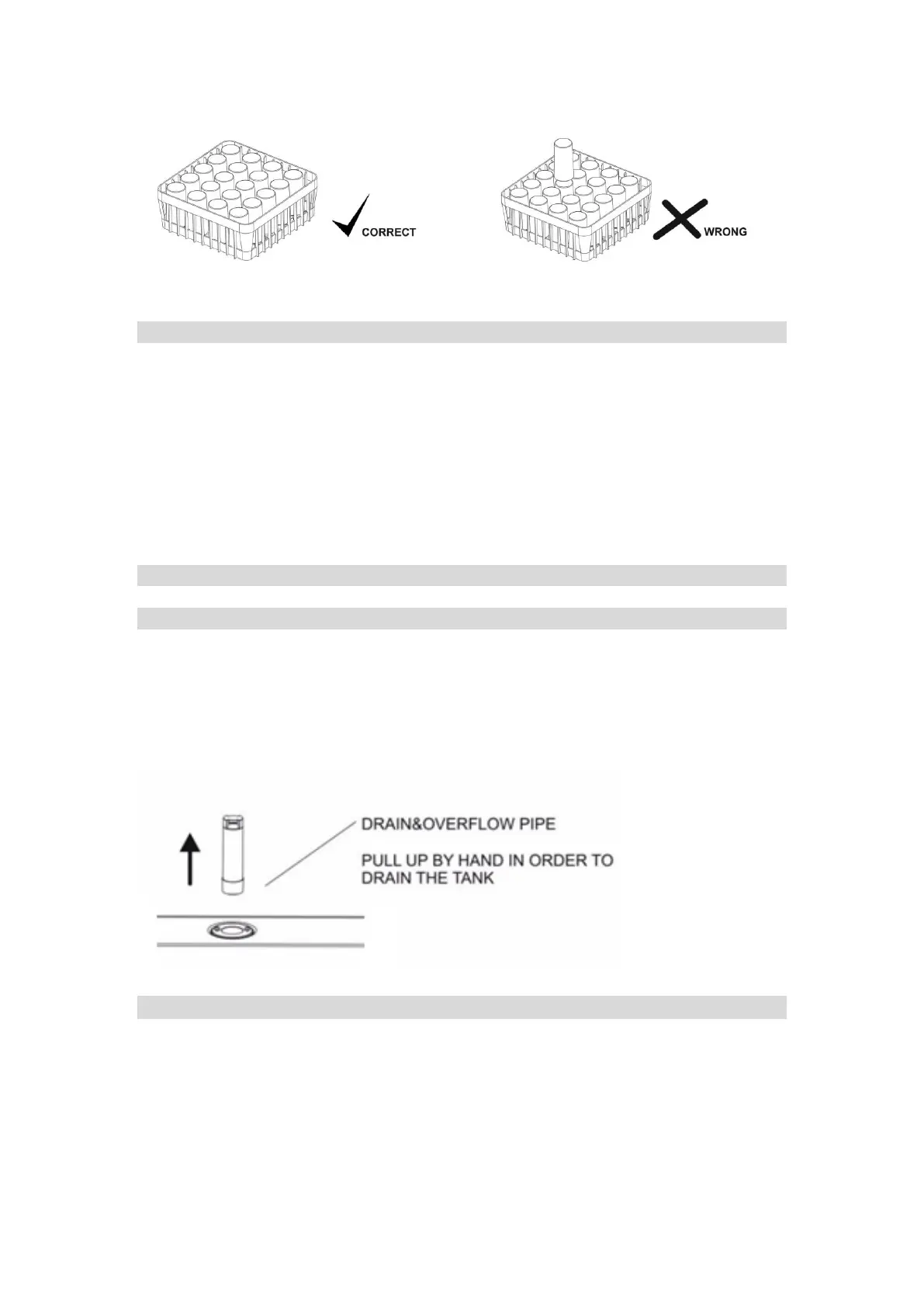
Open the door and place basket in the machine.
Note – Empty dregs from glasses into sink/receptacle. DO NOT EMPTY IN THE MACHINE.
Starting a Wash Cycle
1. Close the door. Ensure the door is closed properly. The Glass Washer will not start if the
door is not closed
2. Press the start button to initiate the washing cycle. The program light indicator will
illuminate while washing cycle is in progress
3. When the full washing cycle finishes, the program light indicator turns off and you can
remove the basket.
Note - Pay attention when removing the basket after the washing cycle as it may be hot!
Note - Let the glasses dry out of the glasswasher
Shutting Down and Draining
1. Turn off the power switch (on/off button)
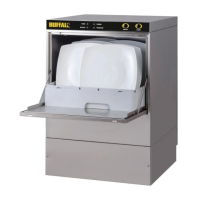
2. Remove the overflow pipe and let the machine drain
Note – To avoid injury always check for any broken glass


 To Next Page