70
4 The shared folder is now mounted as a network drive.
Changing the IP Address
1 Click the
icon in the Dock to start NAS Navigator2.
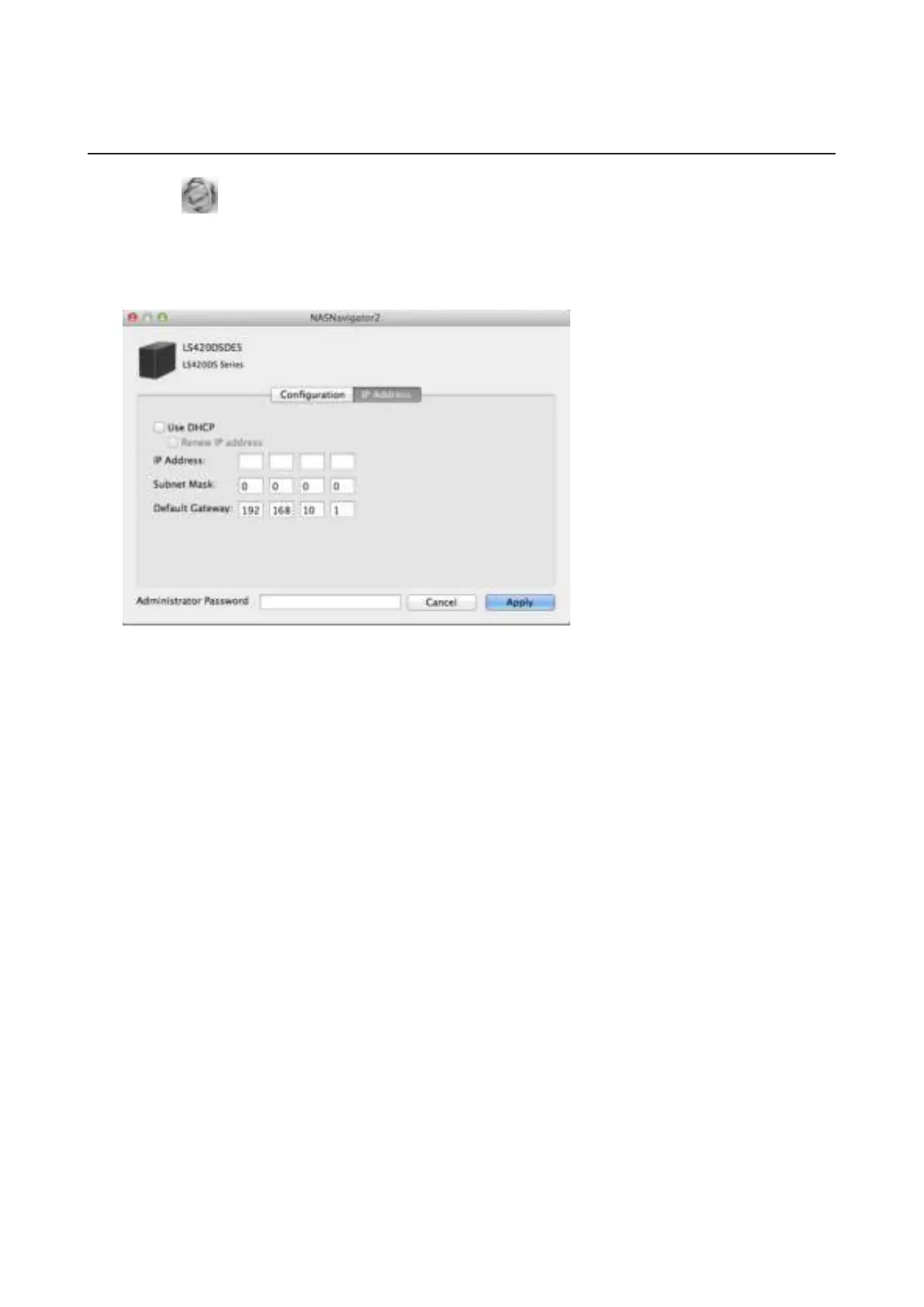
2 Hold down the control key, select your LinkStation, and choose Configure - IP Address.
3 Uncheck "Use DHCP", enter the desired settings and the administrator password, then click Apply.
Note: The following IP addresses are reserved and should not be used. If you configure one of them by accident,
initialize settings with the function button on the LinkStation.
Local loopback address: 127.0.0.1, 255.255.255.0
Network address: 0.0.0.0, 255.255.255.0
Broadcast address: 255.255.255.255, 255.255.255.0
The IP address range from 224.0.0.0 to 255.255.255.255



 To Next Page