http://d.buffalo.jp/LS520D/
OFF
ON
OFF
English
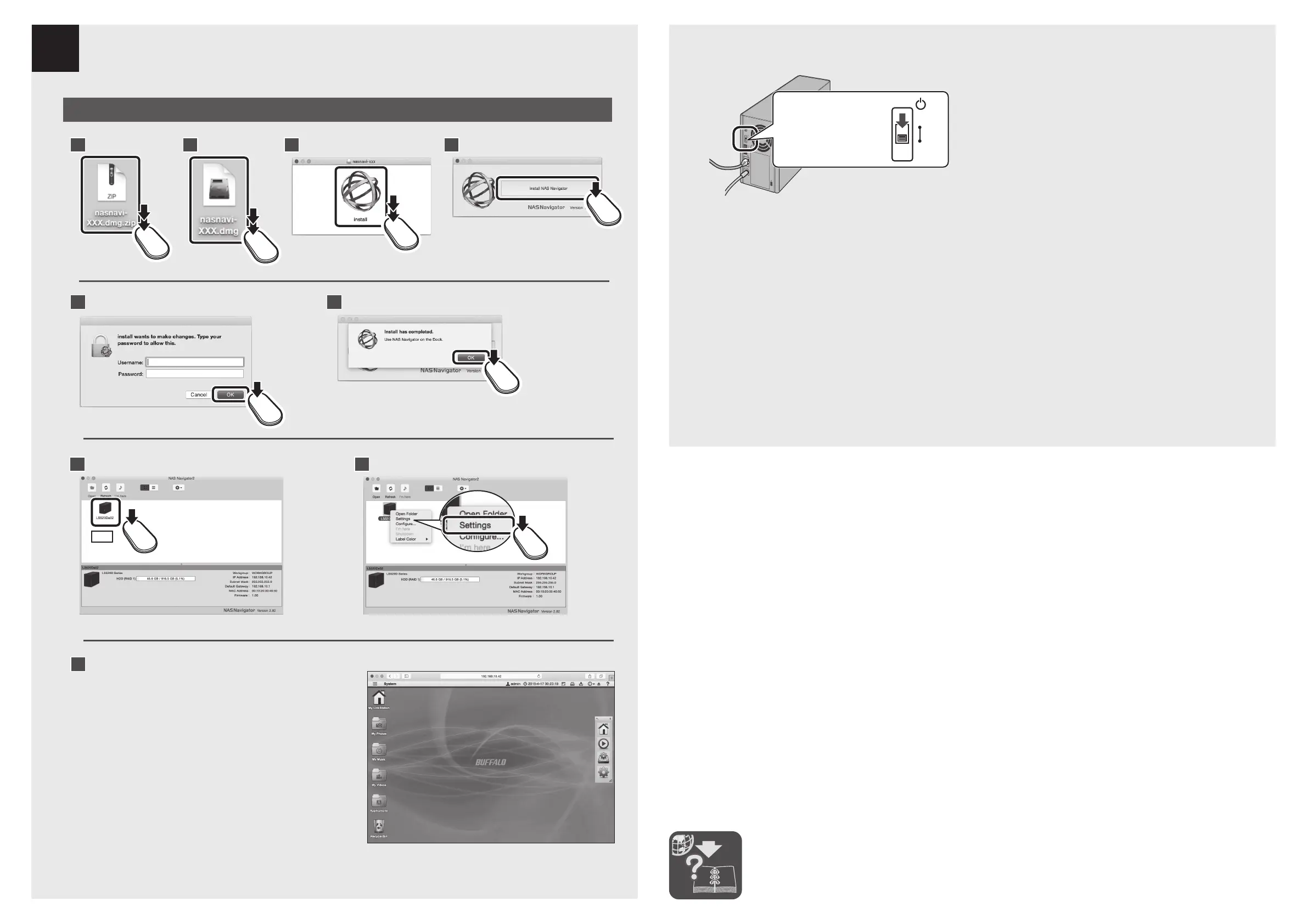
To turn off your LinkStation, move the power switch to the off position. When the power LED goes out, you
may unplug the AC adapter.
Deutsch Schalten Sie Ihre LinkStation aus, indem Sie den Strommodusschalter auf aus stellen und den Netzadapter
abstecken, nachdem die Strom-LED erlischt.
Français Pour éteindre votre LinkStation, placez l’interrupteur du mode d’alimentation sur arrêt et débranchez
l’adaptateur secteur une fois que le voyant LED d’alimentation s’est éteint.
Italiano Per spegnere la LinkStation, impostare su off l’interruttore di Modalità alimentazione e scollegare
l’adattatore CA dopo lo spegnimento del LED di alimentazione.
5
9
English
Follow the steps on the screen to finish
initial setup.
Deutsch Befolgen Sie die am Bildschirm
angezeigten Schritte für die
Ersteinrichtung.
Français Suivez les étapes qui s'affichent à
l'écran pour terminer la première
installation.
Italiano Seguire i passaggi indicati sullo
schermo per portare a termine
l’installazione iniziale.
8
Ctrl +
7
1 4
5
6
2 3
Mac
2015.04













 To Previous Page