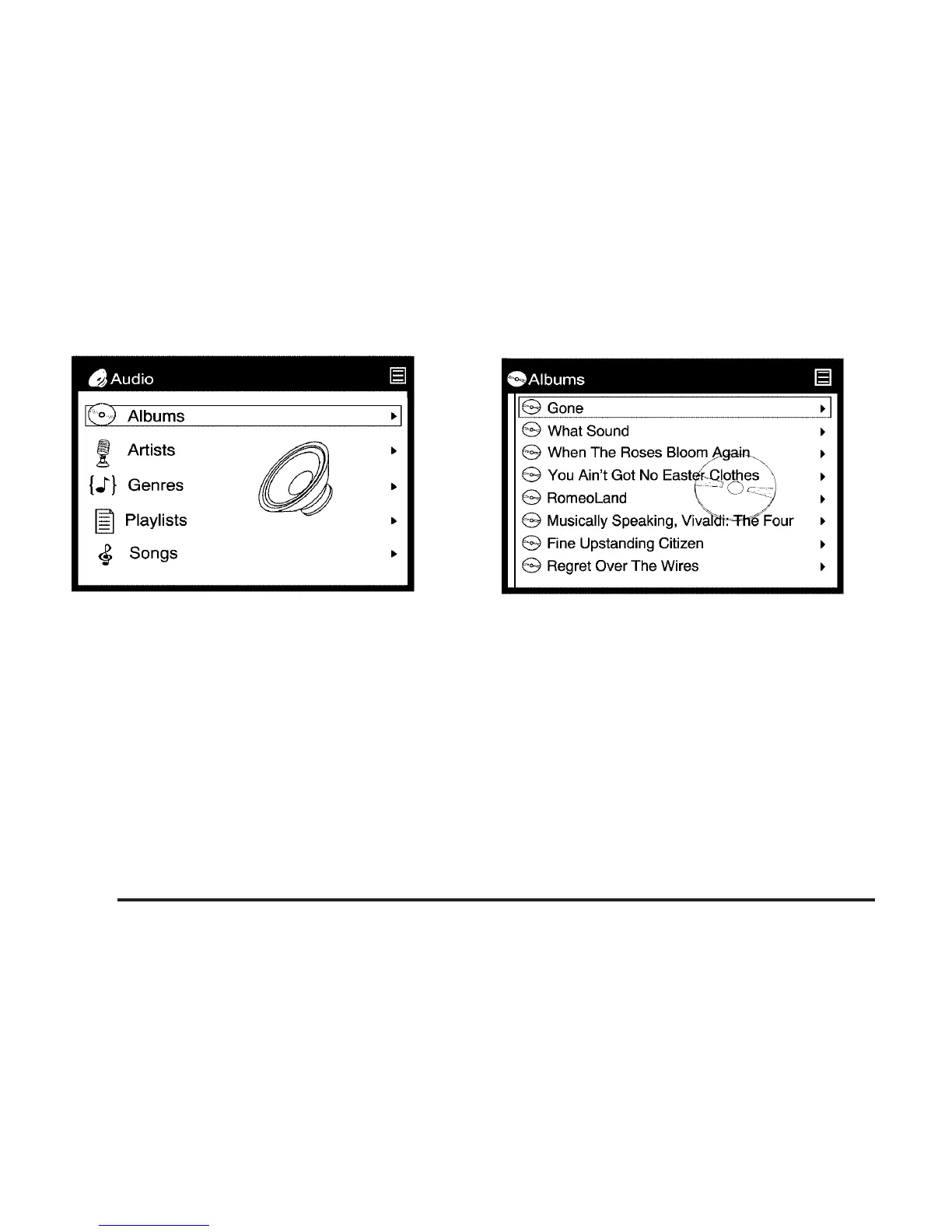
2. Press the up list or down list directional
arrows (A, D) on the remote control to
navigate through the menu options such
as album, artist, playlist or genre. See
“Navigating the On-Screen Menus Using
the DVD Remote Control” earlier in this
section for more information.
3. Press the select button (E) on the remote
control to begin playing an album, artist,
genre, playlist, or song. See “Navigating the
On-Screen Menus Using the DVD Remote
Control” earlier in this section for more
information.
330













 To Next Page