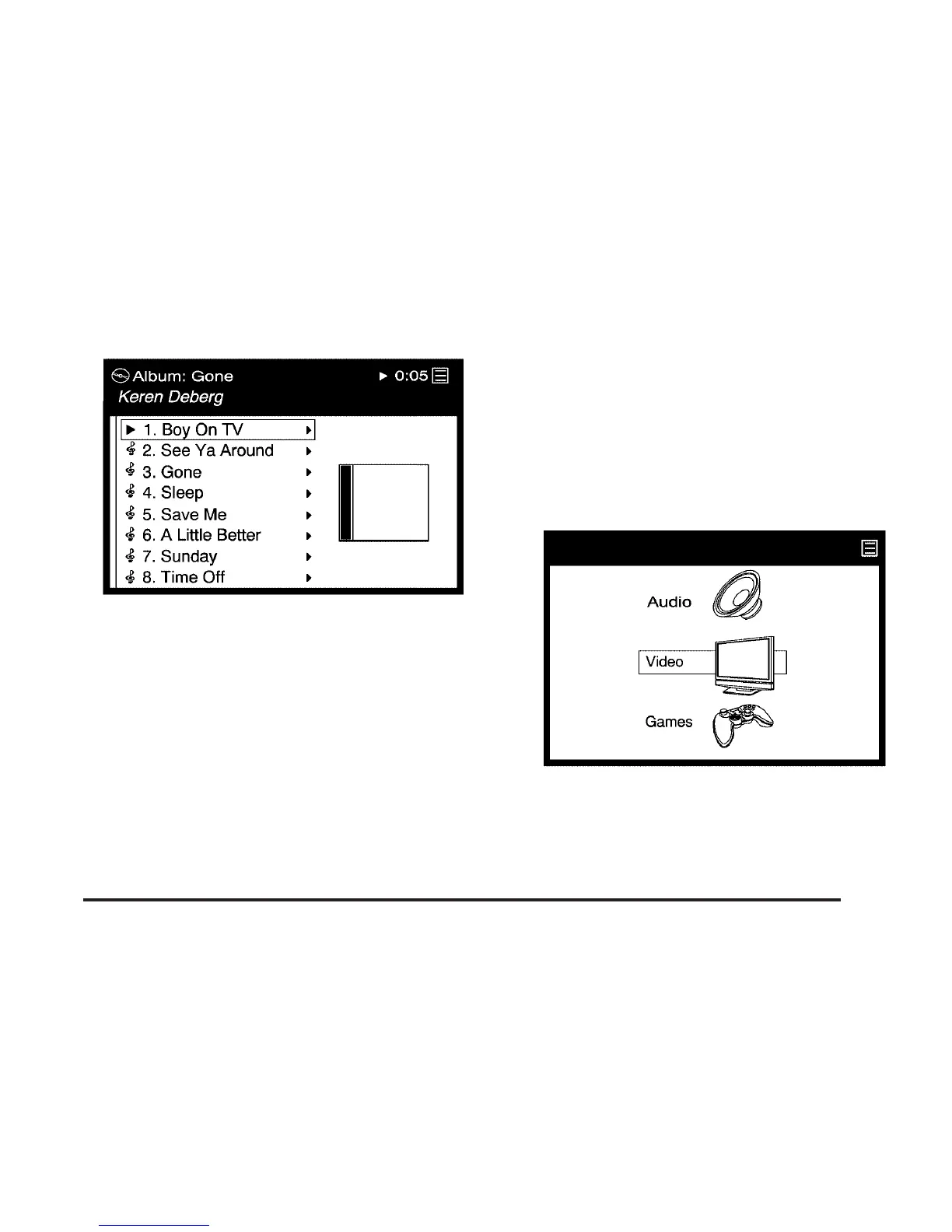
4. If you want to find a particular song, press
the right directional arrow (G) on the remote
control to go further into the selected item.
See “Navigating the On-Screen Menus Using
the DVD Remote Control” earlier in this
section for more information.
Video Browsing
Browse digital videos stored on the system
through the menu display. MPEG format is
supported, so you can play back recorded shows
and movies from television, home movies,
downloaded videos and pre-packaged feature
films and shows. See the following instructions
for further screen display information:
1. Select the Video option through the menu
system displayed on the video screen.
331













 To Next Page