Infotainment System 17
AM Station List: The station list
may need to be updated before
pressing to display a list of AM
stations.
Update Station List: Press to
update and then display the list of
AM stations.
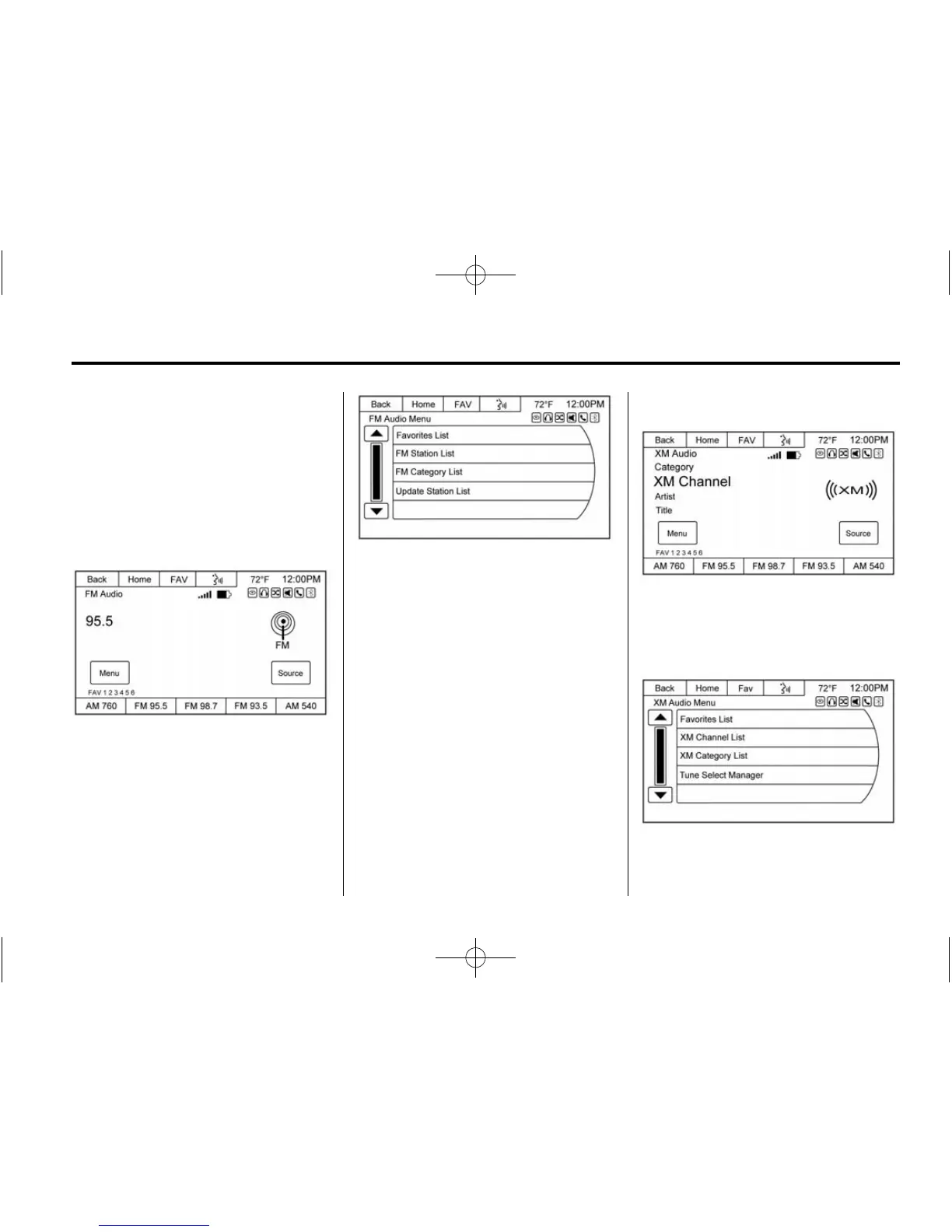
FM
To access the FM menu, press the
Menu screen button from the FM
source screen.
Favorites List: Press to display the
favorites list.
FM Station List: The station list
may need to be updated before
pressing to display a list of FM
stations.
FM Catagory List: Press to select
the desired genre.
Update Station List: Press to
update and then display the list of
FM stations. An FM station list
update may take several minutes.
SiriusXM (If Equipped)
To access the XM Menu, press the
Menu screen button from the XM
source screen and the following
may display:
Favorites List: Press to display the
favorites list.












 To Next Page