Buick/Chevrolet/GMC Acadia/Acadia Denali/Enclave/Traverse InTouch Info-
tainment System (GMNA-Localizing-U.S./Canada-7639735) - 2015 - First
Infotainment System 73
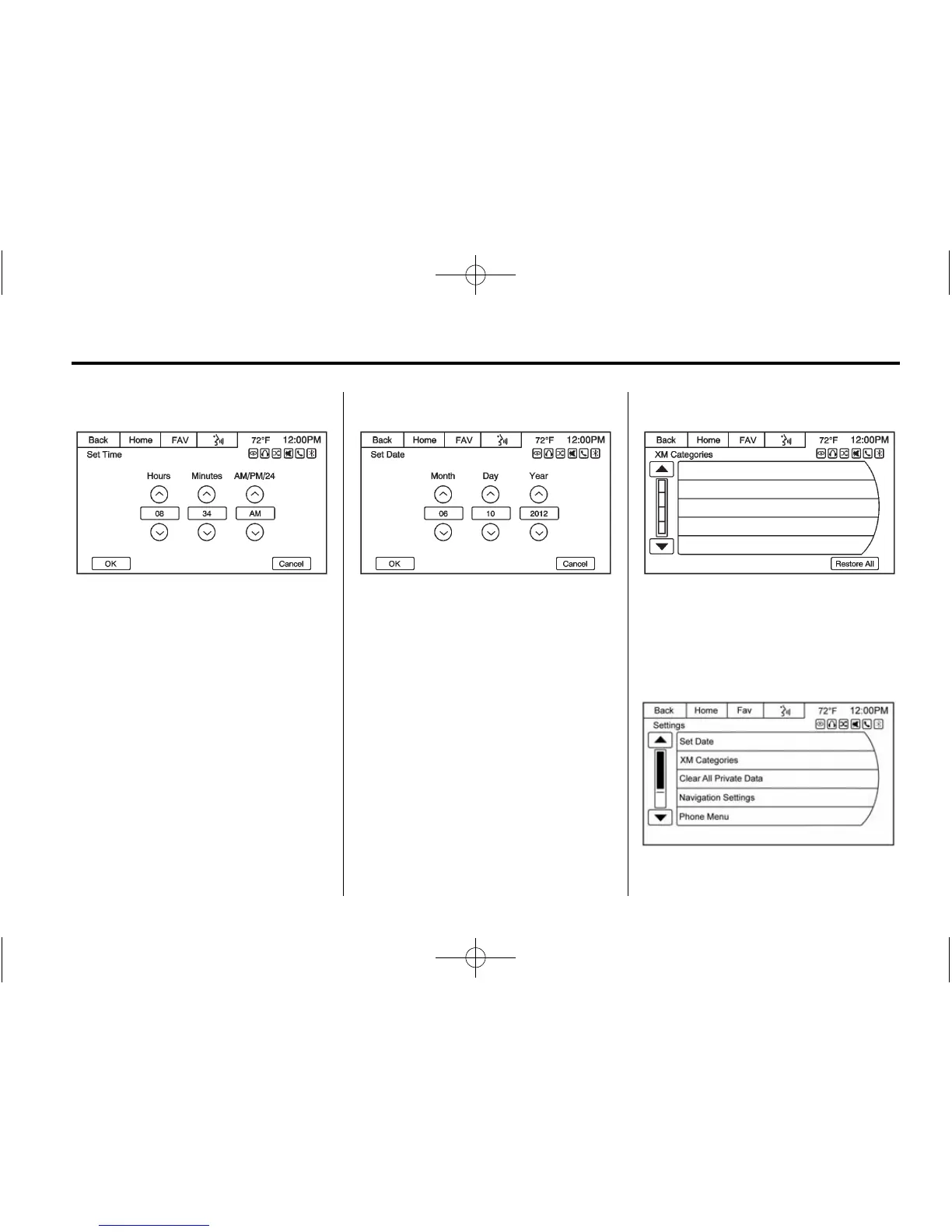
Set Time
.
Press the up or down arrows to
increase or decrease the Hours
and Minutes, or change the
setting between AM, PM, or
24 hr on the clock.
.
Press and hold to quickly
increase or decrease the time
settings.
.
Press OK to save or Cancel to
disregard the changes.
Set Date
.
Press the up or down arrows to
increase or decrease the Month,
Day, and Year settings.
.
Press and hold to quickly
increase or decrease the date
settings.
.
Press OK to save or Cancel to
disregard the changes.
XM Categories
Press to display a list of XM
categories. Press Restore All if
categories have been removed from
the display.
Clear All Private Data















 To Next Page