74 Infotainment System
Press to delete stored personal data
such as saved destinations, phone
contacts, and audio favorites.
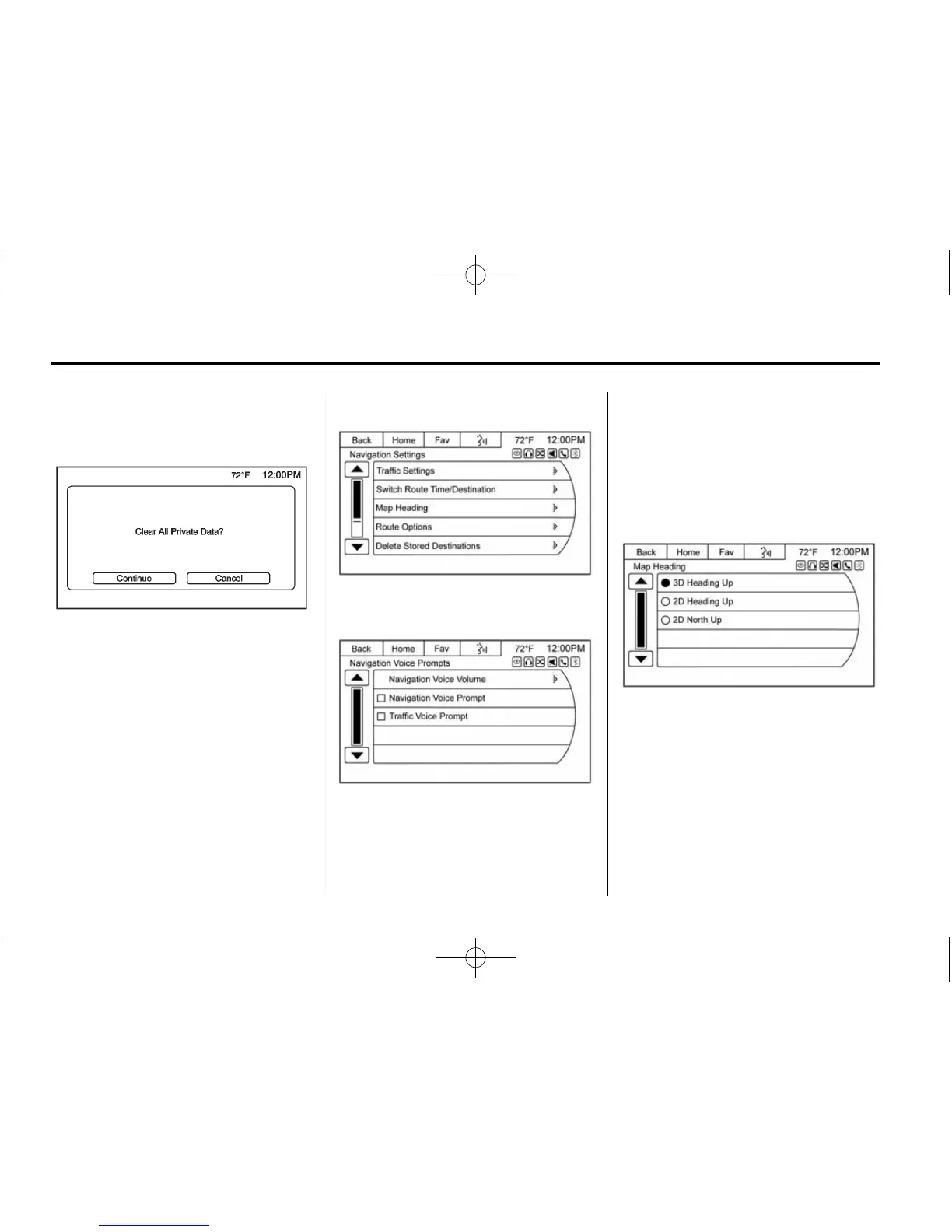
A pop-up message displays, Clear
All Private Data? Press the
Continue screen button to delete the
data, or the Cancel screen button to
cancel the delete function.
Navigation Settings
Select to make changes to the
following options:
Navigation Voice Prompts: The
Voice Prompt Menu allows changes
to the voice prompt features.
Traffic Settings: Press to enable
or disable the traffic feature.
Switch Route Time/Destination:
Select this button to switch the nav
map display arrival time and
mileage between waypoints and
final destination.
Map Heading: Select to choose
between North up, Heading up,
or 3D views while navigating.
Route Options: Press to display
the various route option
preferences.












 To Next Page