Buick Envision Owner Manual (GMNA-Localizing-U.S./Canada/Mexico-
16060855) - 2023 - CRC - 2/9/22
38 Seats and Restraints
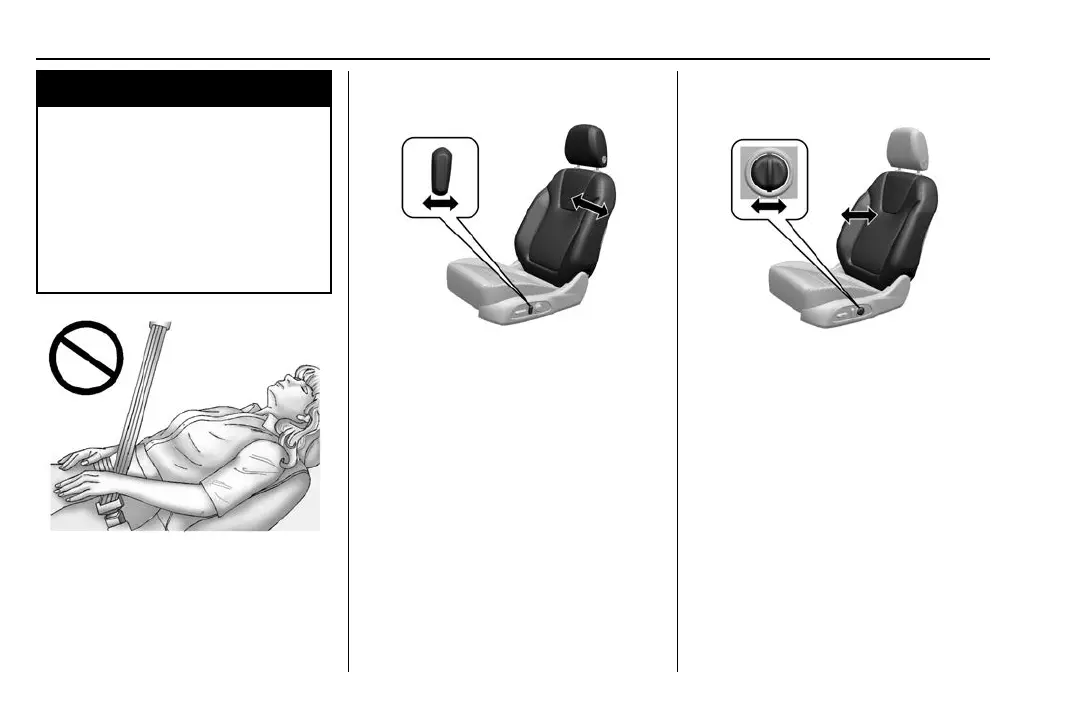
Lumbar Adjustment
To adjust the lumbar, if equipped
.
Press (2) for upward adjustments.
.
Press (3) for rearward adjustments.
.
Press (4) for downward adjustments.
.
Press (5) for forward adjustments.
For vehicles equipped with lumbar and
massage, move Feature Select (1) one or
more times to display lumbar adjustments
on the infotainment display. Press
adjustment buttons as shown above.
Massage
If equipped, the vehicle must be on to use
the massage feature.
To activate and adjust massage, turn the
feature select knob to view available
massage options on the infotainment
display and make a selection of massage
intensity.
The massage recall button will activate the
most recent massage setting.
When the massage feature is turned off, it
will complete the massage cycle before
returning to the previous position.
Memory Seats
Overview
If equipped, the memory seat feature allows
drivers to save their unique driving positions
and a shared exit position. See “Saving
Seating Positions” later in this section. The
saved positions can be recalled manually by
all drivers. See “Manually Recalling Seating
Positions” later in this section. Drivers with
remote key 1 and 2 can also recall them
automatically. See “Auto Seat Entry Memory
Recall” or “Auto Seat Exit Memory Recall”
later in this section. To enable automatic
recalls, turn on Seat Entry Memory and/or
Seat Exit Memory. See “Enabling Automatic
Recalls” later in this section. The memory



 To Next Page
 Loading...