EasyManua.ls Logo

BulbHead BLU TIGER - Controls and Features; Display Monitor and Resistance Adjustment

BulbHead BLU TIGER
6 pages
Print Icon
To Previous Page IconTo Previous Page
Loading...
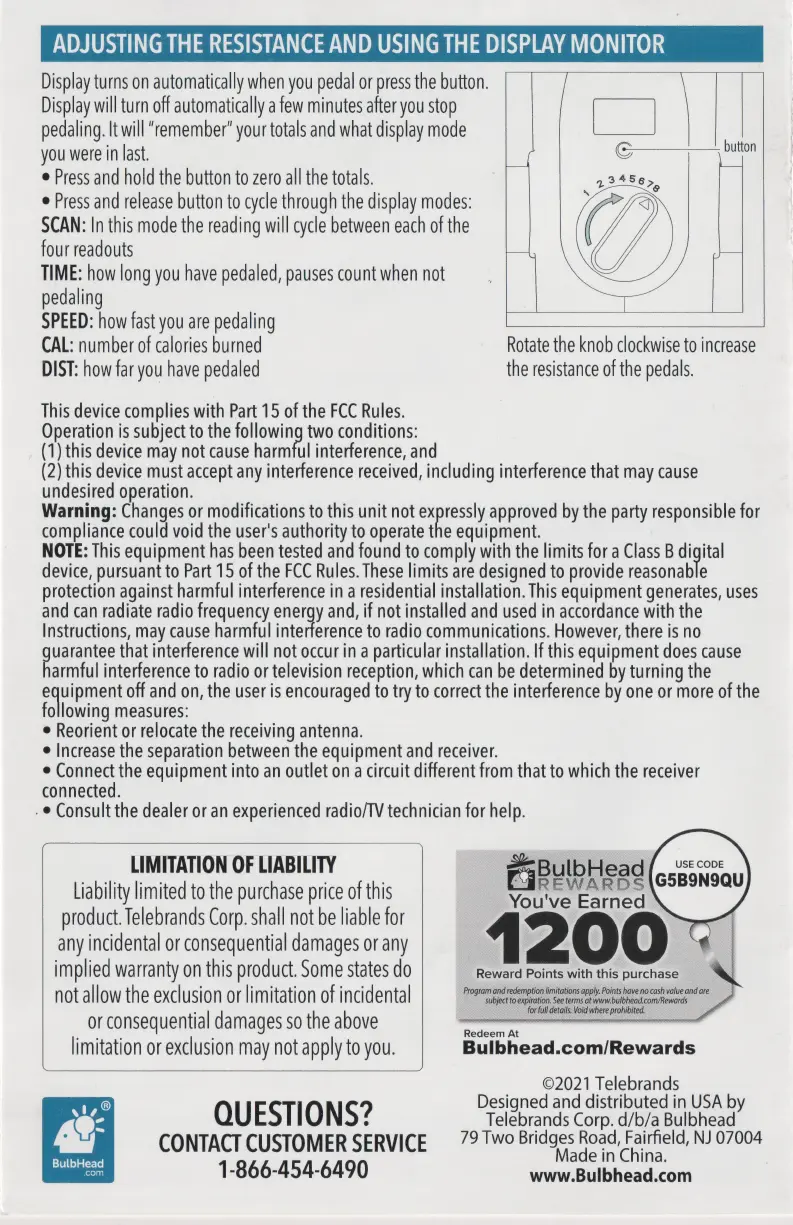
ADJUSTING
THE
RESISTANCE
AND
USING
THE
DISPLAY
MONITOR
Display
turns
on
automatically
when
you
pedal
or
press
the
button.
Display
will
turn
off
automatically
a
few
minutes
after
you
stop
pedaling.
It
will
"remember"
your
totals
and
what
display
mode
you
were
in
last.
e
Press
and
hold
the
button
to
zero
all
the
totals.
e
Press
and
release
button
to
cycle
through
the
display
modes:
SCAN:
In
this
mode
the
reading
will
cycle
between
each
of
the
four
readouts
TIME:
how
long
you
have
pedaled,
pauses
count
when
not
pedaling
SPEED:
how
fast
you
are
pedaling
button
CAL:
number
of
calories
burned
Rotate
the
knob
clockwise
to
increase
DIST:
how
far
you
have
pedaled
the
resistance
of
the
pedals.
This
device
complies
with
Part
15
of
the
FCC
Rules.
Operation
is
subject
to
the
following
two
conditions:
(1)
this
device
may
not
cause
harmful
interference,
and
(2)
this
device
must
accept
any
interference
received,
including
interference
that
may
cause
undesired
operation.
Warning:
Changes
or
modifications
to
this
unit
not
ey
approved
by
the
party
responsible
for
compliance
could
void
the
user's
authority
to
operate
the
equipment.
NOTE:
This
equipment
has
been
tested
and
found
to
comply
with
the
limits
for
a
Class
B
digital
device,
pursuant
to
Part
15
of
the
FCC
Rules.
These
limits
are
designed
to
provide
reasonable
protection
against
harmful
interference
in
a
residential
installation.
This
equipment
generates,
uses
and
can
radiate
radio
frequency
energy
and,
if
not
installed
and
used
in
accordance
with
the
Instructions,
may
cause
harmful
interference
to
radio
communications.
However,
there
is
no
cee
that
interference
will
not
occur
in
a
particular
installation.
If
this
equipment
does
cause
armful
interference
to
radio
or
television
reception,
which
can
be
determined
by
turning
the
inal
off
and
on,
the
user
is
encouraged
to
try
to
correct
the
interference
by
one
or
more
of
the
following
measures:
e
Reorient
or
relocate
the
receiving
antenna.
e
Increase
the
separation
between
the
equipment
and
receiver.
e
Connect
the
equipment
into
an
outlet
on
a
circuit
different
from
that
to
which
the
receiver
connected.
.
©
Consult
the
dealer
or
an
experienced
radio/TV
technician
for
help.
LIMITATION
OF
LIABILITY
Liability
limited
to
the
purchase
price
of
this
Cie
PER
ng
product.
Telebrands
Corp.
shall
not
be
liable
for
2
any
incidental
or
consequential
damages
or
any
:
4
;
implied
warranty
on
this
product.
Some
states
do
not
allow
the
exclusion
or
limitation
of
incidental
or
consequential
damages
so
the
above
limitation
or
exclusion
may
not
apply
to
you.
Bulbhead.com/Rewards
snes
ast
sat
esigned
and
distributed
in
y
g-
QU
ESTIO
NS?
Telebrands
Corp.
d/b/a
Bulbhead
a
CONTACT
CUSTOMER
SERVICE
79
Two
Bridges
Road,
Fairfield,
NJ
07004
eae
E
1-866-454-6490
Pe
hee
Reward
Points
with
this
purchase