(+) RED
(-) TANBLK
WHI
TEMP
READY
ENERGY SAVER MODE
ON OFF
HEATER
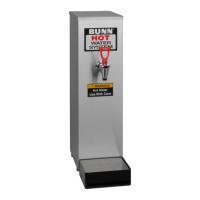
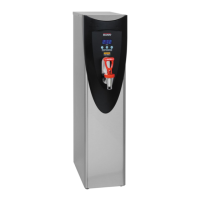
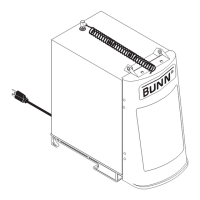
FIG. 20a DISPENSE SWITCH
Dispense
switch
Shroud
SERVICE (cont.)
Dispense Switch (H3E Element
®
Only)
Location:
The dispense switch is located in the control panel.
Removal and Replacement:
1. Disconnect the dispenser from the power source.
2. Remove the top cover (3 screws) and front shroud
assembly (4 screws).
3. Remove the top 2 screws and loosen 2 lower screws
securing control panel to shroud.
4. Disconnect switch wires from the CBA.
5. Remove the large nut securing the switch.
6. Installation in the reverse order.
Test Procedures:
See disassembly procedure above.
1. Disconnect the switch harness from CBA.
2. Connect ohmmeter leads to the white and black
terminials . There should be continuity when switch
is pushed in.
3. Connect ohmmeter red lead to the red wire (+) and
black lead to tan wire (-). Select the various resis-
tance/continuity or diode scales to see if the LED
glows from the meter’s battery power source.
(+)
FIG. 20b DISPENSE SWITCH
FIG. 20c SWITCH TERMINALS
20


 To Next Page
 Loading...