14
PROGRAMMING THE DISPENSER (Cont.)
Program Mode: Used to change or enter new set-up values.
To enter the Program Mode, Set the RUN/NIGHT/PROGRAM Switch to the PROGRAM position, the unit will
display “__PPP” to indicate it is in the Program Mode. Use the MENU switch to scroll to the next display. Use
the Increase (+) and Decrease (-) switch to adjust the values.
Tank Temperature Default = 180°F
Range = 120° - 200°F
Ready Temp = Tank Temp minus 10°F
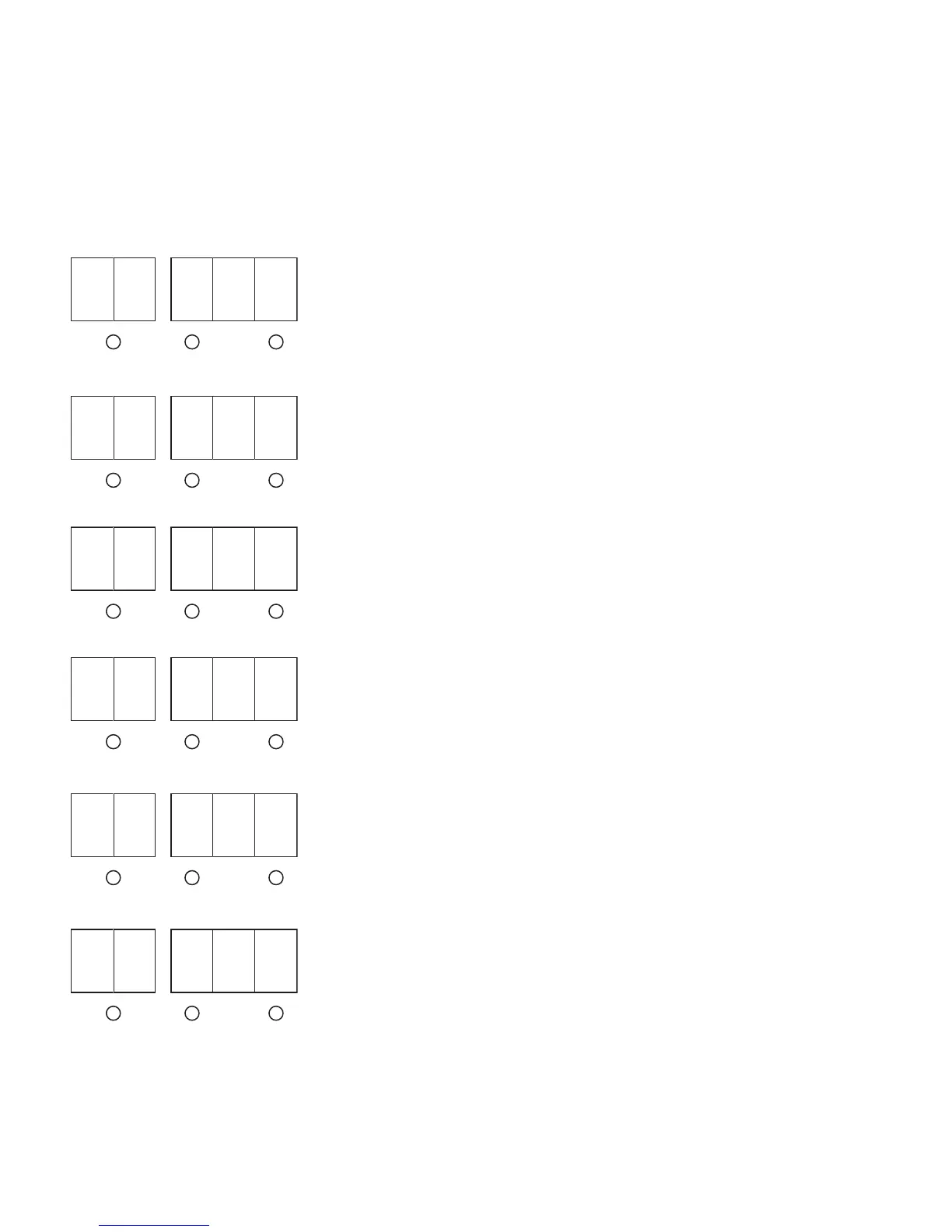
LCD DISPLAY PROGRAM MODE DESCRIPTION
Left (Regular) Dispense Ratio Set Regular Coffee Ratio
Default = 30:1
Range = 25 Max / 100 Min
Right (Decaf) Dispense Ratio Set Decaf Coffee Ratio
Default = 30:1
Range = 25 Max / 100 Min
Cup Dispense Volume Set Cup Dispense Volume
Default = 0.0, Push & Hold
Range = 0.0 / 16.0 Oz.
Carafe Dispense Volume Set Carafe Dispense Volume
Default = 0.0, Disabled
Range = 0.0 / 64.0 Oz.
Left (Regular) Dispense Total Reset Total to Zero (00.0 Gal)
38791 072307
MENU (-) (+)
P 1 1
8
0
MENU (-) (+)
P 2 3
0
MENU (-) (+)
P 3 3
0
MENU (-) (+)
P 4 00.
MENU (-) (+)
P 5 00.
MENU (-) (+)
P 6 00.


 To Next Page