21
CALIBRATING THE DISPENSER (Cont.)
LCD DISPLAY CALIBRATION MODE DESCRIPTION
Right (Decaf) Water Rate Set PRIME-NORMAL-RINSE switch to
RINSE position. Press and hold Decaf
Dispense Switch until flow stops (20
sec.) Refer to Field Calibration of the
Concentrate Pumps.
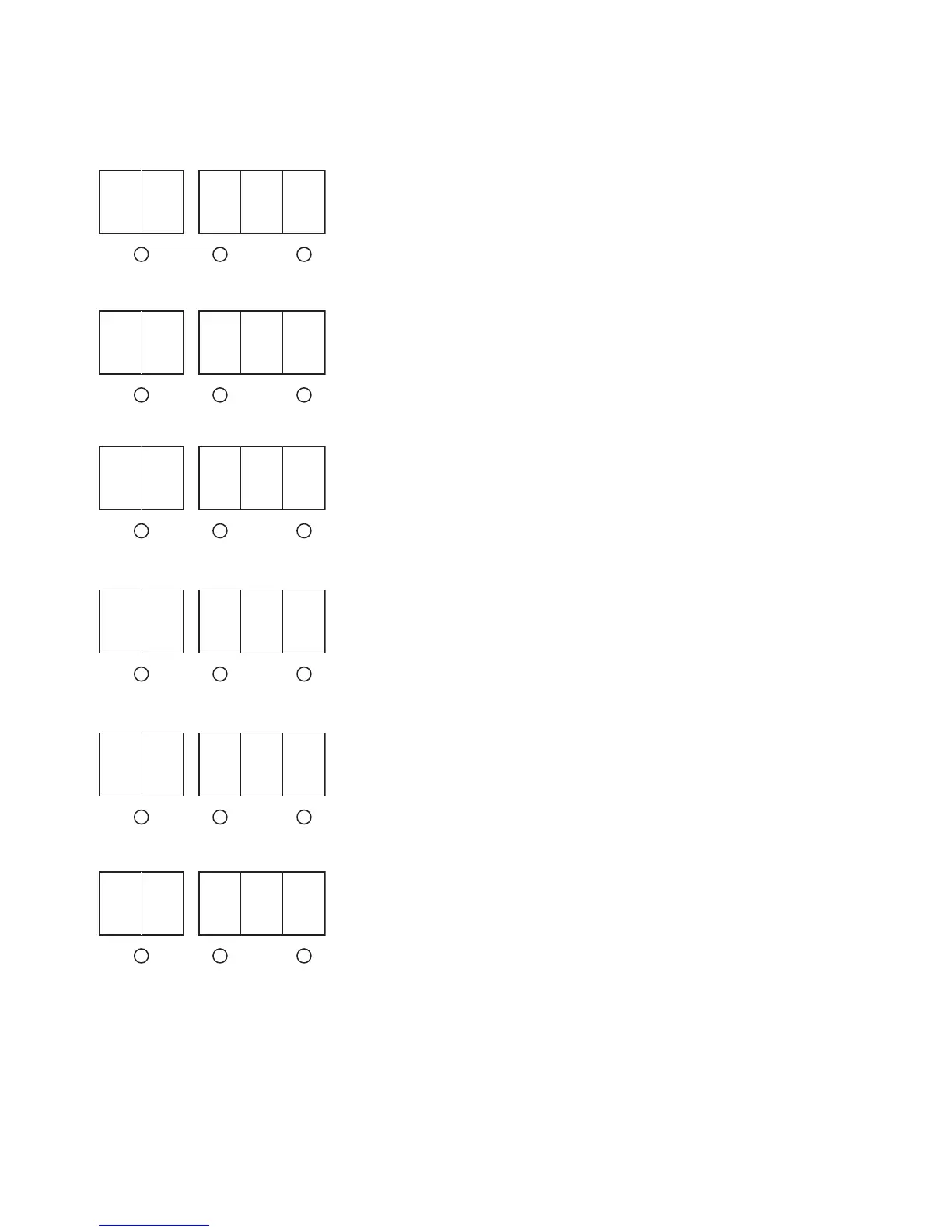
C 4 r u n
Right (Decaf) Water Rate Enter Liters collected from the 20 sec.
test above.
Default = 1.00
Range = 0.90 - 1.10 Liters
C 4 1. 0 0
Cooler Control Temperature Used to set the target temperature that
the Product will be held at.
Default = 35°F
Range = 30° - 40°F
C 5 0 3 5
Pump “OFF” Delay Delays the Pump turn off after a
dispense.
Default = 200
Range = 1 - 999 mSec.
C 6 2 0 0
Reset Factory Defaults Resets all set up values to the Factory
Default setting.
Hold both Increase (+) and Decrease
(-) switch for 10 seconds.
C 7 - - -
Displays Software Version # -
Exits To Home View After 3 Seconds.
L C 0 x x
37935.1 052305



 To Next Page