INSTALLATION (PART 1)
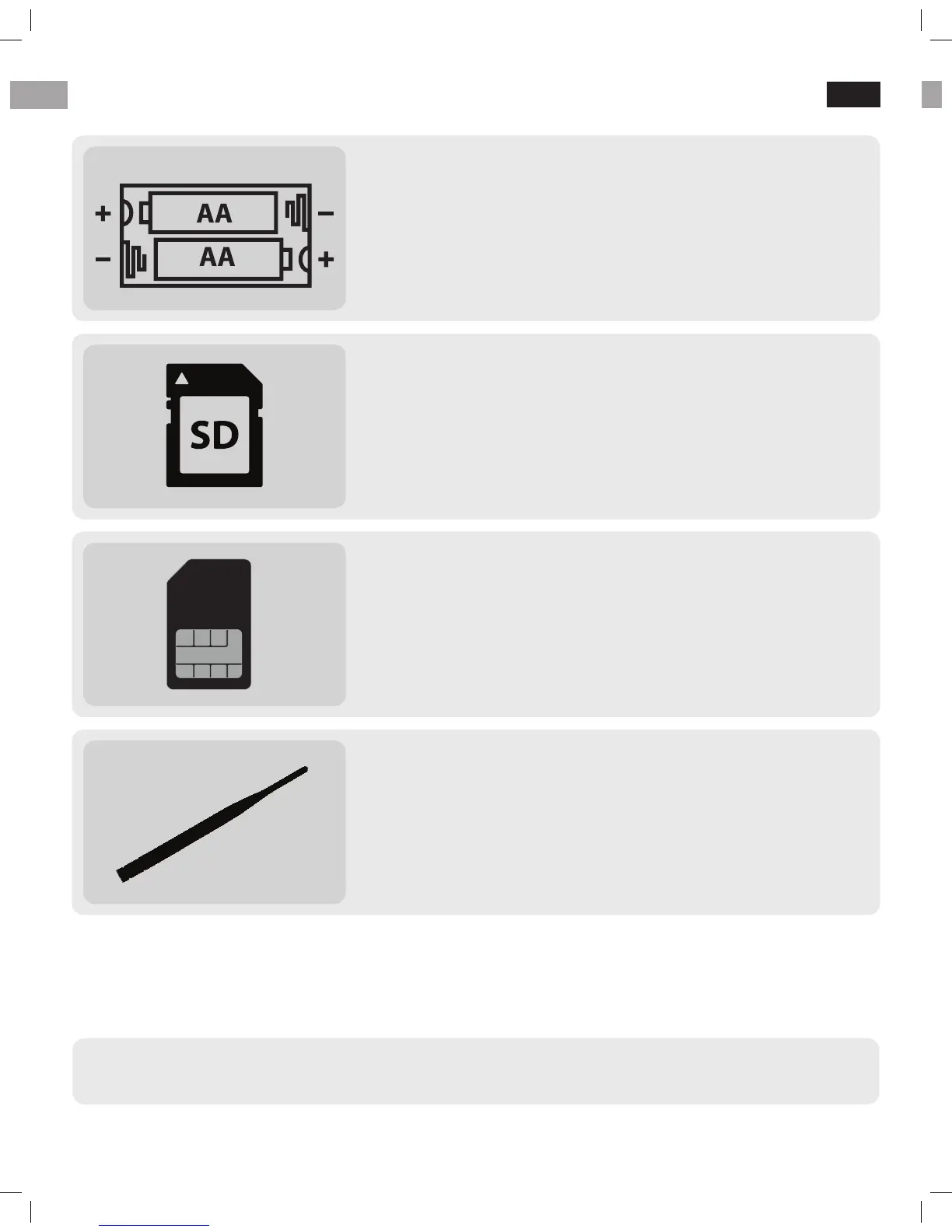
Loading batteries
Open the camera’s latch and install 12 x AA size batteries.
Alternatively you may use 6V external battery or AC
adapter to plug in camera.
1.
Inserting SIM card
Open the camera’s latch and insert SIM card in the slot
on the left side of the display. SIM card with data plan is
needed in order to use wireless function. Disable PIN-
code before using the SIM card in the camera!
3.
Inserting SD card
Open the camera’s latch and insert SD card into the
memory card slot. Up to 32GB SD cards are supported. We
recommend using Class 6 or 10 SD card, not an UHS card.
2.
Attaching antenna
Attach the antenna in the top of the camera to the
antenna thread. Do not remove the black o-ring around
the thread that blocks the water from leaking inside
camera housing!
4.
● IF YOU HAVE RECEIVED THE CAMERA AS PRE-INSTALLED, MOVE TO PART 4. ATTACHING
ANTENNA AND THEN TO PAGE 9.
EN
2 alternative ways for wireless function setup are presented on the
next pages. You may choose between them (2A or 2B)
6


 To Next Page