Show current GPS coordinate
Retrieve photo or
video clips
Available at instant mode. Equal
to a normal motion trigger.
Logs saved automatically at on
mode.
Send all logs file to email
Notes:
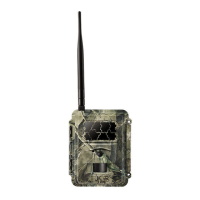
1. When install camera, it’s better to put it somewhere 1.5m above
the ground, good for night time image and less false trigger.
2. If you want to use the camera as a non wireless camera without
SIM card, please make sure Send mode is off, SMS control is off.
3. When reaches the Max Num, Sending will be stopped; it would
restart to send from the next day, or you can reset the Max Num
by SMS command.
4. In the time stamp, M=motion trigger, T=time lapse trigger,
S=*500# trigger, E= manually trigger. G= G-sensor trigger



 To Next Page