Digital audio
Modify the format of digital audio being output between PCM, RAW and Off.
OSD Transparency
Customises the transparency of the on screen display including information and the
menu.
Audible Feedback
When turned on this function provides a beep via the audio to advise the user that the
set top box has received the remote control command.
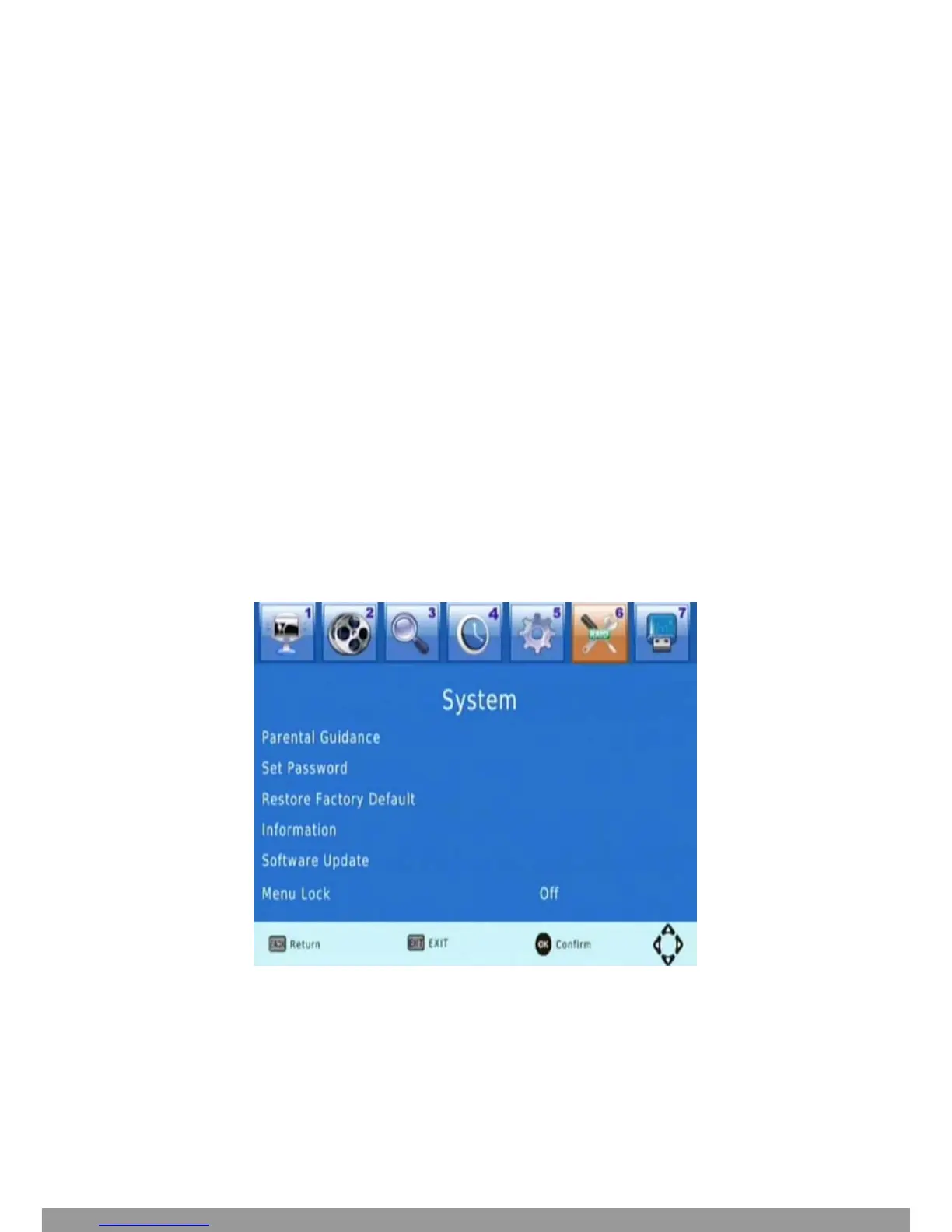
System setting
Press MENU and select System.1
Press OK. 2
The menu provides options to adjust the system settings.
Press the UP/DOWN key to select an option.3
Press RIGHT/LEFT to adjust the setting.4
Press EXIT to exit the Menu.5


 To Next Page