16
For any help concerning set up and use of your TV please call the Customer Helpline: 0044 845 604 0105
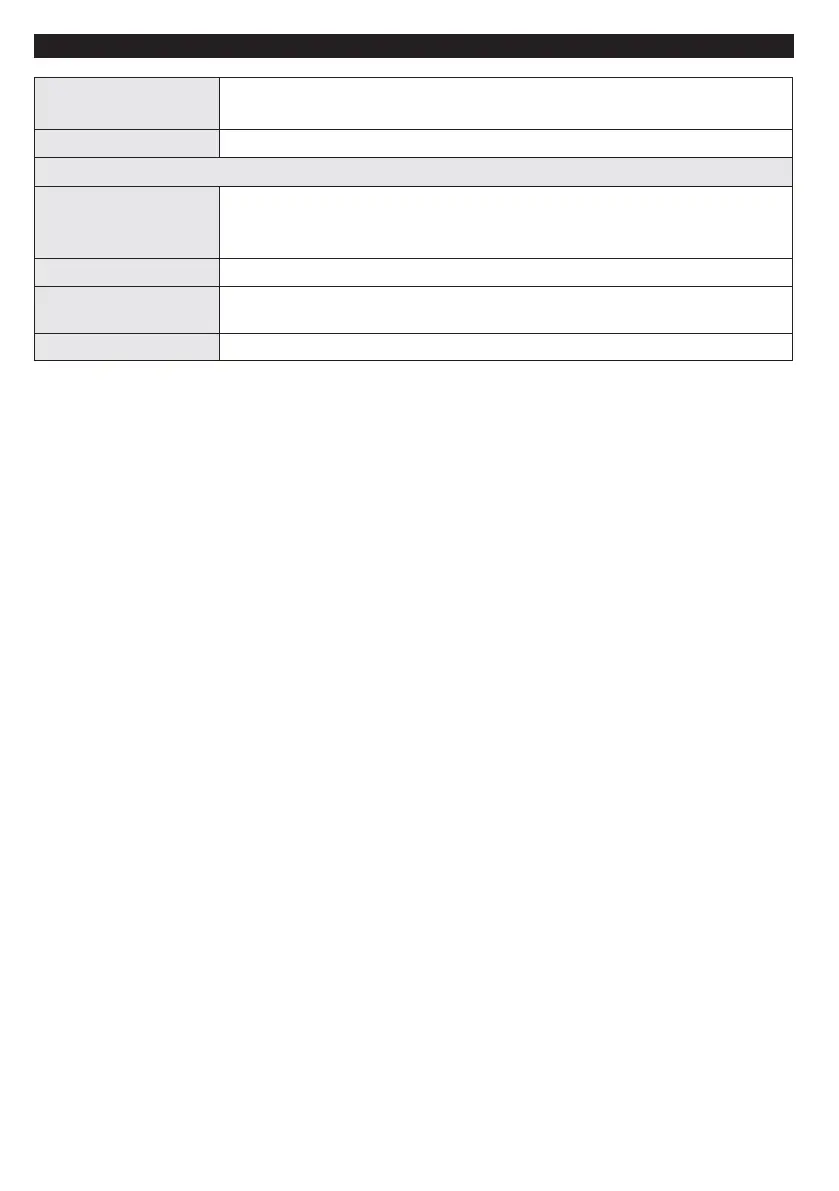
Store Mode
If you are displaying the TV in a store, you can activate this mode. Whilst Store
Mode is enabled, some items in the TV menu may not be available.
Power Up Mode This setting confrigures the power up mode preference.
Install and Retune Menu Contents
Automatic Channel
Scan (Retune)
(If available)
Displays automatic tuning options. Digital Aerial: Searches and stores aerial
DVB stations. Analogue: Searches and stores analogue stations. Digital
Aerial & Analogue: Searches and stores aerial DVB and analogue stations.
Manual Channel Scan This feature can be used for direct broadcast entry.
Analogue Fine Tune
You can use this setting for ne tuning analogue channels. This feature is not
available if no analogue channels are stored.
First Time Installation Deletes all stored channels and settings, resets TV to factory settings.
TV Menu Features and Functions













 To Next Page