English - 11 -
For any help concerning set up and use of your TV please call the Customer Helpline: 0345 604 0105
Getting Started
Attaching the Stand
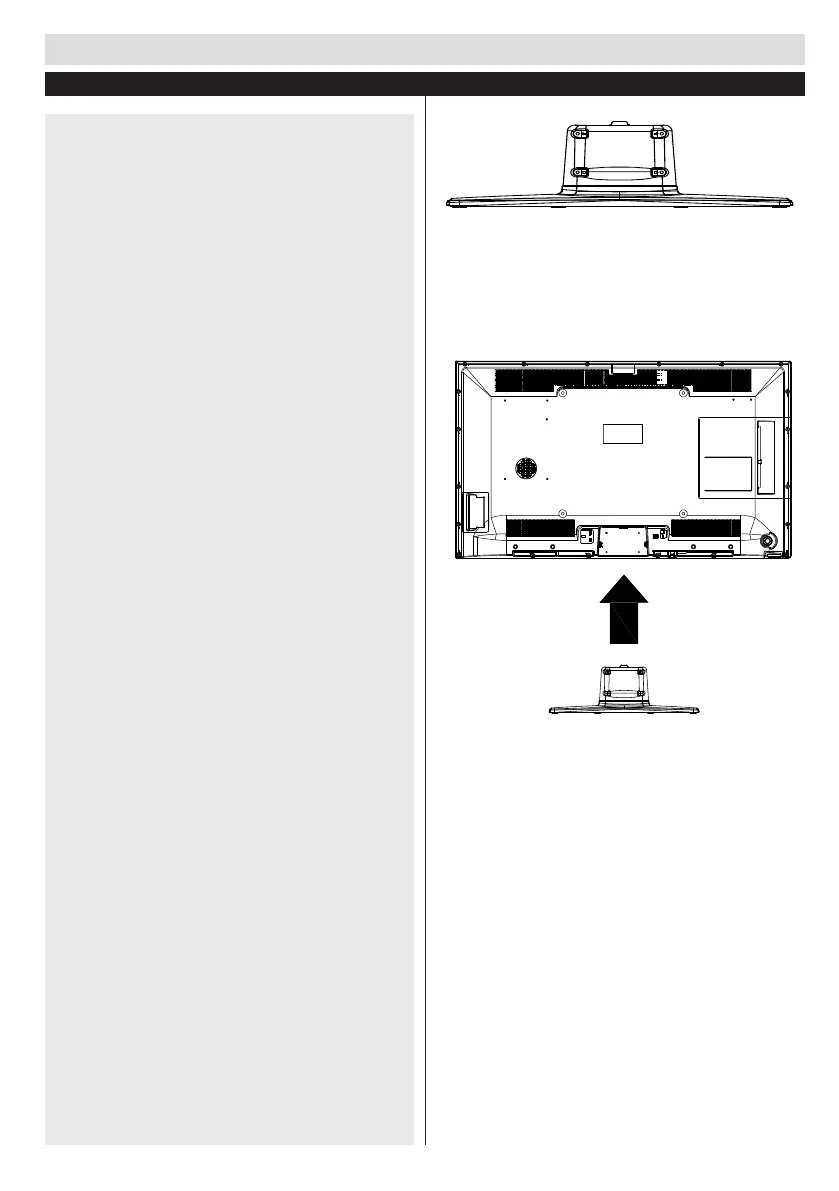
1. Stand is placed on a at surface (g.1).
2. To install the TV on the wall, rst of all, foot assembly
should be removed. Unscrew the 4 screws that attach
the foot assembly to the panel and remove the foot
assembly from the panel (g.2).
g.1
g.2













 To Next Page