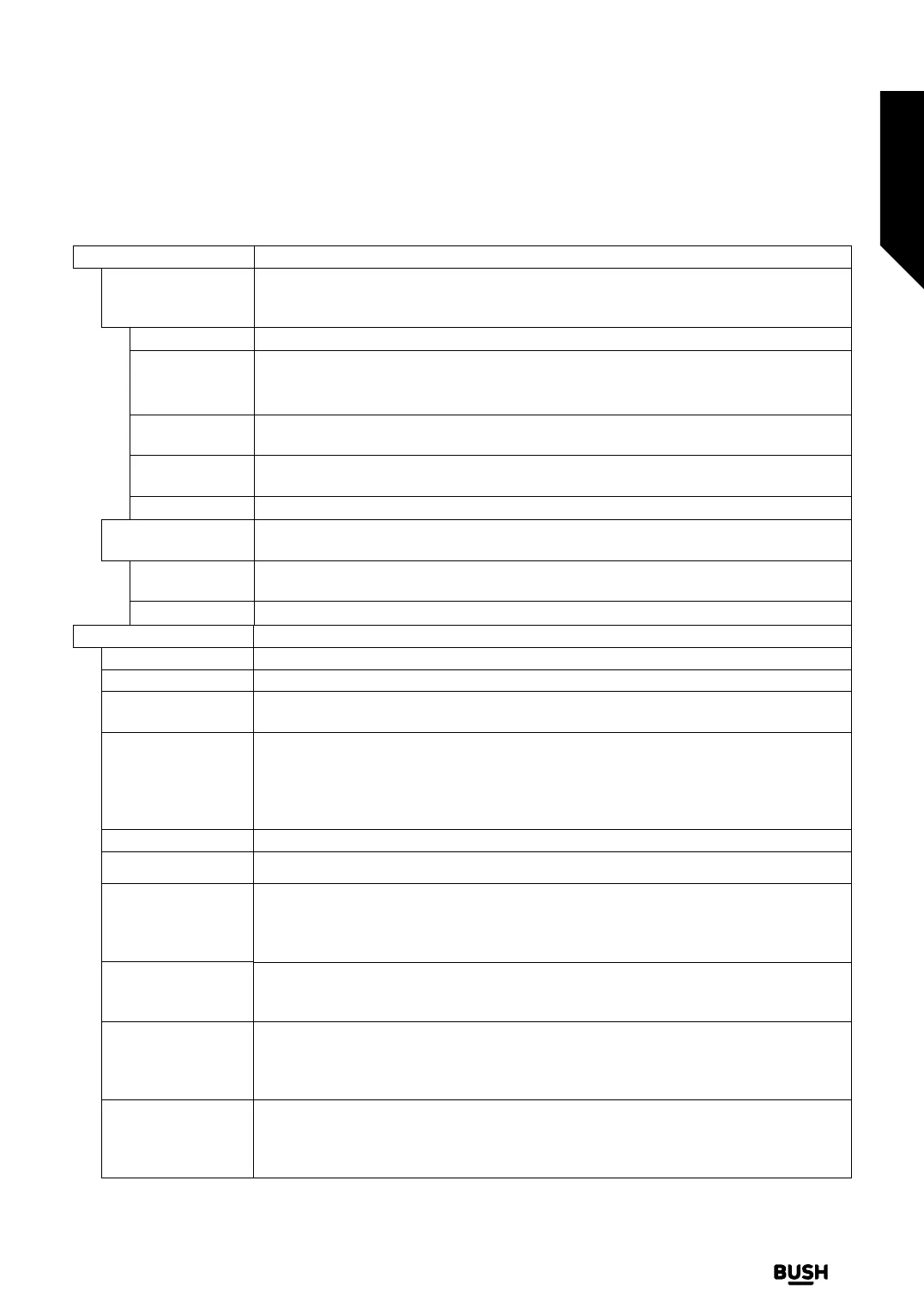
Voice Assistant
Alexa Built-in
Starts the setup process for this feature manually. If the setup is priorly completed Alexa
Language, Alexa On Standby Mode, Alexa Home Screen, Alexa Alarm Volume
Sign Out options will be available. Refer to Alexa Ready section for more information.
Alexa Language Sets the language preference for Alexa.
Alexa On
Standby Mode
Enables or disables Alexa On Standby Mode feature. If enabled Alexa will be available
while the TV is in standby mode.
Note: This feature may aect your TV’s power consumption.
Alexa Home
Screen
Set as O to disable this feature or choose one of the inactivity periods to enable. 15
min, 30 min, 1 hour and 2 hour options will be available.
Alexa Alarm
Volume
Sets the volume level for Alexa alarms.
Sign Out You can use this option to sign out. If you sign out Alexa Built-in feature will be disabled.
Works With Alexa
Starts the setup process for this feature manually. If the setup is priorly completed Change
Friendly Name and Sign Out options will be available.
Change Friendly
Name
You can define a new name for your TV using this option.
Sign Out You can use this option to sign out. If you sign out Works With Alexa feature will be disabled.
More Displays other setting options of the TV.
Menu Timeout Changes timeout duration for menu screens.
Standby Mode LED If set as O the standby mode LED will not light up when the TV is in standby mode.
HBBTV
You can enable or disable this feature by setting it as On or O. Refer to HbbTV System
section for further information.
Device
Identification
When this option is enabled it causes a ‘Device ID’ to be generated internally for each
Web origin visited. When disabled all the current ‘Device ID’s’ are cleared for each Web
origin that was visited. You can enable or disable this feature by setting it as On or O.
This feature is available if channels are installed and the country option is set as Norway
during the first time installation.
Software Upgrade Ensures that your TV has the latest software. Press OK to see the menu options.
Application Version Displays current software version.
Subtitle Mode
This option is used to select which subtitle mode will be on the screen (DVB subtitle /
Teletext subtitle) if both are available. Default value is DVB subtitle. This feature is available
if channels are installed and the country option is set as Norway during the first time
installation.
Auto Power Down
Sets the desired time for the TV to automatically go into standby mode when not being
operated. This option can be set from 1 to 8 hours in steps of 1 hour. You can also disable
this option by setting as O.
Store Mode
Select this mode for store display purposes. Whilst Store Mode is enabled, some items
in the TV menu may not be available. For some models Enabled with video option may
also be available. If this option is set, the TV will switch to store mode and the pre-installed
video file will be played back.
Audio Video
Sharing
This feature allows you to share files stored on your smartphone or tablet pc. If you have
a compatible smartphone or tablet pc and the appropriate software is installed, you can
share/play photos, music and videos on your TV. See instructions of your sharing software
for more information.
Advanced features
Getting the most from your TV
Advanced features
37
If you require any technical guidance or find that your TV is not operating as intended, a simple solution can often be found in the Troubleshooting section of these instructions,
or online at www.bush-support.co.uk If you still require further assistance, call one of our experts on 0345 604 0105, a Bush enquiry line.














 To Next Page