7
4 System Settings
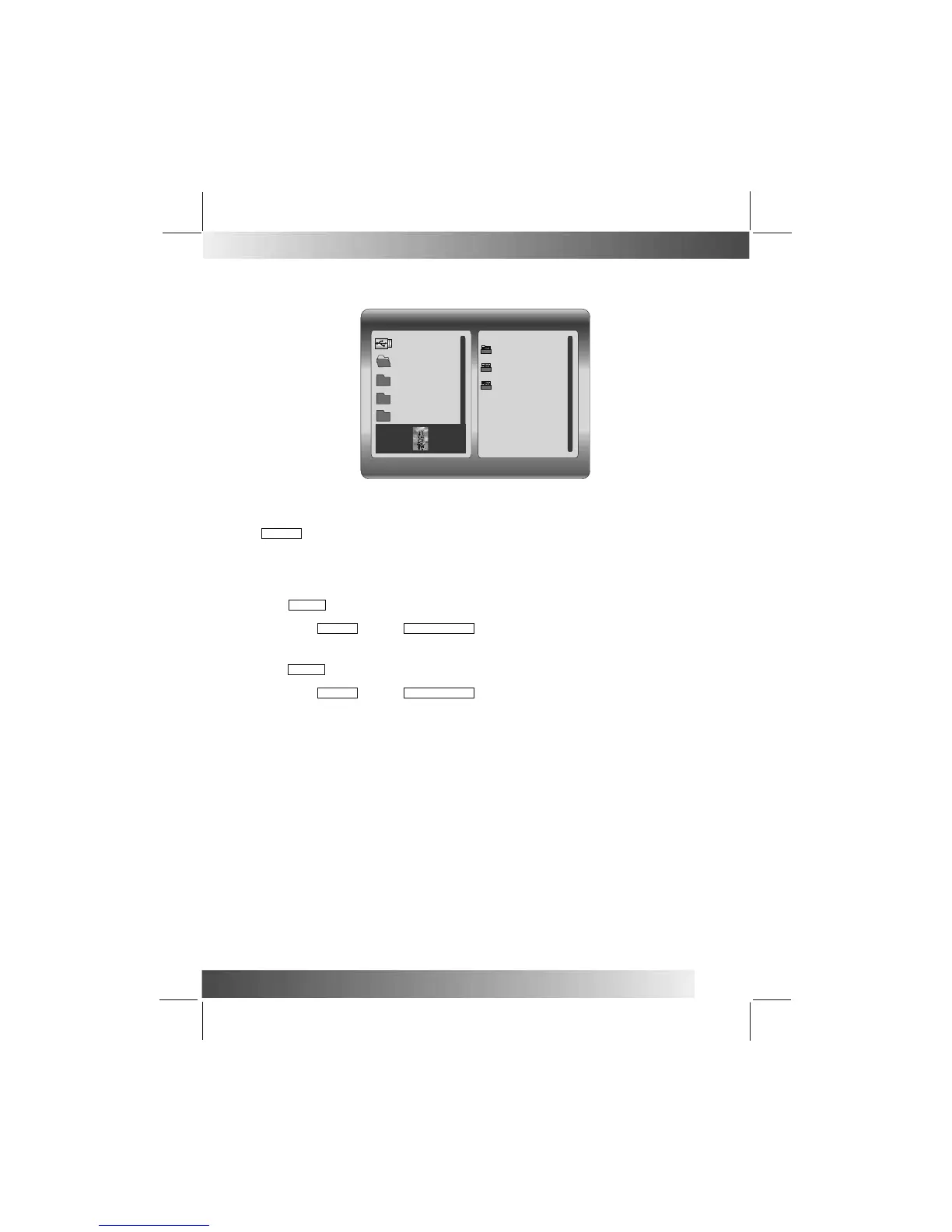
File Manager mode:
4.1.4 Auto Play
4.1.4.1Photo
Slide show will be automatically started if auto-play for photo is set to on when Photo is selected in Main
menu or PHOTO button is pressed.
Either Thumbnail mode or File Manager will be display if auto-play for photo is set to off.
Music playback will be automatically started if auto-play for music is set to on when MUSIC is selected in
Main menu or MUSIC button is pressed.
File Manager will be display if auto-play for music is set to off. Select decided music file using 4 navigation
buttons followed by ENTER button or PLAY/PAUSE button.
4.1.4.3 Movie
Movie playback will be automatically started if auto-play for movie is set to on when Movie is selected in
Main menu or VIDEO button is pressed.
File Manager will be display if auto-play for music is set to off. Select decided video file using 4 navigation
buttons followed by ENTER button or PLAY/PAUSE button.
4.2 Display Setup
File Number:9-111
/dev/usb0/1
Beauty
MP3
BMP
Video
200601-1 9
200601-2 10
200601-3 11
450x676 2008/3/29
4.2.1 Brightness
This option allows the user to set the brightness of the television screen. They can choose from three
different options: normal, bright, and soft.
4.2.2 Contrast
This option can be used to set the screen contrast. The contrast is divided into 15 different levels,
from -4~0~+4, with larger numbers representing greater contrast.
4.2.3 TFT Brightness
This option can be used to set the screen brightness. The brightness is divided
into 15 levels, from -7~0~7, with the larger (positive) numbers representing greater brightness.
4.2.4 TFT Contrast
This option can be used to set the screen contrast. The contrast is divided into
15 different levels, from -7~0~7, with larger numbers representing greater contrast.
4.1.4.2 Music


 To Next Page