19
Photo/41 14/14
15 Basic Operations
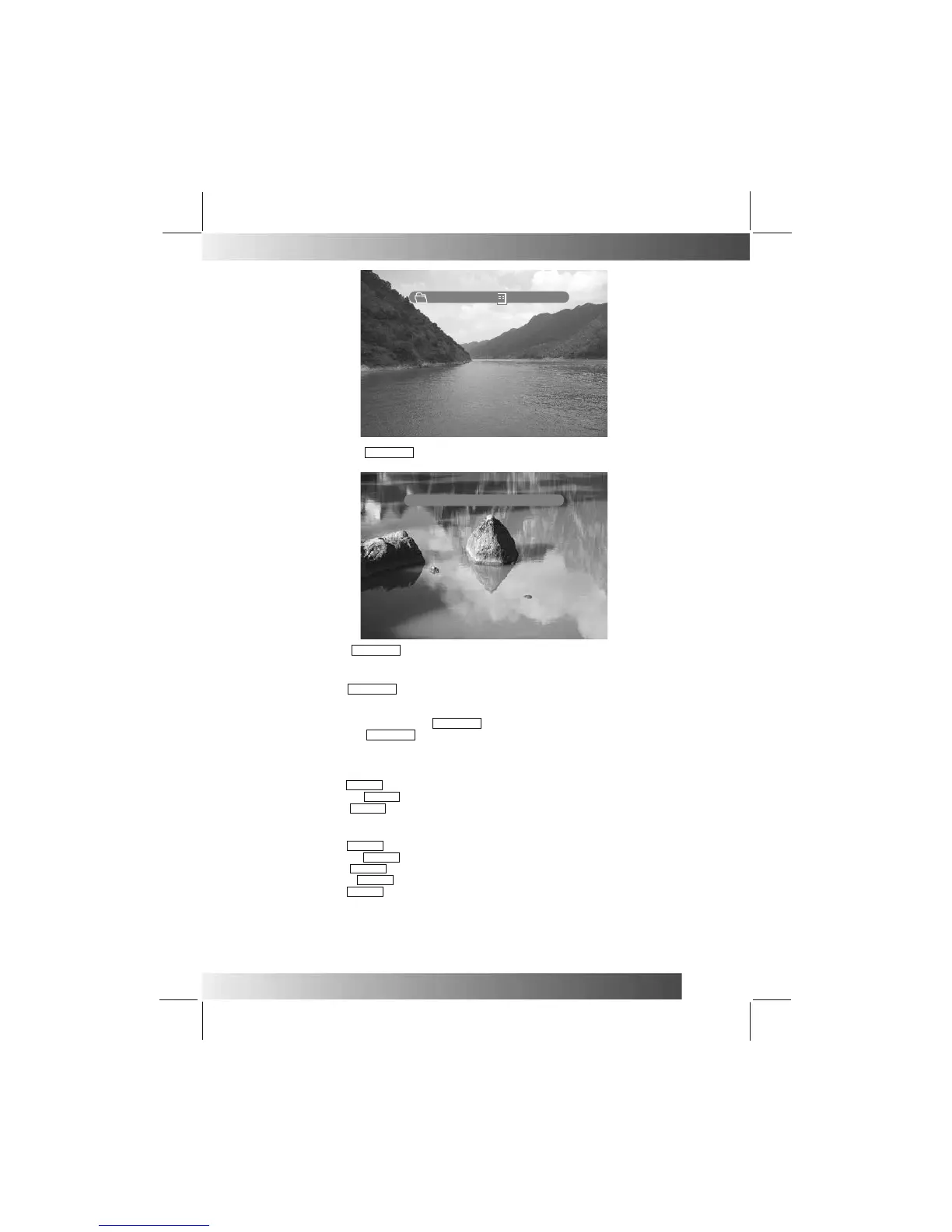
The second time you press DISPLAY , the following information will be dis
played:[resolution], [date].
The third time you press DISPLAY , you will go back to the original display, and no information will
be displayed.
When you are playing DAT / MPG / VOB / MP4 videos:
The first time you press DISPLAY , the following information will be dis
played:[menu \file name] ,
[the order of this file inside the folder directory / the total number of files in this folder directory],
and [Time]. However, after three seconds, the system will
Automatically display only the[Time].
When only the[Time]is displayed, press DISPLAY again to display the complete information.
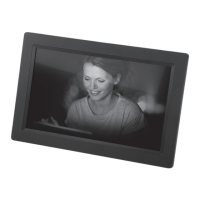
The second time you press
Resolution:800x600
Date:2003/5/6
DISPLAY , you will go back to the original display, and no informati
on will be displayed.
Zoom: Enlarge Images
When you are playing DAT / MPG / VOB videos:
The first time you press ZOOM , the image will be enlarged 2X.
The second time you press ZOOM , the image will be enlarged 4X.
The third time you press ZOOM , the image will return to normal size.
When zooming in, you can use the direction buttons to select the zoom location.
When you are playing JPEG images:
The first time you press ZOOM , the image will be enlarged to 150%.
The second time you press ZOOM , the image will be enlarged to 200%.
The third time you press ZOOM , the image will be shrunk to 25%.
The fourth time you press ZOOM , the image will be shrunk to 50%.
The fifth time you press ZOOM , the image will be restored to normal size (100%).
When the image is enlarged, you can use the direction buttons to select the area on display.
Note:-
This function not suitable for audio file playback.
VOL+/-: Volume: To increase / decrease volume level.
Maximum 16, minimum 0


 To Next Page