OPERATION
EXIT
MENU
OK
TIME
Clock
Off Time Off
On Time Off
Sleep Timer Off
Auto Sleep Off
Time Zone
New South Wales GMT +10
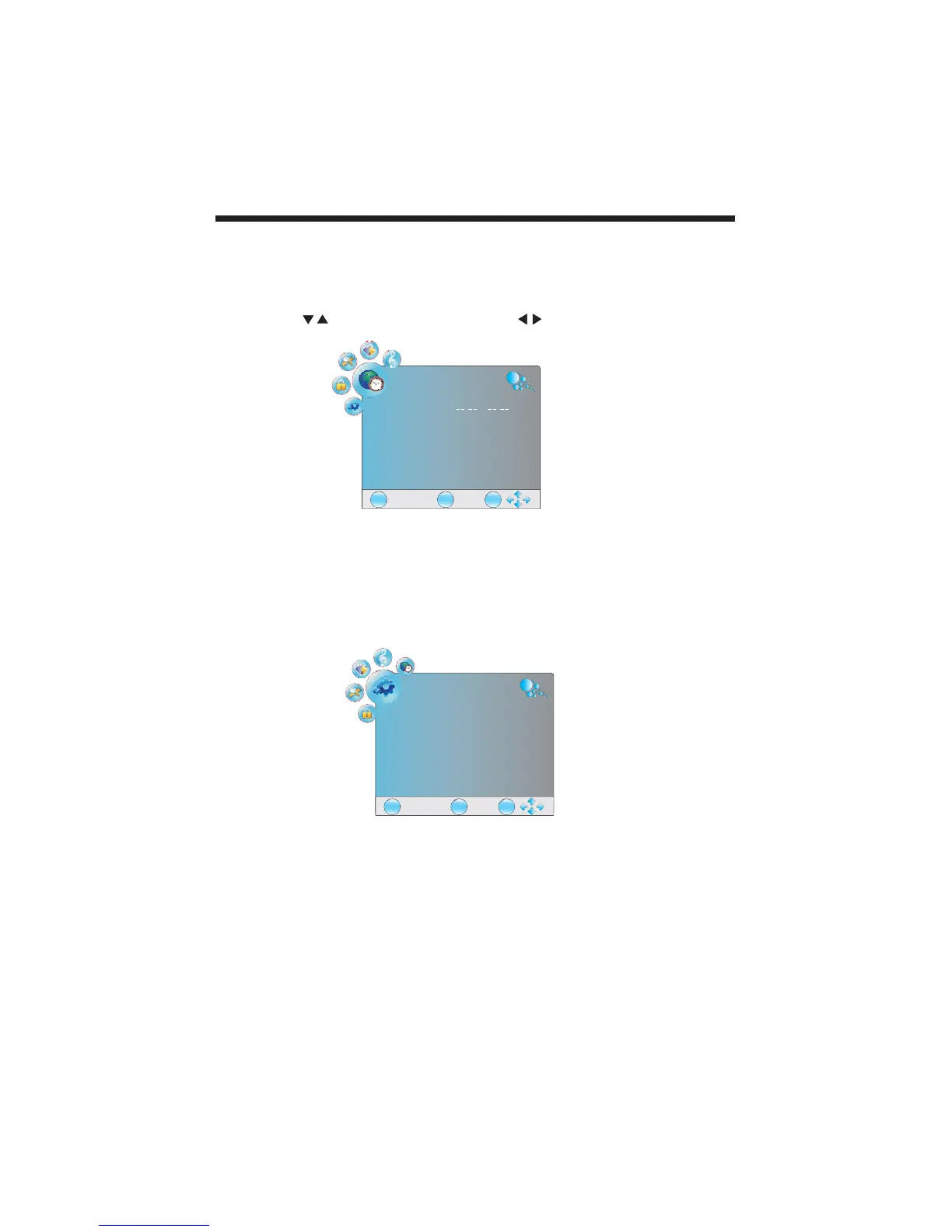
4.TIME MENU
The forth item of the menu is the TIME menu.
You can adjust the clock, power on/off time, sleep timer and time zone as well as
other time clock functions.
Press the buttons to select and press the buttons to adjust.
NOTE:
When the Auto Sleep is set to ON, the unit will turn to standby mode automatically
if there is no signal input for a period of about 15 minutes.
EXIT
MENU
OK
DEFAULT
Menu Language English
Audio Language English
Subtitle Language English
Hearing impaired Off
Country Australia
5.DEFAULT MENU
The fifth item of the MENU is the DEFAULT menu.
In this menu, you can adjust the Hearing impaired function only.
-19-



 To Next Page