EasyManua.ls Logo

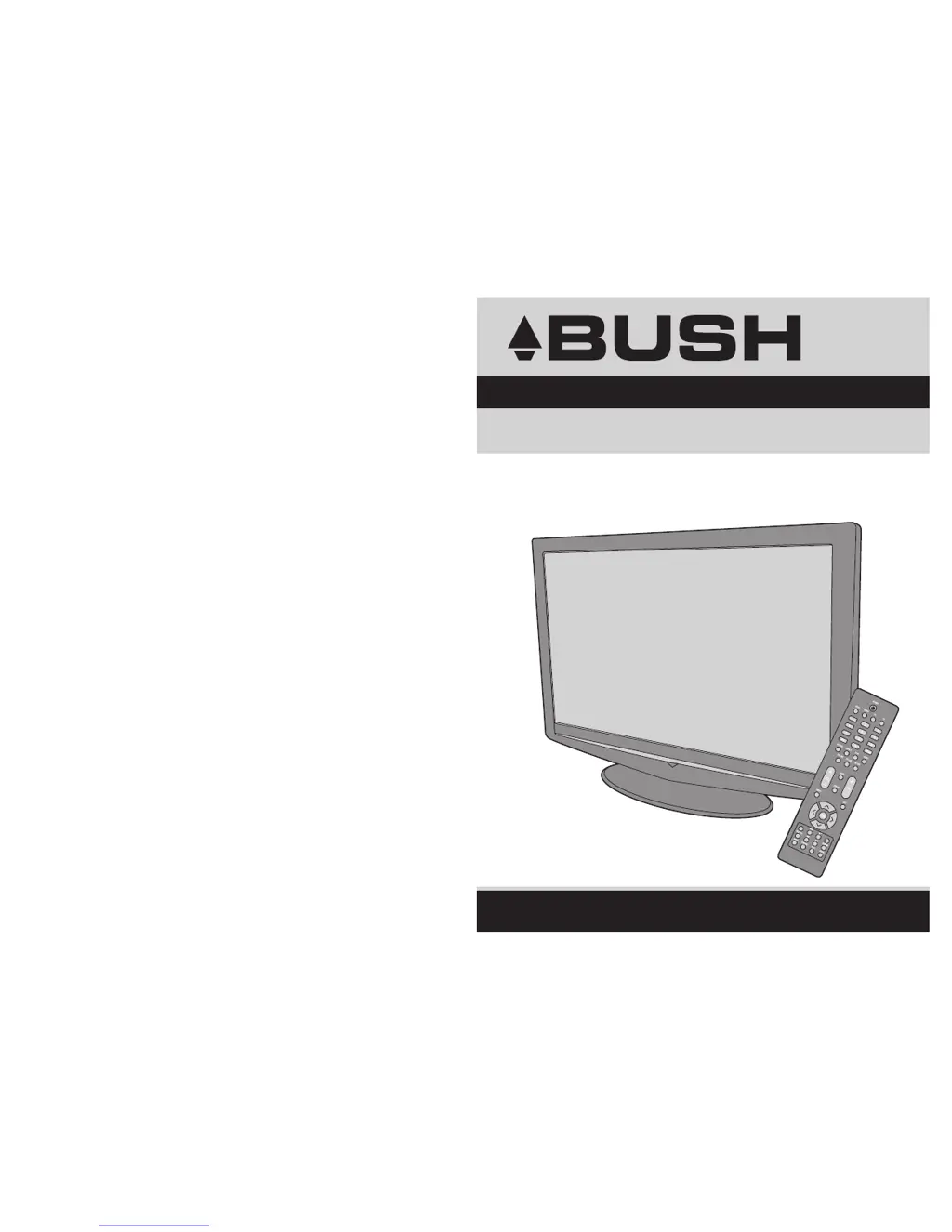
Bush 32in - User Manual

Bush 32in
21 pages
Print Icon
To Next Page IconTo Next Page
Loading...
Instruction Manual - Please keep for future reference
Bush 32/37/42/47in LCD TV
4-08

Questions and Answers

  • S
    sfletcherAug 13, 2025
    What to do if my Bush LCD TV has no picture?
    • D
      Donald RayAug 13, 2025
      If your Bush LCD TV shows no picture, try the following: 1. Ensure the power cord is correctly connected. 2. Turn the power on. 3. Make sure the signal cable is properly connected. 4. Press any button on the LCD TV.
  • M
    Matthew KingAug 17, 2025
    What to do if my Bush 32in LCD TV has a twisted picture?
    • M
      Michael AdamsAug 17, 2025
      If your Bush LCD TV displays a twisted picture, try the following: 1. Make sure the signal cable is connected correctly. 2. Use a compatible signal.
  • B
    Brian RobinsonAug 20, 2025
    How to fix broken lines or segments on Bush 32in LCD TV screen?
    • M
      Mr. Christian DayAug 20, 2025
      To address broken lines or segments on your Bush LCD TV screen: * Adjust the antenna. * Keep the TV away from noise sources, such as vehicles, neon lights, and hair dryers.
  • K
    ktorresAug 25, 2025
    What to do if my Bush 32in LCD TV has audio but no images?
    • N
      Nicholas StewartAug 26, 2025
      If your Bush LCD TV has audio but no images, check the following: 1. Ensure the input signal is connected correctly. 2. Make sure the TV-RF signal is not lower than 50dB.
  • P
    Patrick GrayAug 28, 2025
    What causes overlapping or ghost images on Bush LCD TV and how to fix it?
    • X
      xrodriguezAug 28, 2025
      If you are experiencing overlapping or ghost images on your Bush LCD TV, use a multi-directional outdoor antenna.
  • K
    Kari JacksonSep 1, 2025
    How to fix no colours on Bush 32in LCD TV?
    • P
      pjacksonSep 1, 2025
      If your Bush LCD TV has no colours, adjust the colour setup.
  • P
    paigepayneSep 5, 2025
    What to do if my Bush 32in has a blinking picture accompanied by a ghost image?
    • P
      Patrick SmithSep 5, 2025
      If your Bush LCD TV displays a blinking picture with a ghost image, try the following: 1. Check the connection of the antenna or signal cable. 2. Verify if the channel is in play mode. 3. Press the signal source button and change the input mode.
  • M
    Megan WallSep 8, 2025
    How do I acquire blocked TV channels on my Bush 32in?
    • G
      Gloria PetersonSep 8, 2025
      To acquire blocked TV channels on your Bush LCD TV, use the Update scan method to add the channels not included in memory.

Summary

Important Safety Instructions

General Warning

General warning against misuse, modification, and exposure to elements.

Important Usage Information

Key details on household use, power connection, and voltage checks.

Performance Optimisation

Advice on environmental conditions, placement, and ventilation for best operation.

General Safety Rules

Prohibitions on disassembly, modifications, and safe usage practices.

Power Supply Guidelines

Instructions for mains connection, power cords, and battery handling.

Earphone Listening Safety

Guidance on safe volume levels to prevent hearing damage.

Technical Caution

Warning against removing covers to avoid electric shock risk.

Remote Control

Wall Mounting

Wall Mounting Important Advice

Crucial advice on drilling into walls safely and checking screw suitability.

Antenna Connection

Antenna Connection Warning

Crucial warning to switch off the TV before connecting any external device.

Antenna Connection Procedure

Steps for connecting the antenna plug and improving picture quality.

Tuning Menu Options

Other Connections

Connection Warning

Crucial warning to switch off the TV before connecting any external device.

Basic Operation

Menu Operation

Common Interface Module

Common Interface Warning

Crucial warning to switch off TV before inserting module into Common Interface slot.

Troubleshooting

Specifications

Plug Replacement Warning

Bush 32in Specifications

General IconGeneral
BrandBush
Model32in
CategoryLCD TV
LanguageEnglish

Related product manuals