NICAM
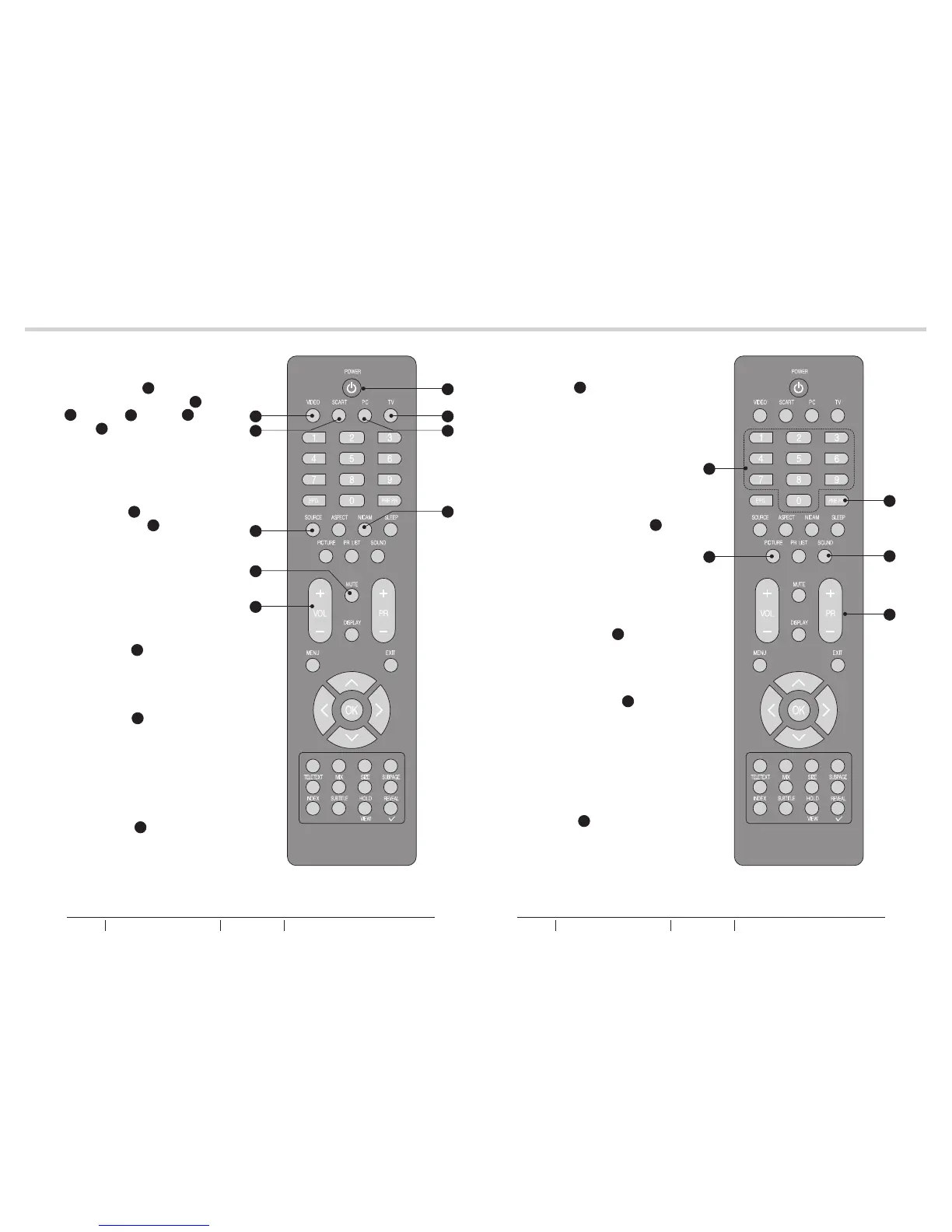
1. Press the NICAM L to select
MONO, STEREO, DUAL 1 and
DUAL 2 for ATV channel. Select
Audio language for DTV channel.
See fig. 26.
SOUND
1. Press SOUND P to set the LCD
TV to a predefined sound setting.
Off / Rock / Pop / Live / Dance /
Techno / Classic / Soft.
See fig. 27.
PICTURE
1. Press PICTURE N to set the LCD
TV to a predefined picture setting.
User / Cinema / Sport / Vivid / Hi-
bright.
See fig. 27.
18
19
BASIC OPERATIONBASIC OPERATION
fig. 26 fig. 27
AUDIO CONTROL
1. Press the VOL+ Q to increase
the volume or VOL- Q to
decrease the volume. A number
will appear on screen indicating
the volume level.
See fig. 26.
MUTE
1. Press the MUTE R to mute the
sound temporarily. A mute icon
will appear on the screen.
See fig. 26.
2. Press the MUTE R again or
VOL+/VOL-to restore the sound.
The mute icon will disappear.
See fig. 26.
SELECT TV CHANNEL
1. You can use the Number Keys F
on the remote control to directly
select TV channels. Enter the
channel number you want to
watch, the keys must be pressed
within 3 seconds.
See fig. 27.
2. You may press PR +/- S To
select the previous or next TV
channel.
See fig. 27.
3. You may press PRE PR H To
display the TV channel previously
selected.
See fig. 27.
F
A
SELECT SOURCE
1. Press the POWER A to turn on
the LCD-TV. Then press TV D,
PC E, SCART C, VIDEO B or
SOURCE K to select the source.
See fig. 26.
D
E
B
C
K
Q
R
L
H
S
P
N
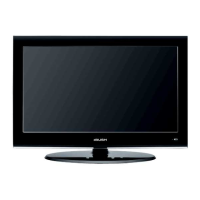
BUSH HD Ready Digital LCDTV User Manual Customer Helpline 0845 604 0105BUSH HD Ready Digital LCDTV User Manual Customer Helpline 0845 604 0105



 To Next Page