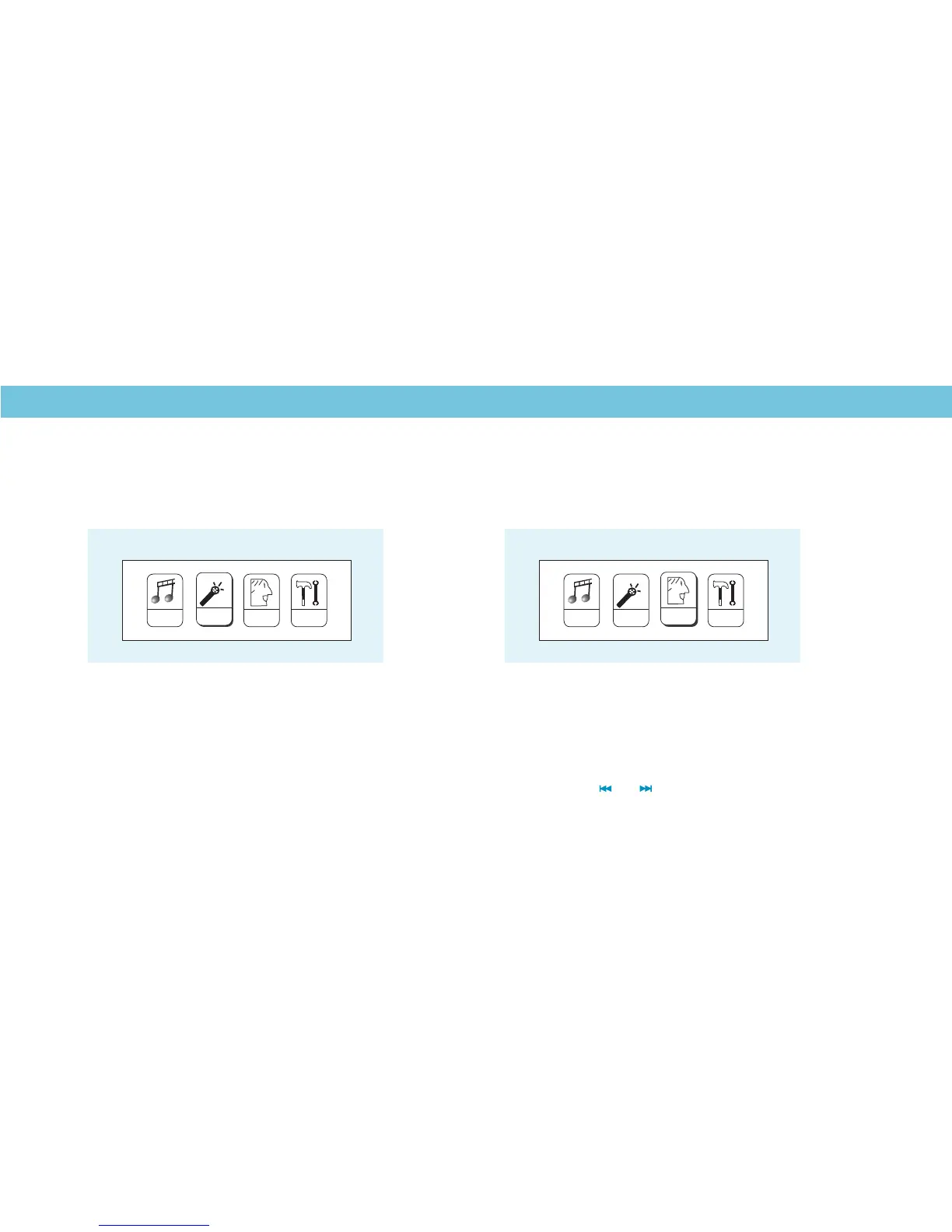
Select on the Main Menu. T
then press the Play/Pause button to start voice playing.
If you want to delete the selected voice file, you can press the
button to enter the sub-menu. Push the button to select
“ ”. Press and to select the song to be deleted.
o select a recorded voice file, and
Delete file
Record & Voice Playback
Select on the Main Menu. Then press the
button to enter the Voice Recording Mode.
You can press the Play/Pause button to start recording,
and save the recorded voice by holding the button.
REC
Voice Recording
RPL
Voice Playback
SYS
RPL
REC
MSC
M
M
M
M
SYS
RPL
RECMSC
10



 To Next Page