EasyManua.ls Logo

Bush CMP41DS - User Manual

Bush CMP41DS
16 pages
Print Icon
To Next Page IconTo Next Page
Loading...
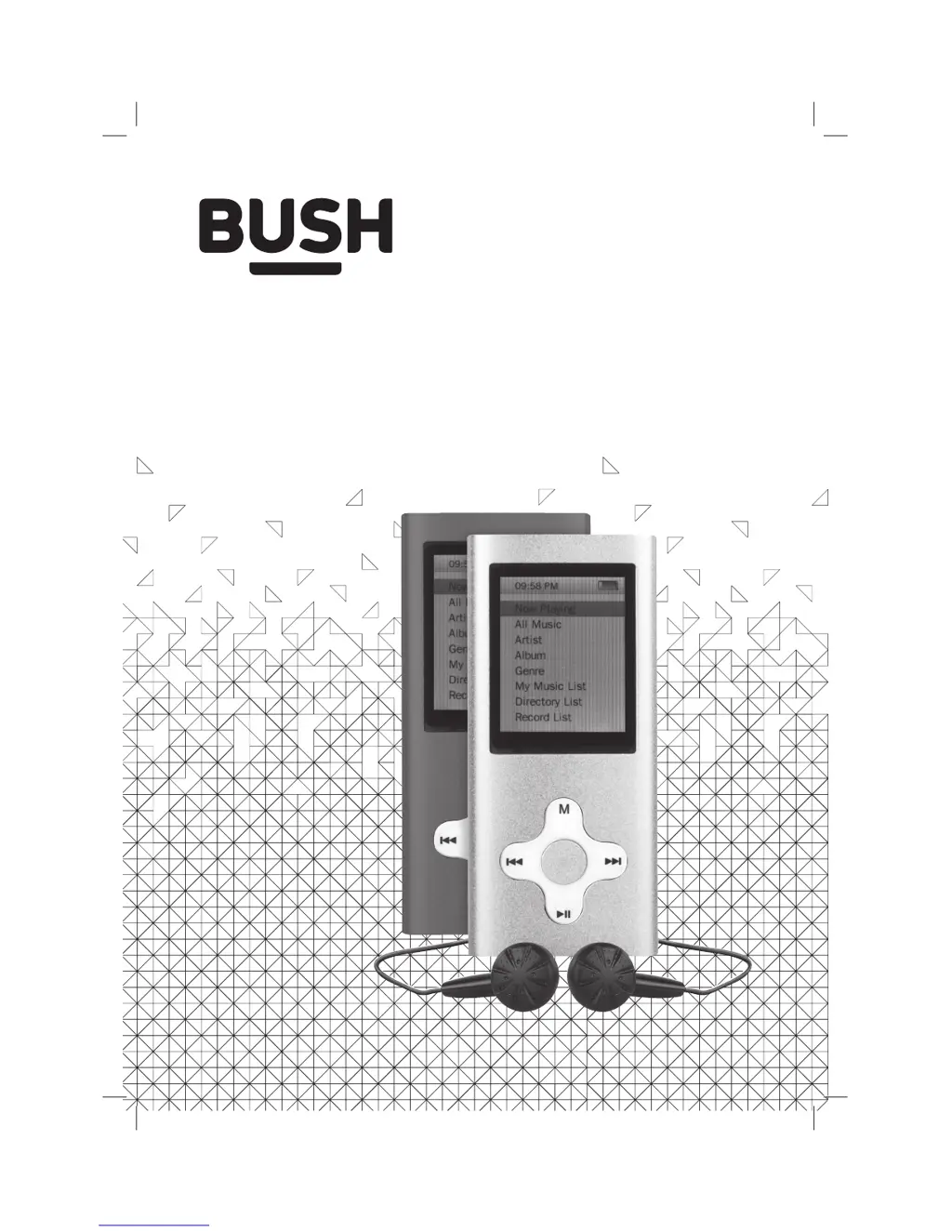
Instruction Manual
CMP41DS
CMP41DP

Questions and Answers

  • B
    Brian MillerAug 2, 2025
    What to do if my Bush CMP41DS has no sound?
    • D
      Dylan MillsAug 2, 2025
      If your Bush MP3 Player isn't producing any sound, there could be several reasons. First, the volume might be too low, so try increasing it. Second, playback may not be initiated, so press the PLAY/PAUSE button. Third, the earphones might not be connected correctly; ensure the 3.5mm earphone plug is fully inserted into the earphone socket. Finally, no audio files may have been copied to the internal memory; in this case follow ‘Connecting to a PC’ instructions on page 4 of this manual.
  • B
    Briana HerreraAug 12, 2025
    Why is my Bush CMP41DS not turning on?
    • S
      Stephanie HallAug 12, 2025
      If your Bush MP3 Player isn't turning on, it likely needs to be charged. Connect it to a PC or laptop using the supplied cable to charge it.
  • M
    Megan BrownAug 23, 2025
    How to fix distorted sound on Bush CMP41DS?
    • A
      Angela TaylorAug 23, 2025
      If the sound from your Bush MP3 Player is distorted, the volume may be too high. Try reducing the volume to see if that resolves the issue.

Summary

Safety Information

Care & Maintenance

Instructions for cleaning and maintaining the device.

Disposal Information

Guidance on proper disposal of the product and battery.

Rechargeable Battery Disposal

Specific instructions for disposing of the built-in rechargeable battery.

Functions & Controls

Overview of Controls

Identifies and labels the physical buttons and ports of the device.

Getting Started

Instructions on how to charge the device for the first time.

Music Playback

Music Playback & Audio Function Menu

Guide on selecting music tracks, accessing audio settings, and EQ modes.

Video Playback

Camera & Video Camera

Camera Operations

Photo shooting, basic controls, and function menu access.

Troubleshooting & Specifications

Troubleshooting Guide

Solutions for common problems encountered with the device.

Technical Specifications

Detailed technical information about the device's hardware and supported formats.

Guarantee Information

Bush CMP41DS Specifications

General IconGeneral
Model NumberCMP41DS
TypeMP3 Player
Storage Capacity4GB
Battery LifeUp to 8 hours
Audio Formats SupportedMP3, WMA
FM RadioYes
Voice RecordingYes
Headphone Jack3.5mm
Display1.8-inch TFT LCD
Power SourceBuilt-in rechargeable battery
USBUSB 2.0

Related product manuals