Page 8
User instructions
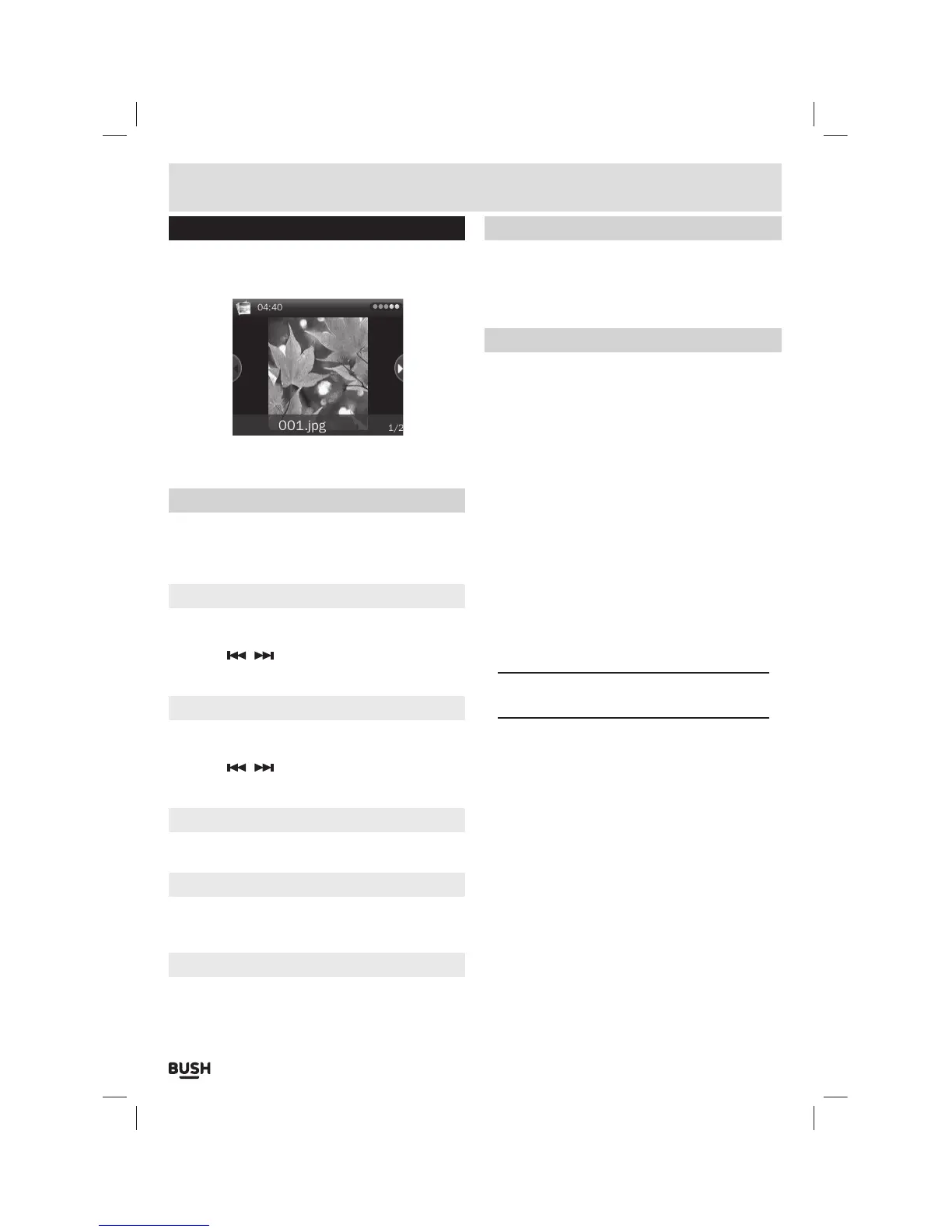
Photo browser
1: Select ‘PHOTO’ from the main menu.
2: Choose a photo from the ‘Dir List’ you wish to view
and press the ‘SELECT’ button to view.
3: Press and hold the ‘M’ button to display information
about the current image.
Photo function menu
1: When viewing a single image (Not during a slide
show) press the ‘Play/ Pause’ button to display the
‘Photo function menu’.
Rotate
1: Select ‘Rotate’ and press the ‘SELECT’ button to
display the rotate options of 90, 180 & 270.
2: Use the
/ buttons to select one of the options
and press the ‘SELECT’ button to activate.
Zoom
1: Select ‘Zoom’ and press the ‘SELECT’ button to
display the zoom options.
2: Use the
/ buttons to select one of the options
and press the ‘SELECT’ button to activate.
Slide interval/ Slide effect
Please see ‘Slide show’ section for details.
Delete
1: Select ‘Delete’ and press the ‘SELECT’ button.
2: Press ‘Yes’ when asked ‘Confirm to delete’.
Information
This function displays information for the current photo.
1: Select ‘Information’ and press the ‘SELECT’ button.
Thumbnail/ List view
1: To view the ‘Dir List’ in a thumbnail format select
‘Scan Mode’ from the main PHOTO menu.
2: Select ‘List Mode’ or ‘Thumbnail’ and press the
‘SELECT’ button to store the setting.
Slide show
Should you wish to view all images in a slide show follow
the below steps.
1: Select a photo from the ‘Dir List’ you wish to view and
press the ‘SELECT’ button.
2: When the image has loaded press the ‘SELECT’
button again to begin a slide show of the available
images (in the selected folder). Pressing the
‘SELECT’ button once more stops the slide show on
the current image.
3: To change the slide show transition effect, select
‘Slide Effect’ from the main ‘PHOTO’ menu.
4: Choose from the available transitions and press the
‘SELECT’ button to store the setting.
5: To adjust the slide show interval between each
image, select ‘Slide Interval’ from the main ‘PHOTO’
menu.
6: Set the amount of seconds between each image and
press the ‘SELECT’ Button to store the setting.
NOTE: The slide effect and interval settings are
also available from the ‘Photo function menu’.



 To Next Page