Page 9
User instructions
FM radio
When using the FM radio it is essential you have
earphones connected as they act as an antenna.
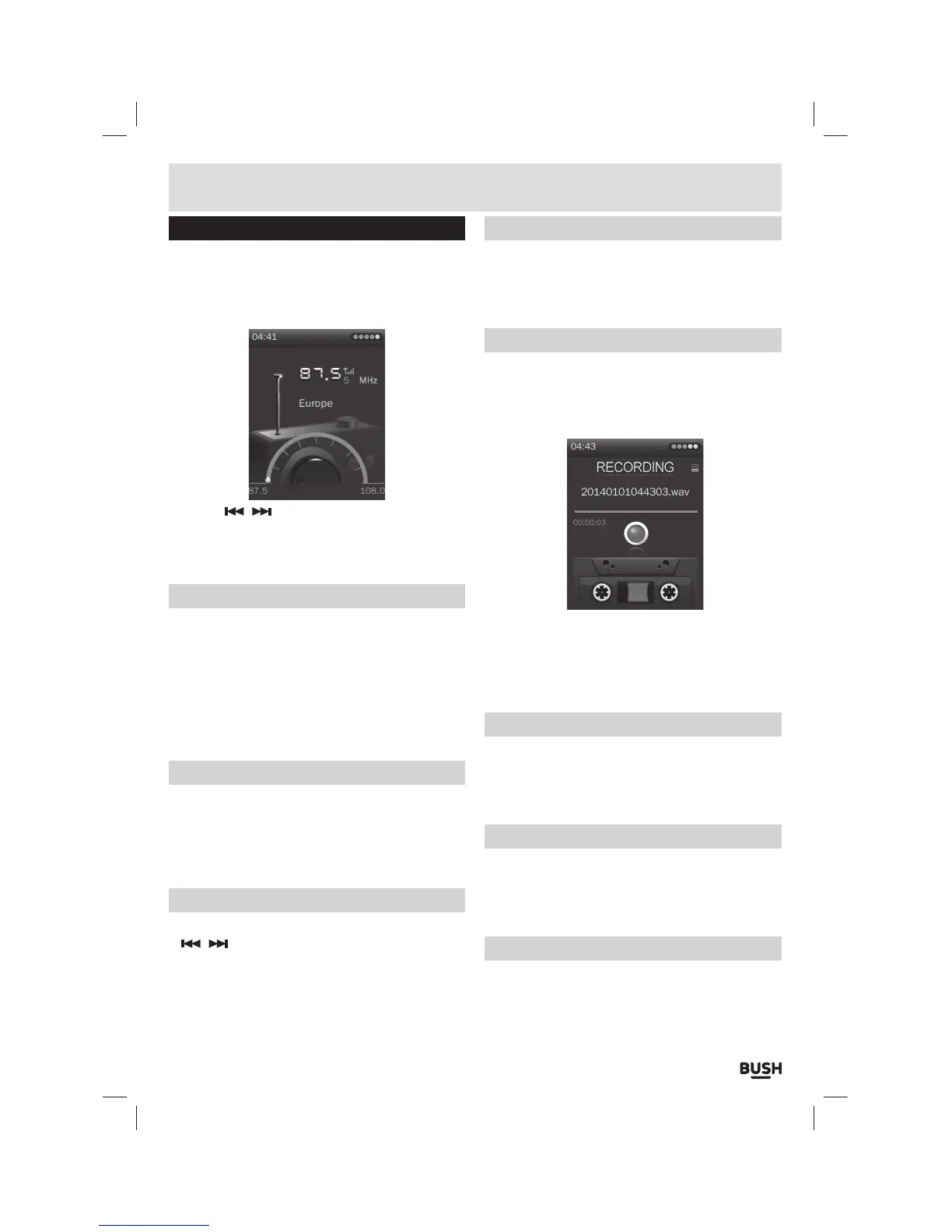
1: Select ‘FM RADIO’ from the main menu. The default
mode is ‘tuning mode’.
2: Use the / buttons to advance up or down the
frequency range in 0.05MHz increments.
3: To switch to ‘channel selection mode’ press the
‘Play/ Pause’ button.
Auto scan
You can perform an auto scan and store all strong
signals as preset channels.
1: Ensure you are in ‘tuning mode’. Press and hold the
‘M’ button to display the ‘Radio function menu’.
2: Select ‘Auto Search’ and press the ‘SELECT’ button.
The frequency band will be scanned and all strong
stations will be stored in to presets.
Storing/ removing preset stations
1: Ensure you are in ‘tuning mode’. When you have
tuned a station press and hold the ‘M’ button.
2: Select ‘Save Channel’.
3: Select a channel from 1-20 and press the ‘SELECT’
button to store the current station to that channel.
Recalling preset stations
1: Ensure you are in ‘channel selection mode’. Use the
/ buttons to cycle through the stored stations.
2: Alternatively you can press and hold the ‘M’ button
and select ‘Channel List’
3: Select a channel and press the ‘SELECT’ button to
activate.
Delete a preset station
1: Ensure you are in ‘channel selection mode’. Select
the channel you wish to delete.
2: Press and hold the ‘M’ button and select ‘Delete
channel’.
FM record function
1: When you have tuned a station press and hold the ‘M’
button.
2: Select ‘FM Record’. The FM record mode is activated
and automatically begins recording the current
station.
3: Press the ‘SELECT’ button to pause the recording.
Press once more to resume recording.
4: When the recording is finished press the ‘M’ button
to save the file. If you are asked to stop the recording,
select Yes.
Record quality
1: Press and hold the ‘M’ button and select ‘Record
Quality’.
2: Set the record quality from Low, Medium & High.
Press the ‘SELECT’ button to store the setting.
Record gain
1: Press and hold the ‘M’ button and select ‘Record
Gain’.
2: Set the record gain level from 1-5. Press the ‘SELECT’
button to store the setting.
FM Sensitivity
1: Press and hold the ‘M’ button and select ‘FM
Sensitivity’.
2: Set the sensitivity level from Low, Medium & High.
Press the ‘SELECT’ button to store the setting.



 To Next Page