22
If you require any technical guidance or find that your product is not operating as intended, a simple solution can often be found in the Troubleshooting section of these instructions,
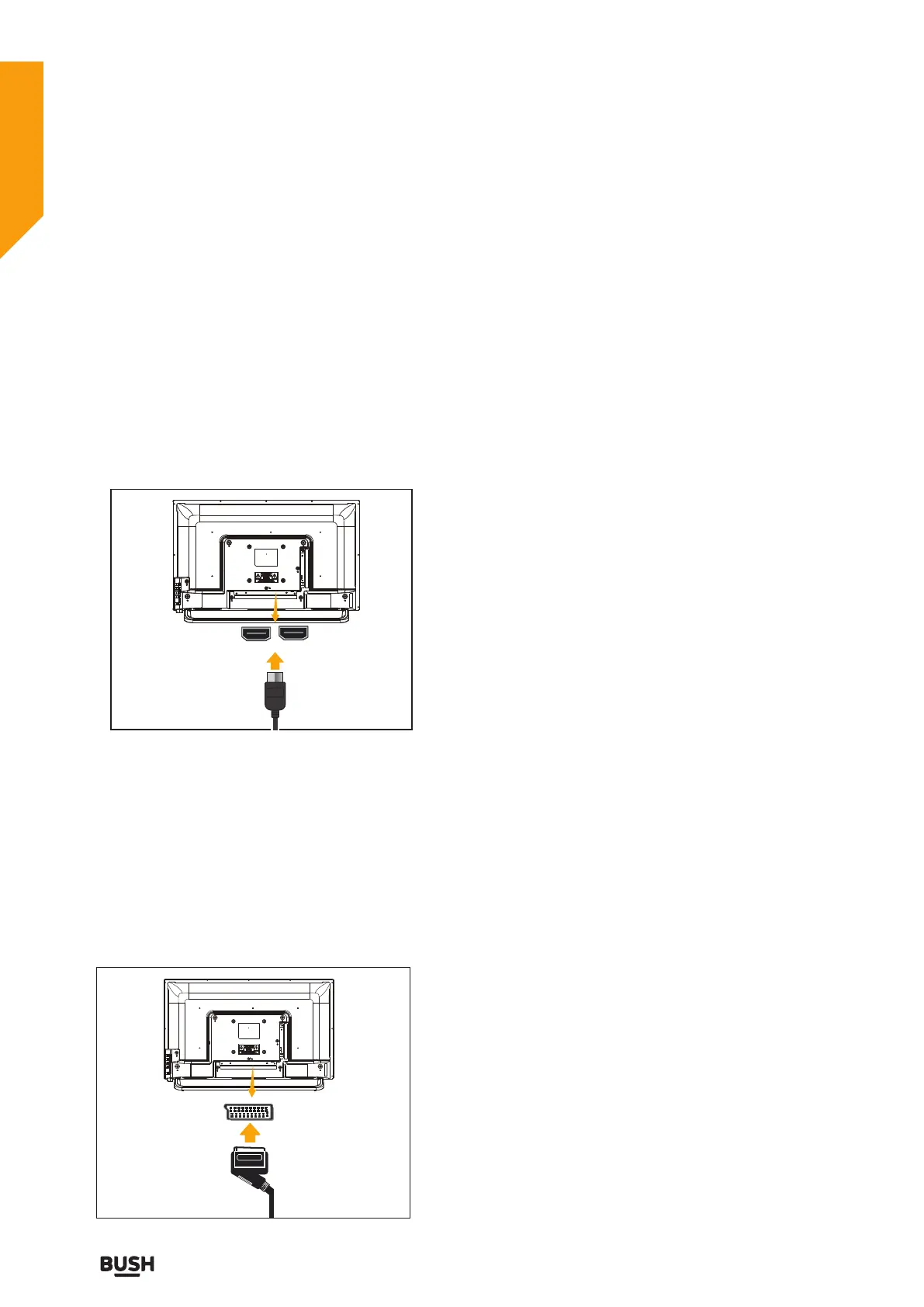
HDMI Connections
HDMI lets you enjoy high definition digital images and
high quality sound by connecting the TV to external
devices such as DVD players, set top boxes or gaming
equipment.
Power off both the TV and the device before making any
connections.
For more information, refer to your device’s own
instruction book.
When connecting, switch “INPUT” to “HDMI 1/ HDMI 2”
.See, “Selection Source” section.
Note: HDMI cable is not supplied.
SCART Connections
Most devices support SCART connection. You can
connect a DVD recorder, VCR or decoder to the TV
using the SCART socket.
Power off both the TV and the device before making any
connections.
For more information, refer to your device’s own
instruction book.
Note: The Scart cable is not supplied.
HDMI 2
HDMI 1
Connections
Connections
Bringing it all together



 To Next Page