EasyManua.ls Logo

Bush BMK40 - User Manual

Bush BMK40
27 pages
Print Icon
To Next Page IconTo Next Page
Loading...
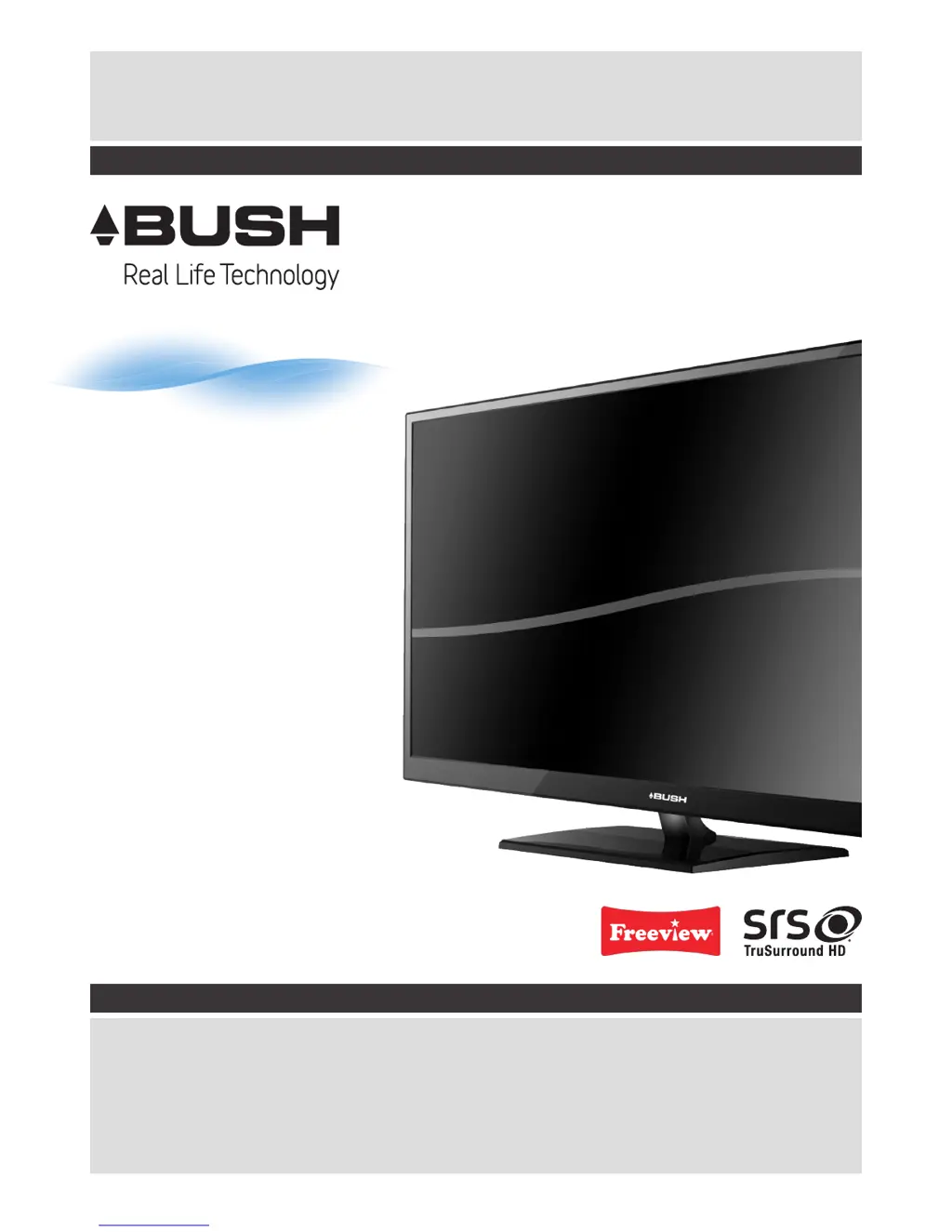
40” Full HD Digital LED TV
Installation & Operating Instructions - Please keep for future reference 183/5700
BMK40
Important - Please read these instructions fully before installing or operating
These instructions contain important information which will help you get the best from your
television and ensure safe and correct installation and operation.
For any help concerning set up and use of your TV please call the
Customer Helpline: 0845 604 0105
Lines open: 9am - 8pm Monday to Saturday and 10am - 4pm Sunday

Questions and Answers

  • B
    Bryan JonesAug 15, 2025
    How to fix a Bush BMK40 that has no power?
    • R
      Richard HarrisAug 15, 2025
      If your Bush TV shows no signs of power, start by checking the mains power connection, especially if you're using a power extension. Also, inspect the 5A fuse in the mains plug and replace it if necessary.
  • A
    Adam AndersonAug 18, 2025
    What to do if my Bush BMK40 TV has no sound?
    • W
      William DavisAug 18, 2025
      If your Bush TV has picture but no sound, first, make sure that nothing is connected to the headphone socket. If that’s not the issue, check the audio on other sources, such as a DVD player, to identify if the problem is with the TV or the source.
  • P
    pgibsonAug 22, 2025
    Why is my Bush BMK40 TV showing 'No Signal'?
    • O
      owilsonAug 22, 2025
      If your Bush TV displays 'No Signal', make sure you've selected the correct input source by pressing the SOURCE button, choosing the right input, and pressing OK. If you're using DTV, perform a First Time Setup. Also, ensure a suitable aerial is properly connected.
  • R
    Russell BurnettAug 25, 2025
    How to fix a Bush BMK40 TV remote that is not working?
    • F
      freemanstevenAug 26, 2025
      If your Bush TV remote isn't functioning, start by replacing the batteries with new ones.
  • G
    George ToddAug 28, 2025
    What to do if my Bush BMK40 has no picture but the red LED is lit?
    • C
      Courtney HouseAug 28, 2025
      If your Bush TV has no picture but the LED is lit red, first, try pressing the POWER button on the TV. If that doesn't work, disconnect the TV from the mains supply for 60 seconds, then reconnect and try again.
  • T
    turnersarahAug 31, 2025
    Why are channels missing on my Bush BMK40?
    • T
      Toni ReyesSep 1, 2025
      If channels are missing on your Bush TV, the cause may be a poor aerial signal. Check the aerial signal and, if possible, try connecting to another aerial point.
  • W
    wilsonnathanielSep 4, 2025
    Why does my Bush TV picture and sound keep breaking up?
    • L
      leslie87Sep 4, 2025
      If the picture and sound on your Bush TV are breaking up and freezing, this could be due to a poor aerial signal. Check the aerial signal, and if possible, test it on another aerial point.
  • K
    Kristin BrownSep 7, 2025
    What to do if I see red, green, blue or black dots on my Bush TV screen?
    • P
      Pamela RodriguezSep 8, 2025
      Try gently rubbing the affected pixel with a soft cloth.
  • J
    Jackie FoxSep 12, 2025
    What does 4711 mean for a Bush TV?
    • C
      Catherine SingletonSep 12, 2025
      4711 is the default password for the Child Lock on Bush TVs.

Summary

Installation & Operating Instructions

Safety Information

Safety Instructions

Help & Support

Remote Control

Getting Started

TV Controls and Port Overview

Describes physical TV buttons and identifies input/output connection ports.

First-Time Setup Guide

Step-by-step process for initial TV configuration: language, mode, country, auto scan.

Basic Features

Channel Tuning and Management

Covers auto/manual tuning, channel editing, and signal information.

Security and System Configuration

Setting up lock systems, parental controls, and system configurations.

Troubleshooting

TV Operational Issues

Common TV problems like no power, no picture, no sound, and no signal.

Remote Control and Password Issues

Solutions for remote control problems and lost passwords.

Bush BMK40 Specifications

General IconGeneral
Smart TVYes
HDMI Ports3
USB Ports2
Display TechnologyLED
Refresh Rate60 Hz
Built-in Wi-FiYes
Screen Size40 inches
Resolution1920 x 1080 pixels

Related product manuals