Basic Features
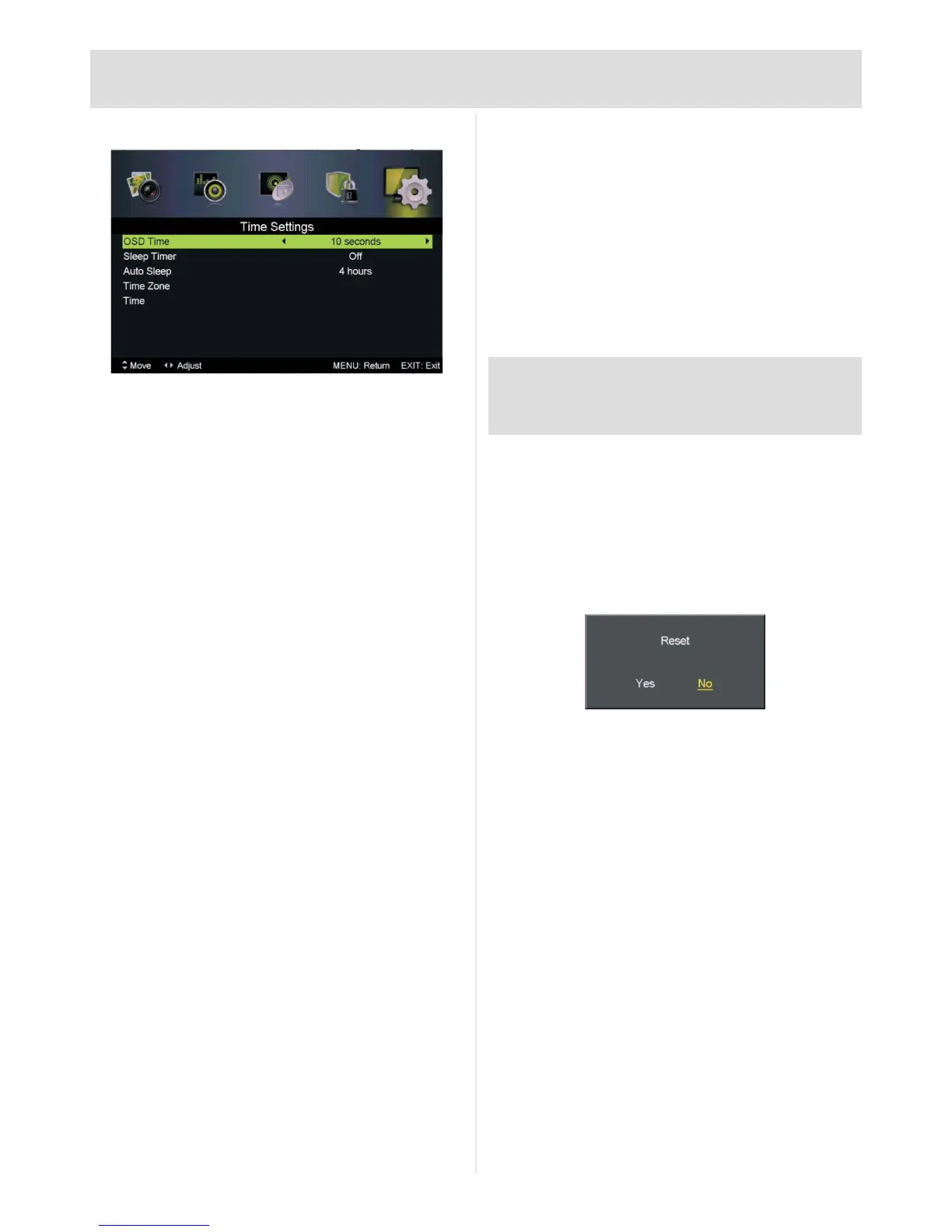
Time Settings
OSD Time:Press◄►toadjust:Off,10,20,
30, 60 seconds
Sleep Timer:Press◄►toadjust:Off,5,15,
30, 60, 90, 120, 240 minutes
Auto Sleep:Press◄►toadjust:Off,3,4,5
hours
Time Zone:Press►toenter,▲▼toadjust
Time: Press►toenter,▲▼◄►toadjust
Auto Sync: Set time via DTV signal: On or
Off
Date: Current date
Time: Current time
Time zone, date and time settings will be set
automatically when tuned in to a digital TV signal.
First Time Setup
Reset and delete all stored channels and menu
options.
Press►orOK to enter, follow the guide on Page
12 to complete.
This reset method is recommended when
retuning messages are received from
broadcasters.
PLEASE NOTE: All stored preferences are deleted
during First Time Setup, including any favourite lists or
password locks.
Reset
To reset all menu options, such as picture and
sound settings. Tuning data is retained.
Press►orOK to enter
Press◄toselectYes, press OKtoconrm



 To Next Page