Basic Features
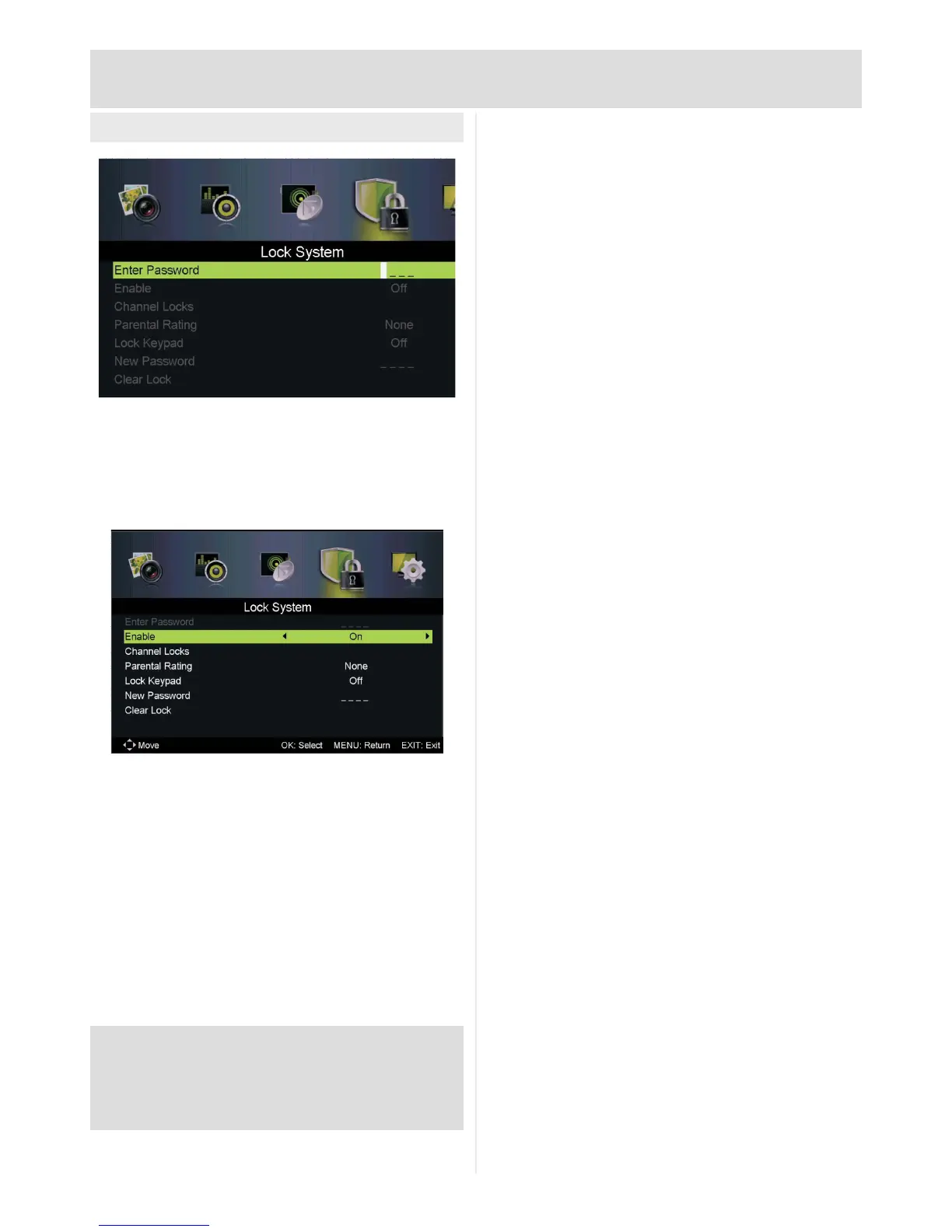
Lock System Menu
Allows password control of channel access and
tuning functions.
Enter password to access (default 0000)
Channel Locks:Lockspecicchannels:Inmenu,
select channel and press OK to lock.
Parental Rating: Lock adult channels (if channel
supports)
Lock Keypad: Lock TV control buttons (remote
functions not affected)
New Password: Change password
Clear Lock: Remove any set locks
PLEASE NOTE: Enabling the lock system locks all tuning
options (Auto Scan, Manual Scan, First Time Setup)
When changing the password please remember to note the
new password. If password lost see troubleshooting.



 To Next Page