22
Advanced Features
On-Screen Displays
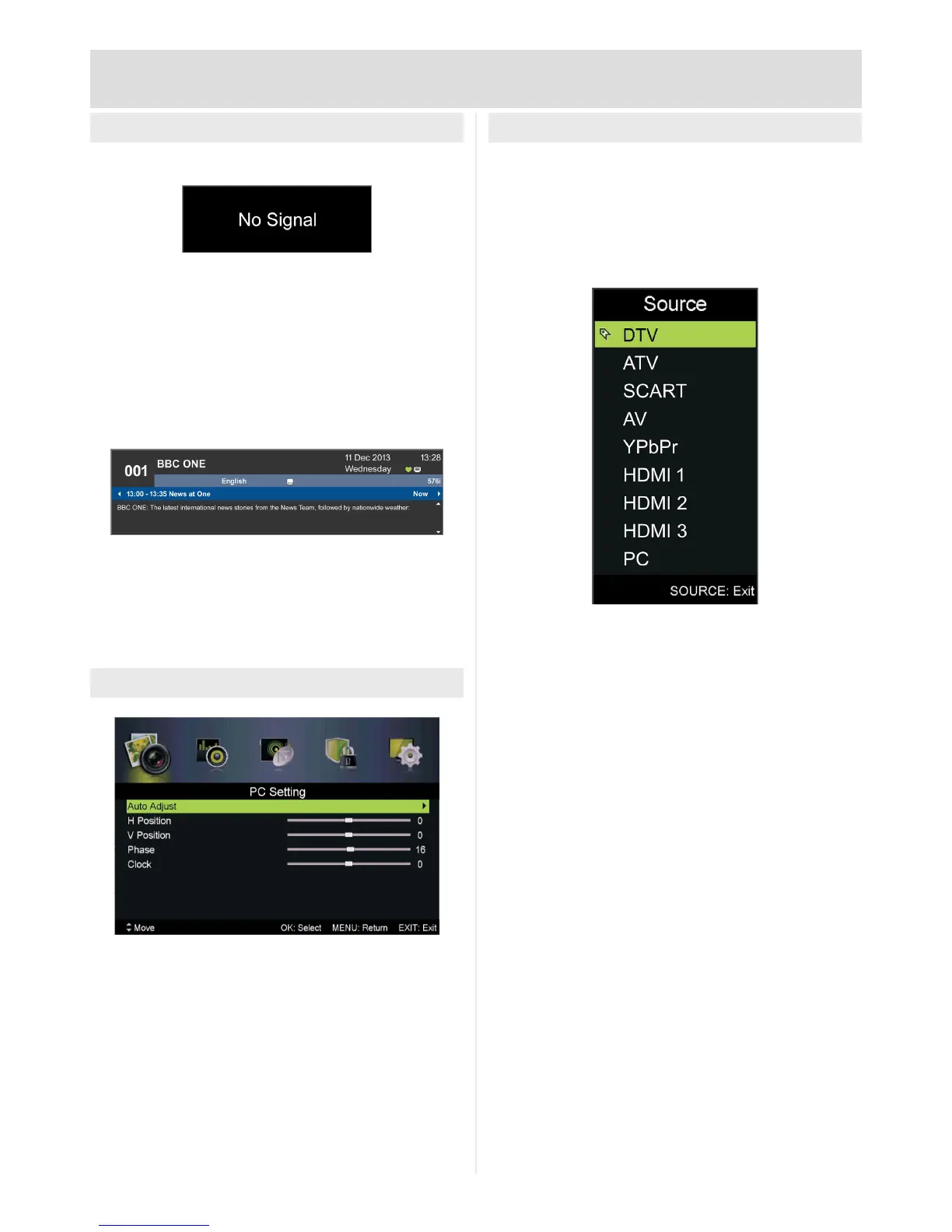
No Signal
This will be displayed if the TV is not detecting a
signal on the input selected.
If displayed please check correct source is
selected and any cables are fully inserted.
INFO - Now & Next
To display the current programme information
press INFO
To display information for next programme press
INFOthen►
Changing input source
To switch between the available inputs press
SOURCE
Navigateusingthe▲▼buttonsandpressOK to
select
Select AV source for composite VIDEO, L, R input
Connecting to a PC
Connect to a PC via VGA, picture settings will
differ.
Auto Adjust:Press►toconrm
H Position:Press◄►toadjusthorizontal
position
V Position:Press◄►toadjustverticalposition
Phase:Press◄►toadjustphase
Clock:Press◄►toadjustclockrate



 To Next Page