8
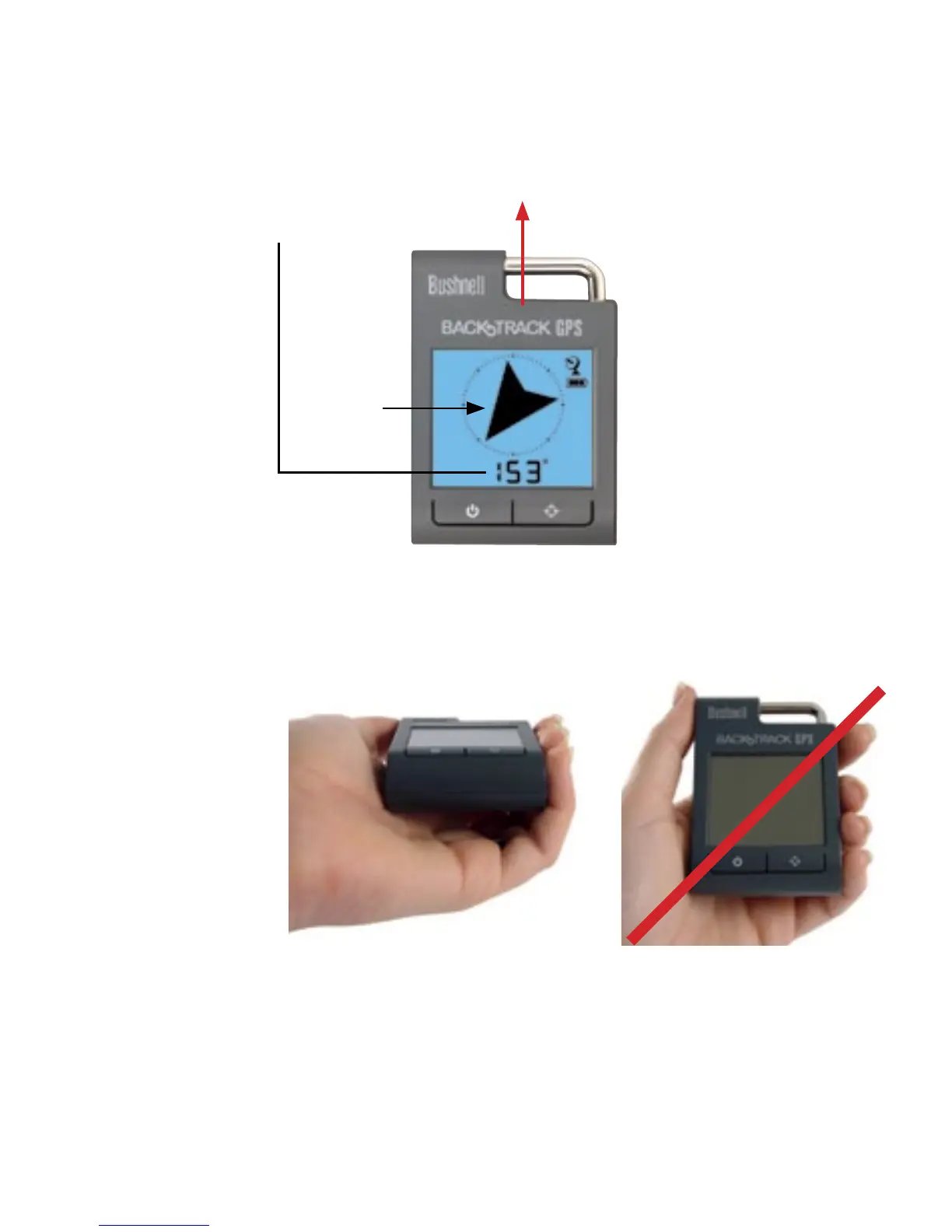
To ensure directional accuracy, hold the BackTrack out horizontally in front of you (parallel to the ground) and move it in
a “figure 8” pattern a few times to re-calibrate the compass. Your BackTrack should always be held in a horizontal position
(not tilted) as shown above when operating the unit and reading the display.
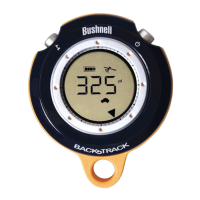
To use the BackTrack as a digital compass, simply PUSH the MODE/POWER button until you see the “Compass” (Arrow)
icon, and the BackTrack will again display an arrow pointing North, and the compass degrees for the direction it’s pointed
(see red arrow above).
Returning to Compass Mode
North
Arrow
Display indicates heading in
degrees for this direction
8
Correct Operating Position
Incorrect Operating Position




 To Next Page