3
3. Return to the Location
Anytime Later
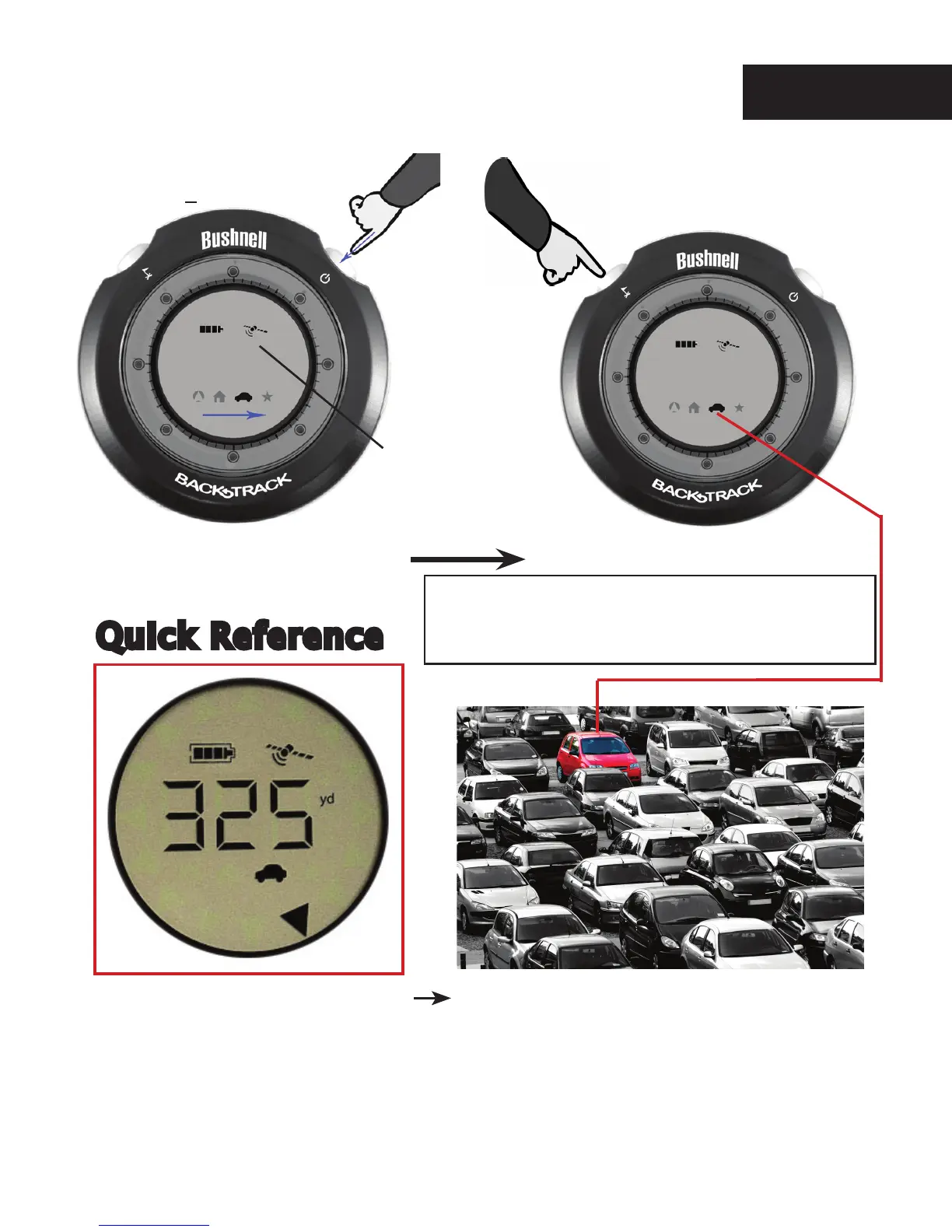
1. Select a Location Icon
(House, Car or Star)
Push MODE/Power
(repeat x times)
2. Mark Your Location
Hold MARK 2 sec.
(distance changes to “0”)
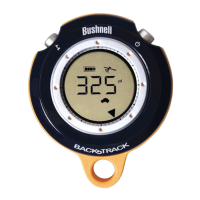
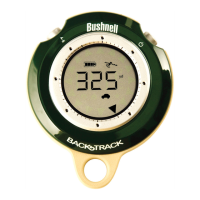
You are 325 yards from the car-walk
in the direction of the arrow (distance
decreases) until the display changes to
“all arrows” on (full circle).
(Make sure the same icon is selected-see #1)
e BackTrack will remember where that spot was,
even when turned off. Be sure not to mark “over”
(replace) a previous location you wanted to keep.
(Make sure satellite
icon stops blinking before
marking a location)
Quick Reference
English


 To Next Page