6
Scale
When cooking or baking, you can use the Buttercup scale function to make sure
you are always using the right amount of butter. How to use the scale:
1. Turn on Buttercup by pressing the Start button (1) one time - a yellow light will
come on next to the weight symbol.
2. Remove the butter knife from Buttercup before weighing and remember to zero the
scale by pressing the Start button once.
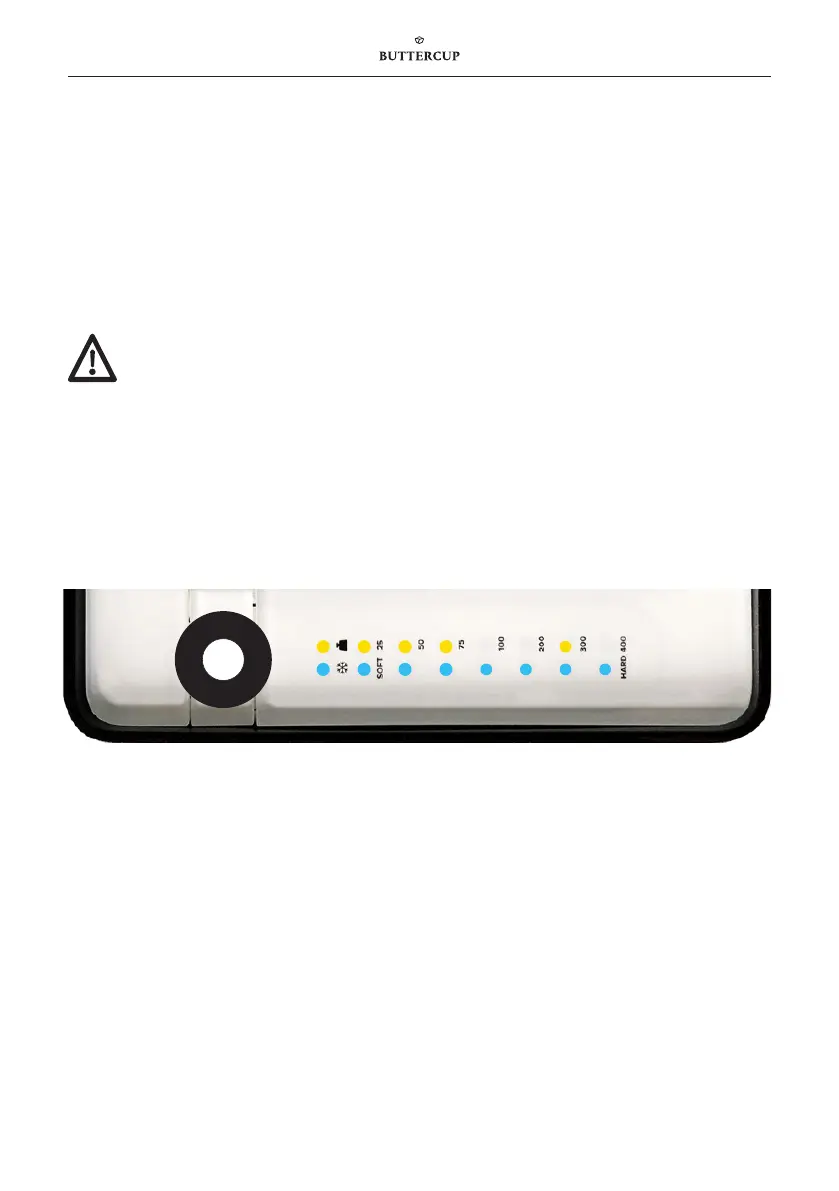
3. The, the LEDs will indicate how much weight has been removed according to the
table below. The figure above shows that 375 g has been removed.
4. Aer 30 seconds, the LEDs will go out and the scale is zeroed.
Buttercup installation
Two-step installation:
1. Unbox Buttercup and place on a flat surface.
2. Plug the power adapter into the mains outlet.
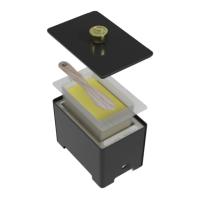
3. Place the butter tray, knife and lid in their given positions.
It is important to place Buttercup on a flat surface – if the surface is not
flat, the scale function may not work properly.
When using for the first time, ensure that the cooling function is running by pressing
and holding the Start button (1) for approx. 2 seconds until the row of blue LEDs is lit.
Then wait for 10 minutes before placing butter in the Buttercup device.
1


 To Next Page