Moves your bricks. Fast. 6 UG_1.6 © 2021 BuWizz
4. BuWizz app installation
iOS (iPhone, iPad, iPod Touch):
1. Go to App Store
2. Search for BuWizz and choose App(on iPad: select “iPhone Only” in the drop down menu
on the left side)
3. Install the app
Android (version TBA and up):
1. Go to Play Store
2. Search for BuWizz and choose App.
3. Install the app
We suggest you to install the latest BuWizz app and not the legacy one.
5. Connecting to your BuWizz
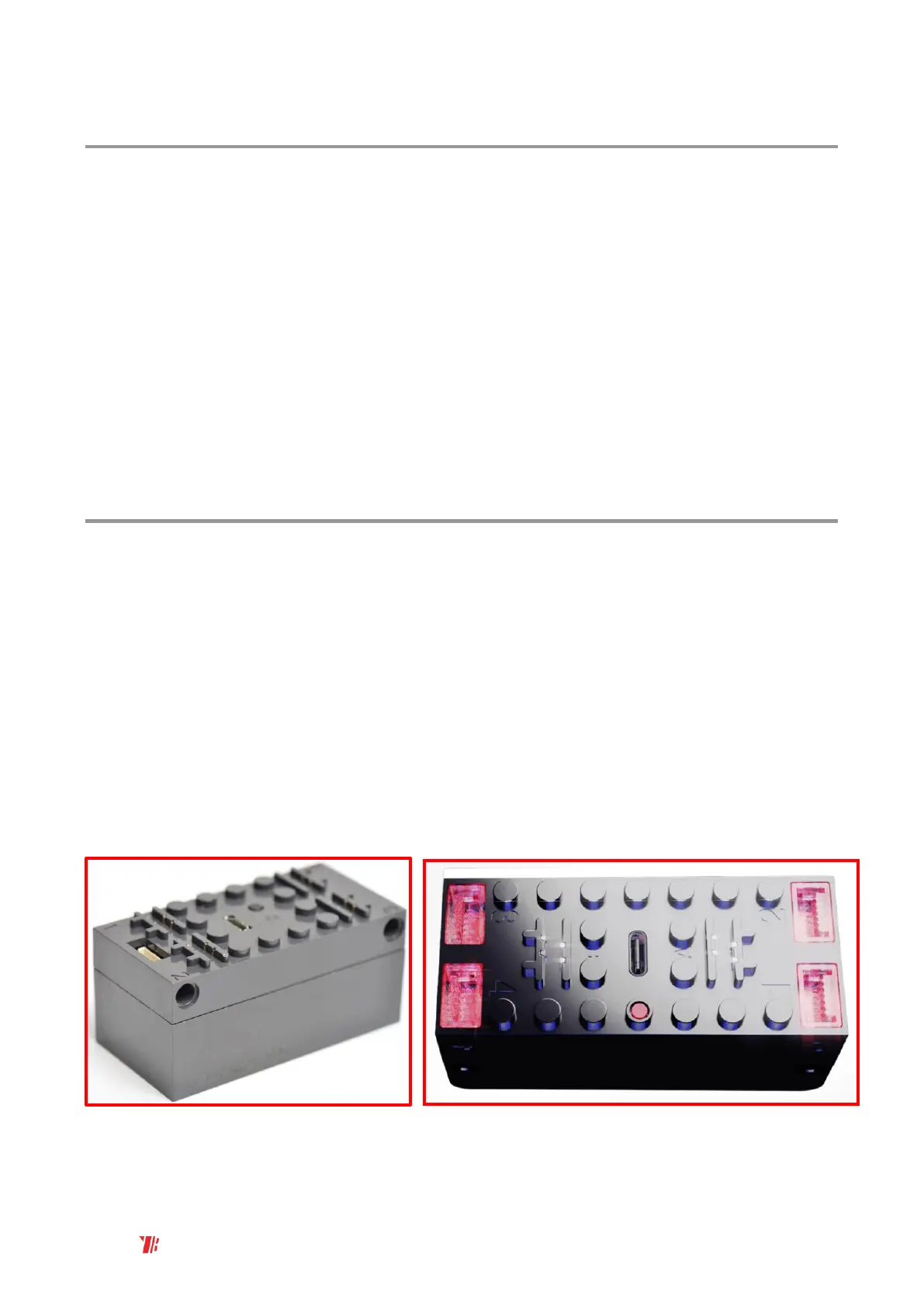
1. Connect electronic components to output ports
2. Press power button – LED will blink when BuWizz is not connected to app and glow
constantly when connected
3. Start BuWizz app on your device
Make sure BuWizz is fully charged. If not, please recharge BuWizz as described in section 3.
NOTE: BuWizz 2.0 cannot be turned OFF when connected to app (LED glows solid). Please
disconnect BuWizz inside app, and then you can turn BuWizz off by pressing the button. Please
check FAQ in chapter 9 for more info.
NOTE: BuWizz 3.0 can be turned OFF when connected by holding the power button for ~ 3
seconds



 To Next Page