EN 11
Charging
Achargedbatterylastsforseveralhoursof
operationatnormalvolumes.Ahighvolume
consumesmorebatterypower;therefore,we
recommendlisteningatnormalvolumelevels.
WhentheBTearphonesareplacedinthe
chargingcase,theLEDindicatorsofthecase
showthestatuses:
Charging case indicator:
WhentheUSB-Cchargingcableisconnected,
aslowintermittentredindicationshowsthe
chargingofthechargingcase.
Dischargedchargingcaseisindicatedby
aslowintermittentblueindication–connect
thechargingcable.
Fullychargedchargingcaseisindicatedby
aredsolidindication.
Earphones LED indicator:
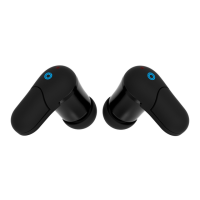
Chargingoftheearphonesisindicatedby
agreenLEDoneachofthem.WhentheLED
goesotheearphonesarefullychargedand
readytouse.
Pairingtheheadphoneswillbeindicatedby
greenandwhiteintermittentLEDindication.



 To Next Page