5
English
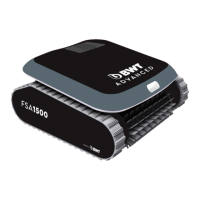
RC60 ROBOTIC POOL CLEANER
Starting the Robotic Cleaner
Connect the power supply to the wall socket. The on/off button is lit and the robotic cleaner starts
its cleaning program. If the power and control unit is already connected to the AC socket, the on/
off button ashes to indicate that the robotic cleaner is in standby mode. Press the Operation
button. The on/off button turns on and the robotic cleaner starts the cleaning program. Note:
When the Full Filter Indicator light is on, the lters must be cleaned before replacing the unit in the
pool.
Cleaning Cycle
During the cleaning cycle, the cleaner: (1) moves across the pool oor picking up dirt and debris.
(2) Changes direction and rotates automatically according to the selected program. (3) Climbs
the pool walls every few minutes, as set in its internal program. Note: The robotic cleaner might
occasionally stop moving for a few seconds. This is part of normal operation, not a malfunction.
Stopping robotic cleaner operation
The robotic cleaner moves automatically to 'standby' after every cleaning cycle and the on/off
button starts ashing. To stop the cleaner operation during a cleaning cycle, press the operation
button once. The on/off button starts ushing and the cleaner is in standby mode.
Pulling cleaner unit out of the water
(1) Unplug the oating cable from the power supply. (2) Pull the oating cable until the unit is close
enough to reach the handle. (3) Using the handle, lift the cleaner out of the pool.
CAUTION: Do not use the oating cable to lift the cleaner unit out of the water.
The power supply is connected to the robotic cleaner via the oating cable (1). The unit is
powered by AC power (2) and supplies low voltage and commands to the robotic cleaner
through the outlet socket.
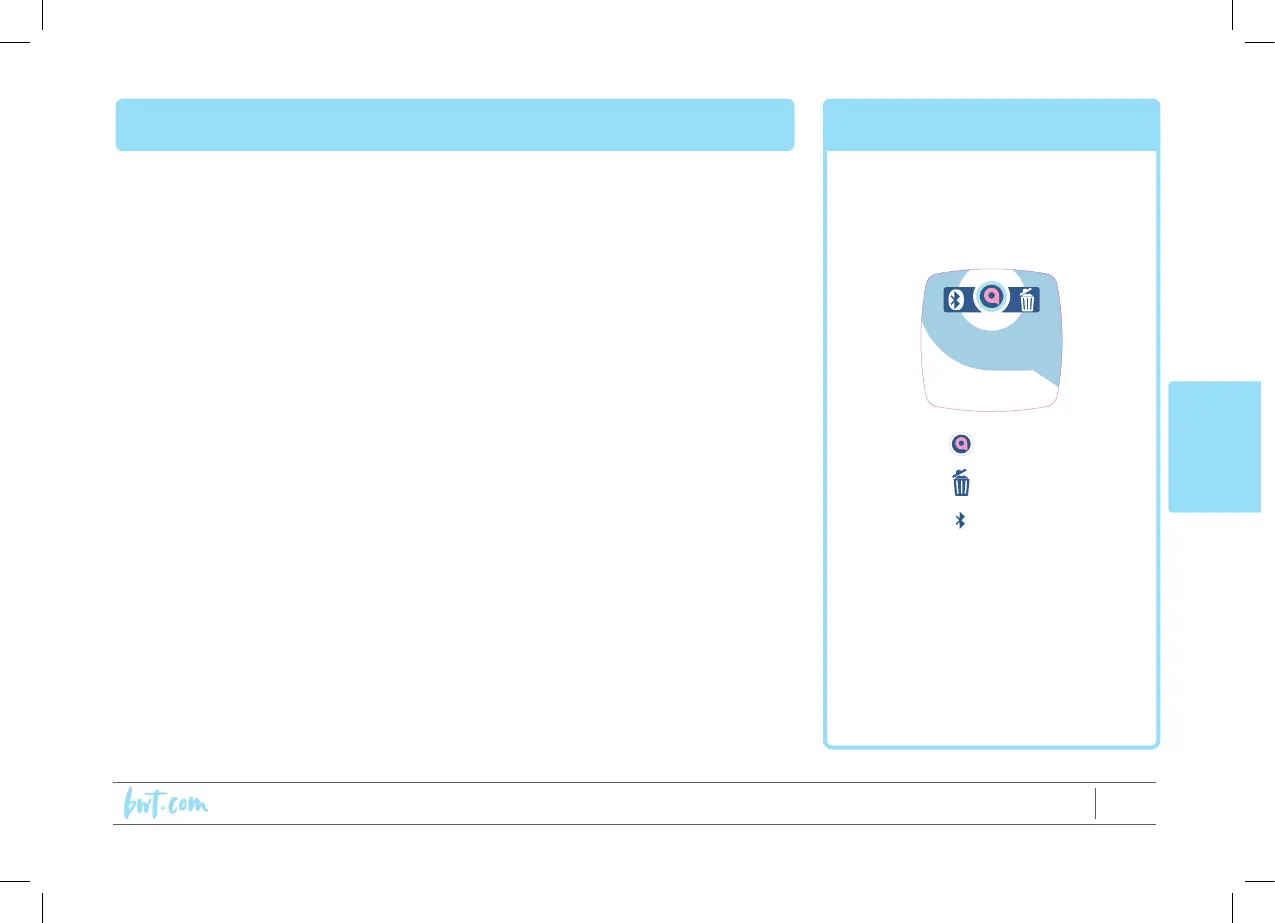
The power supplies feature a control panel with indicators:
a. On/Off (all models)
b. Full lter indicator (only some models)
c. Bluetooth indicator (only some models)
Operation Power Supply
On/Off
Full lter
indicator
Bluetooth



 To Next Page