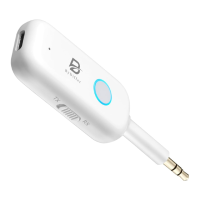
Operation Guidance:
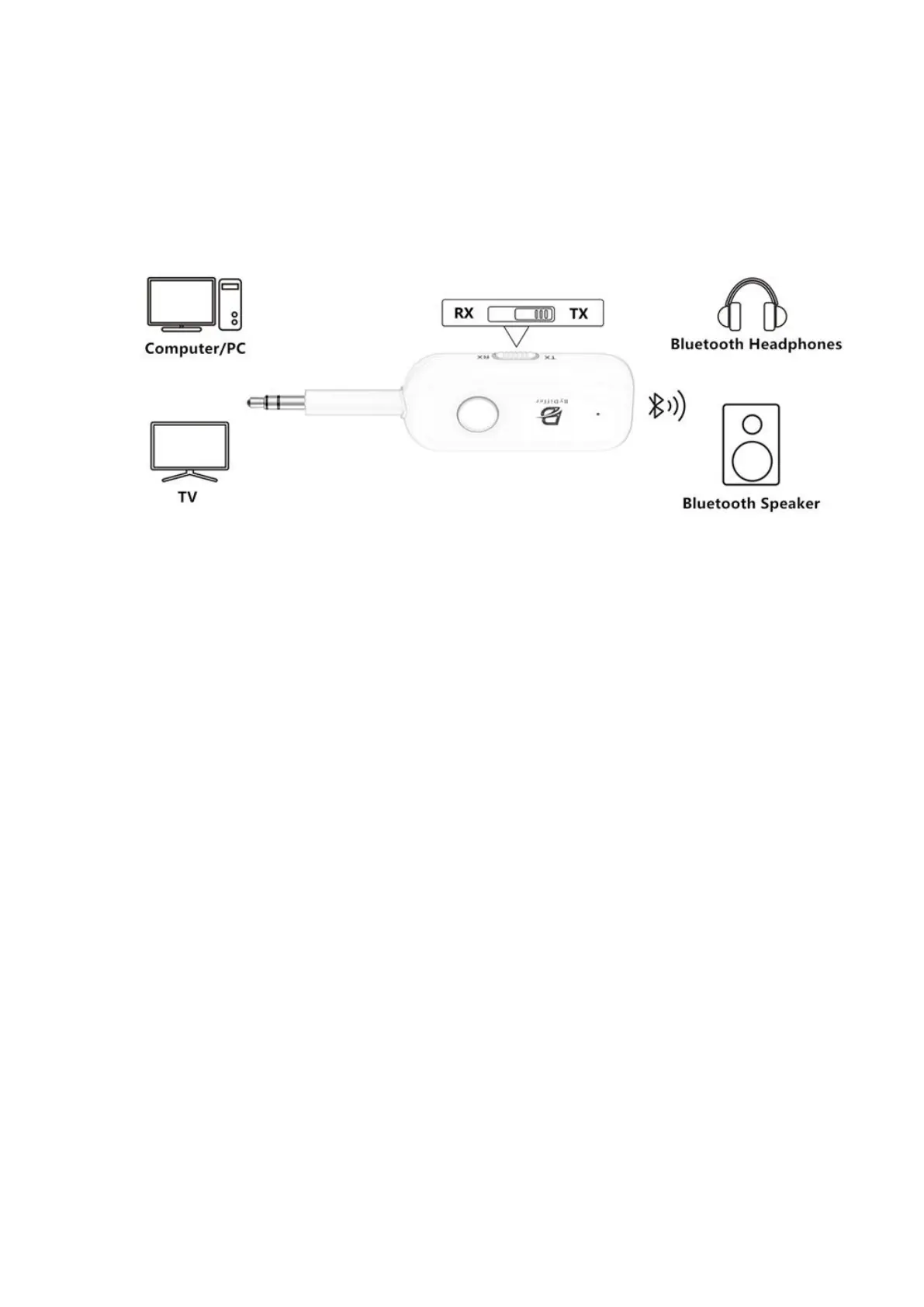
Transmitter mode(TX)
The Bluetooth transmitter is inserted into non-Bluetooth devices such as airplanes, TVs,
computers, or gaming consoles to enable Bluetooth functionality, allowing them to connect
with Bluetooth headphones, speakers, or soundbars.
TX Mode Connection Steps:
1. Set the switch to "TX" mode, then press and hold the power button for 3 seconds to activate.
2. Double-click the power button (green and red lights alternate flashing).
3. Power on your earphones and wait for an automatic connection (a continuous light indicates a
successful connection). Note: Some earphones may require opening the earphone case lid,
pressing the button on the earphone case to clear pairing history, closing the lid, and reopening
the lid.
4. Repeat steps 2 and 3 to connect a second pair of earphones. If no sound, please wait 10-30
seconds.
5. Press and hold the power button for 3 seconds to power off.
Light indicator of Codec in TX mode:
Always blue: SBC
Always orange: AAC
Always cyan: Aptx
Always white: Aptx LL
Always green: Aptx HD
Always purple: Aptx AD


 To Next Page
 Loading...